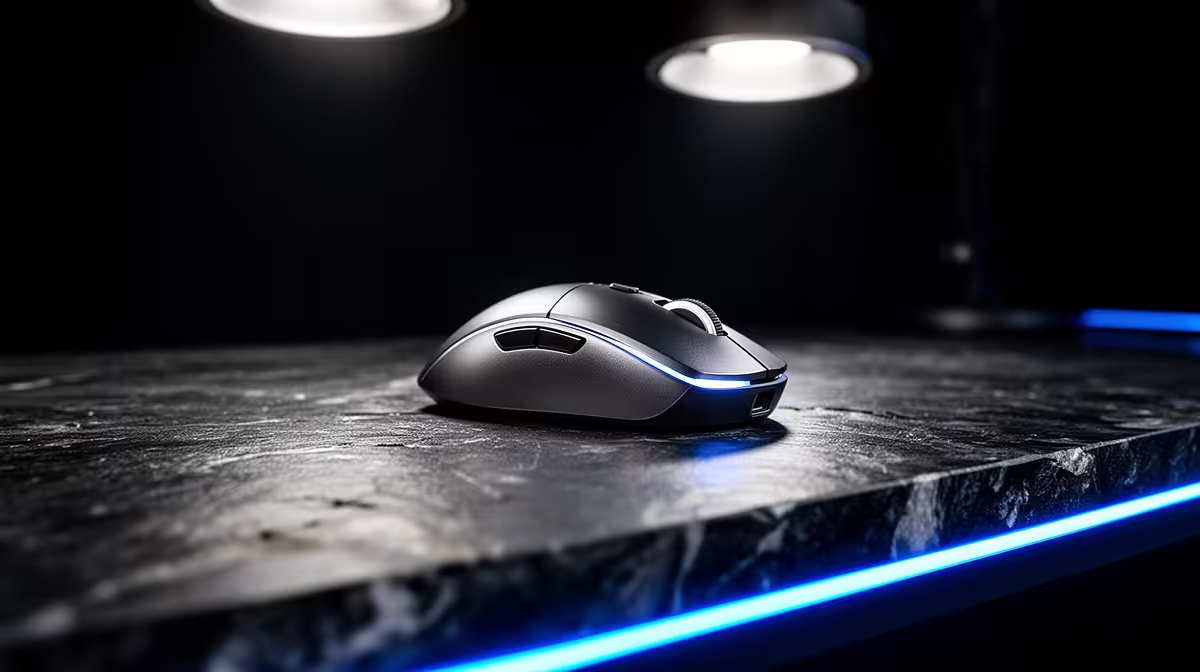
Logitech G305 Wireless at R525 is the best fit for an entry-level streamer who wants a clean desk, reliable pointer control, and a gaming mouse that does not feel like an afterthought. It makes sense when your setup already has a mic, keyboard, capture notes, and chat window fighting for space, because going wireless removes one more cable from the desk.
Wireless mouse picks for new streamers
The Logitech G305 Wireless R525 is the sensible starting point because the wireless design is the useful spec here. For entry-level streaming in SA, that matters more than chasing a premium look, since a neat desk helps when you are moving between gameplay, OBS controls, chat, and browser tabs.
The Promate SAMIT R100 is the budget fallback if the priority is simply getting a working mouse on the desk while you spend more on audio or lighting. At R100, it suits a starter setup where the mouse is not the main upgrade yet, but the desk still needs a dedicated pointer instead of relying on a laptop trackpad.
Creator desk setup in a small room
For a compact creator desk, the Logitech Lift Ergonomic R956 is worth considering if long sessions are the bigger issue than game-first feel. Its ergonomic design is the key spec, and that can help if the same desk is used for editing clips, replying to comments, and managing stream settings after the live session.
Ready to choose the right gaming mouse?
Compare the listed mouse range and match the option to your desk space, stream setup, and comfort needs.