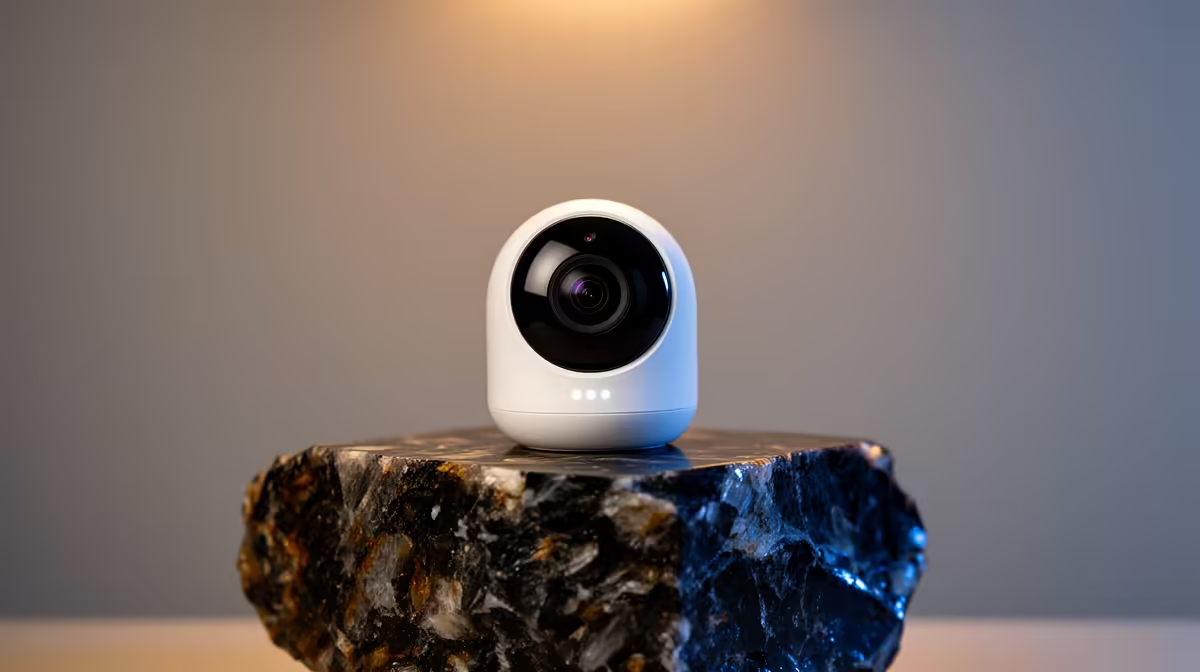
A wireless security camera is worth considering near a learning corner only when adults need an occasional safety check and everyone understands the monitoring. It should not replace supervision, and constant recording of a child’s study space can create unnecessary privacy concerns.
Define the view and retention before installation
Position the camera to cover the entrance or broader room rather than close-up notebooks and screens. Decide who may view live footage, whether clips are saved and when they are deleted. Test notification sensitivity so ordinary movement does not flood the phone with alerts or interrupt homework.
The factpacks verify the TP-Link Tapo C212 pan-and-tilt Wi-Fi camera at R451. Confirm its current storage options, privacy controls, app requirements, mounting and warranty. Pan-and-tilt movement can widen coverage, but a carefully chosen fixed view may be more predictable. Do not assume a camera can distinguish every risky event or provide reliable two-way conversation without testing.
Use a unique account password, enable strong authentication where supported and keep firmware updated. Avoid capturing other household members without their knowledge. A physical privacy position or agreed off-hours can make the arrangement clearer. Review the setup after a week and remove it if it adds anxiety without solving a real safety need for the family during study hours.
Adding a carefully limited indoor view? > Compare the verified Tapo camera with Evetech around privacy, storage and placement.