



80+ Gold vs 80+ Platinum for Couch co-op gaming in SA
80+ Gold vs 80+ Platinum for couch co-op gaming is about PSU efficiency, heat, fan behaviour, quality, and wattage headroom, not direct FPS. SA buyers should compare the whole build.
Read moreFor an MTN 5G home, a LTE router can support a wireless security camera when the camera use suits practical home Wi-Fi. For the webcam-style options already listed, compare Logitech C270 at R252, WINX 1080p at R262, and NearStream 4K AI at R678.
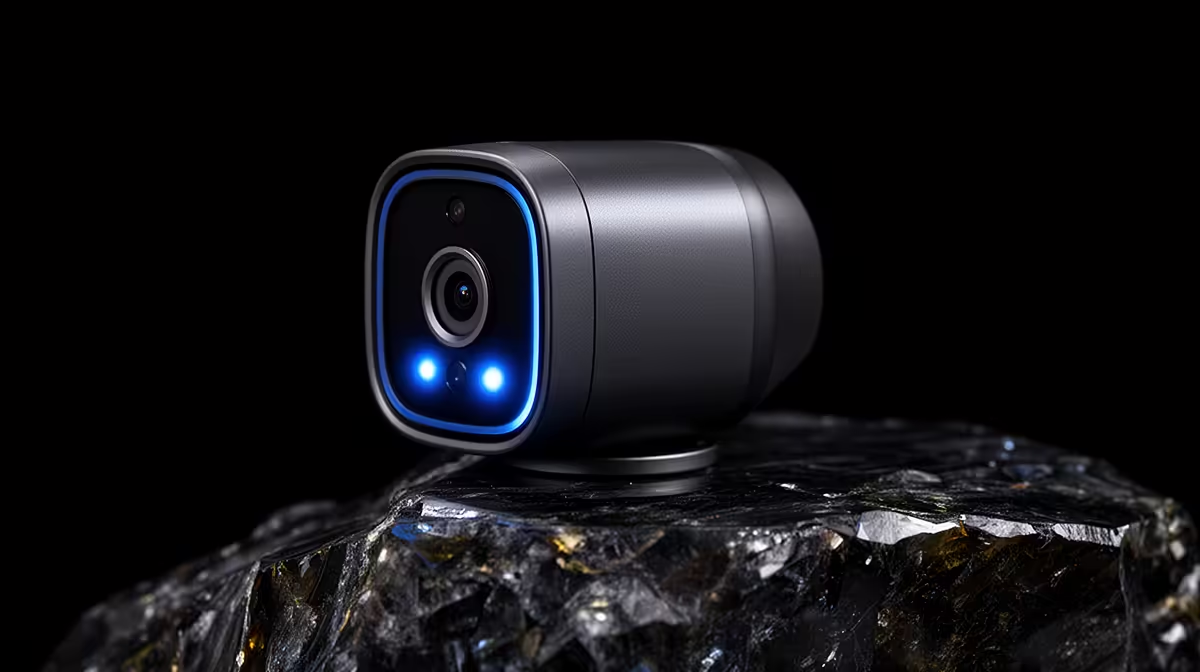
A wireless security camera can work through an MTN 5G home connection when the router supplies stable Wi-Fi at the mounting point. The camera does not connect to the mobile network on its own unless its specification says so. Signal strength, upload capacity, data use and recording method matter more than the 5G badge.
The TP-Link Tapo C212 costs R451 in the verified facts. Check current stock and the product page for supported Wi-Fi bands, storage options, power requirements and app features. The camera still needs continuous power. Place it within strong router coverage and keep the lens away from direct glare.
Run a video test during the hours when your household uses the connection. View the live feed from outside the home network and check alert delay. Review the app settings for video quality, event recording and notifications, since higher quality can consume more upload data. Consult the current MTN plan terms for data limits or traffic policies; the supplied product facts do not verify those service details.
Use a unique password, enable account protection offered by the app and install firmware updates. Decide whether local storage, cloud storage or both fit your retention needs. The best choice is the camera that maintains a usable image at the actual mounting point without turning routine monitoring into an uncontrolled data expense.
Adding a camera to a 5G home network? > Ask Evetech to compare the Tapo C212 with current routers and power options.
Yes, a LTE router fits if the camera or webcam setup needs mobile-first home Wi-Fi rather than a fixed-line network.
Start with the listed webcam options: Logitech C270 at R252, WINX 1080p at R262, and NearStream 4K AI at R678.
Check that the chosen camera or webcam works with your current router, device, room setup, and daily viewing need.
Pick the lower-priced listed model for simple use, while the NearStream 4K AI suits buyers who need sharper capture.
For MTN 5G use, the key point is steady practical home Wi-Fi between the LTE router and the security camera setup.
Upgrade only when the existing router or camera cannot deliver the wireless setup you need, since accessories cannot fix that gap.
80+ Gold vs 80+ Platinum for couch co-op gaming is about PSU efficiency, heat, fan behaviour, quality, and wattage headroom, not direct FPS. SA buyers should compare the whole build.
Read more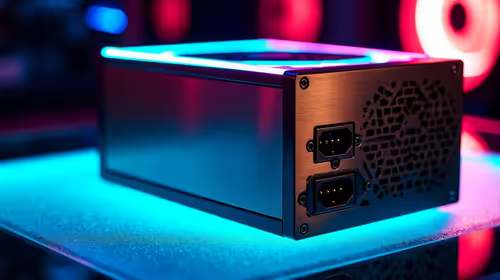
80+ Platinum or 80+ Titanium for competitive should be shortlisted around the job it must do. South African buyers should compare fit, performance, compatibility, and upgrade room, warranty path, and upgrade room before treating any pick as best.
Read more
The real world difference between IPS and OLED for AAA single-player gaming is immersion versus versatility. OLED lifts contrast and dark scenes, while IPS can suit bright rooms, mixed PC use, and SA buyers watching total setup cost.
Read more
HDMI 2.1 vs HDMI 2.0 for SA MMO needs a workload-first comparison. For SA buyers, judge real performance, platform fit, warranty path, power needs, and upgrade timing before choosing either side.
Read more
USB4 and Thunderbolt 4 differ for competitive esports through dock, display, and capture consistency. Use this real world difference between usb4 and thunderbolt 4 for competitive guide to keep SA tournament desks tidy without assuming better ping.
Read more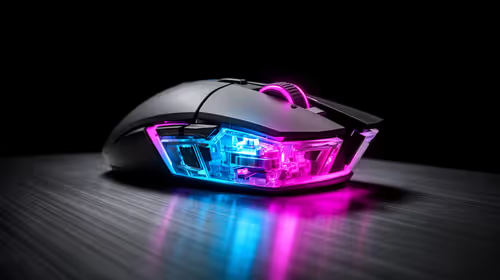
Magnetic switches vs Mechanical switches depends on Competitive esports needs, platform limits, and budget fit. Compare compatibility, latency, upgrade path, and real setup constraints before choosing for an SA build.
Read more
B850 motherboard FPS drops needs a methodical troubleshooting pass. Review drivers, thermals, power settings, background apps, cables and game settings before replacing parts in an SA gaming setup.

Gaming PC FPS drops in South Africa often come from drivers, thermals, background apps, power plans, or in-game settings. Check one change at a time and use the same scene before buying upgrades for your local setup.

Difference between PCIe 5.0 and PCIe 4.0 explained for PC builders starts with bandwidth, lanes, and support. SA builders should match the motherboard, GPU, NVMe drive, and budget before choosing a platform.
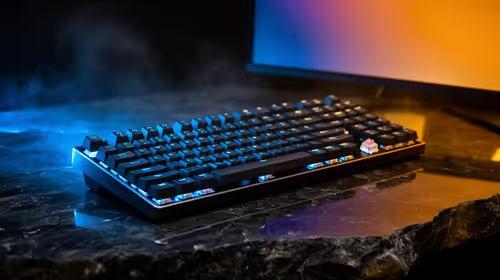
Windows 11 mechanical keyboard setups rarely cause display banding directly. Fix color banding by checking HDR, colour depth, GPU range, monitor profiles, and any new RGB utility conflicts.

Steam Big Art Mode enlarges library artwork in Big Picture Mode and on Steam Deck, while the same beta adds configurable screensavers. Both features are optional and currently require the Steam beta client.

Diablo 4 HDR settings work best after Windows and the display are calibrated, then the game's black point, brightness and white point are adjusted in that order. Use visible shadow detail and controlled highlights, not copied values from another screen.

The best HOTAS for Elite Dangerous is a separate stick-and-throttle set with enough analogue axes for pitch, roll, yaw and thrust, plus local support. Evetech's captured flight-simulation sample lists the complete Logitech X56 at R4,999.

Nintendo Switch 2 docked VRR arrives with system version 23.0.0 and also requires a dock update. The connected TV or monitor and the running software must support VRR before the output can follow changing frame rates.
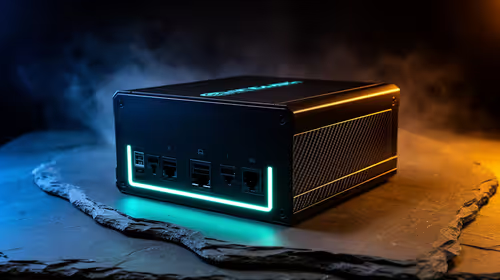
750W for RTX 5080 Super needs a full-build check, not a simple yes. Review GPU guidance, CPU draw, transient load, connectors, PSU quality, and upgrade plans before deciding.
80+ Gold vs 80+ Platinum for couch co-op gaming is about PSU efficiency, heat, fan behaviour, quality, and wattage headroom, not direct FPS. SA buyers should compare the whole build.
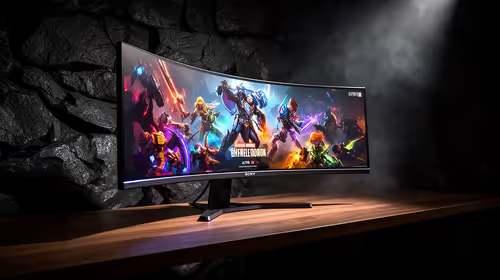
ultrawide monitor FPS drops needs a methodical troubleshooting pass. Review drivers, thermals, power settings, background apps, cables and game settings before replacing parts in an SA gaming setup.
80+ Platinum or 80+ Titanium for competitive should be shortlisted around the job it must do. South African buyers should compare fit, performance, compatibility, and upgrade room, warranty path, and upgrade room before treating any pick as best.