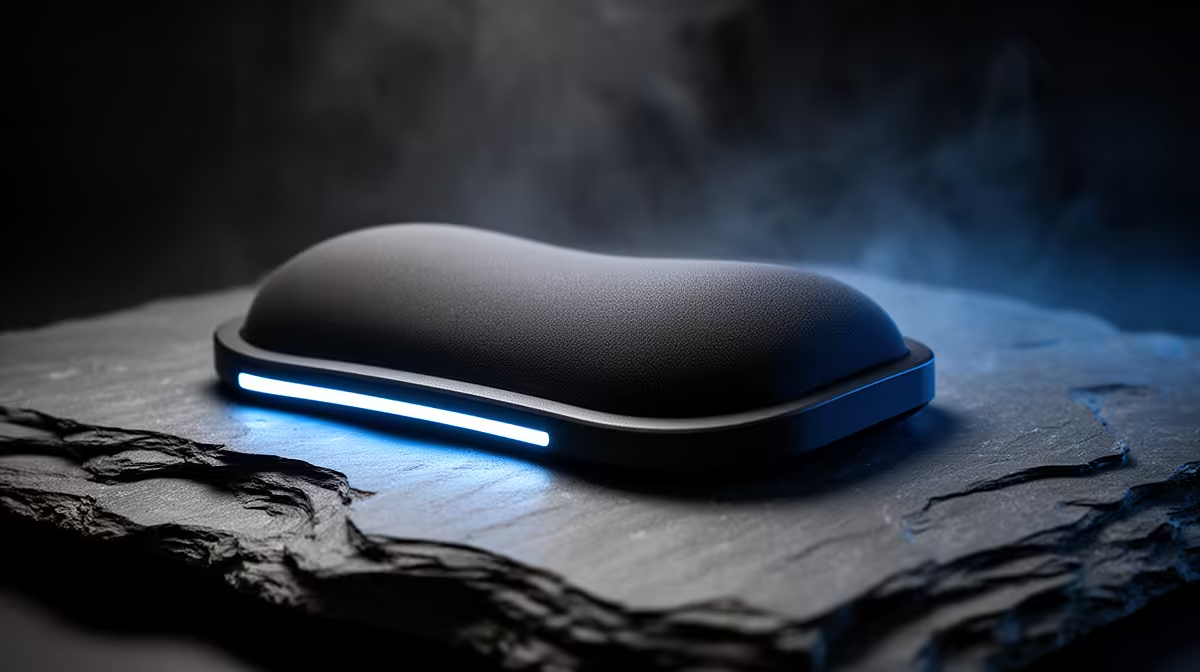
A wrist rest can help a 2D animator during keyboard pauses when its height matches the input device. It should not pin the wrist while the hand draws, scrubs a timeline or reaches across shortcut keys. Pen technique, chair height and tablet placement shape comfort more than a soft pad alone.
Observe the drawing hand
Watch the forearm through sketching, frame changes and shortcut use. Keep shoulders relaxed and bring the tablet close enough that the elbow does not reach forward. Compare the wrist-rest height with the keyboard or tablet edge. A thick pad beside a low-profile device can force an upward bend.
No wrist-rest item in the verified inventory supports a responsible priced recommendation. The Logitech Lift vertical mouse carries a verified R956 price as an alternate ergonomic input. The Logitech MX Keys S keyboard is verified at R1,759 for shortcut-heavy productivity. Neither replaces a tablet position that fits the animator.
Animate one demanding scene
Work through an hour of drawing, timeline scrubbing and keyboard commands. Use the rest under the palm heel during pauses, then let the hand move without pressure. Note tingling, shoulder tension or a hard edge against the forearm. Clean the surface and change posture between sequences. Seek medical advice when pain or numbness persists.
Buy the pad after the height test improves comfort. Skip it when it restricts pen movement or raises the wrist.
Refining an animation desk? > Ask Evetech to compare ergonomic mice and shortcut-friendly keyboards.