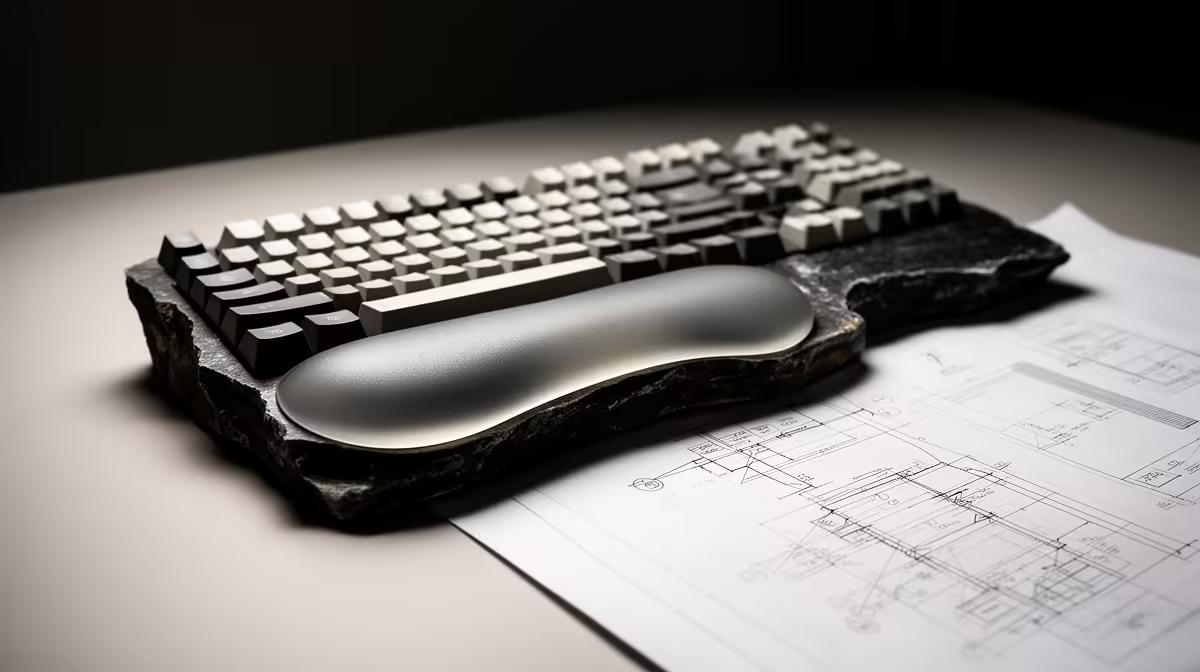
A wrist rest is worthwhile for AutoCAD 2D drafting when it supports a neutral hand position during keyboard entry and command use. It should not press directly into the wrist or raise the hands above the keyboard. Mouse technique and desk height matter just as much.
Test the drafting posture
Place the keyboard close enough that elbows remain relaxed. Match the rest height to the keyboard front edge and support the heel of the palm during pauses. Draw, enter dimensions and switch commands for a normal session. Remove the rest if it restricts mouse movement or causes tingling.
A compact keyboard may create more mouse space. Check desk edge, chair armrests and monitor position before assuming padding will solve discomfort. Take short movement breaks and alternate input tasks during long drawings.
Drafting discomfort may originate from repeated command sequences or a mouse grip that is too tight. Customise safe shortcuts and sensitivity before adding padding. If pain persists, stop and seek appropriate professional guidance rather than continuing through numbness or weakness.
A neutral wrist angle should remain comfortable during mouse work too, so compare keyboard and pointing-device positions as one system.
No wrist-rest SKU or verified price appears in the supplied product evidence. Compare dimensions, firmness, washable surface, non-slip base, warranty and return conditions.
Improving a CAD desk? > Browse Evetech comfort accessories after measuring the setup.