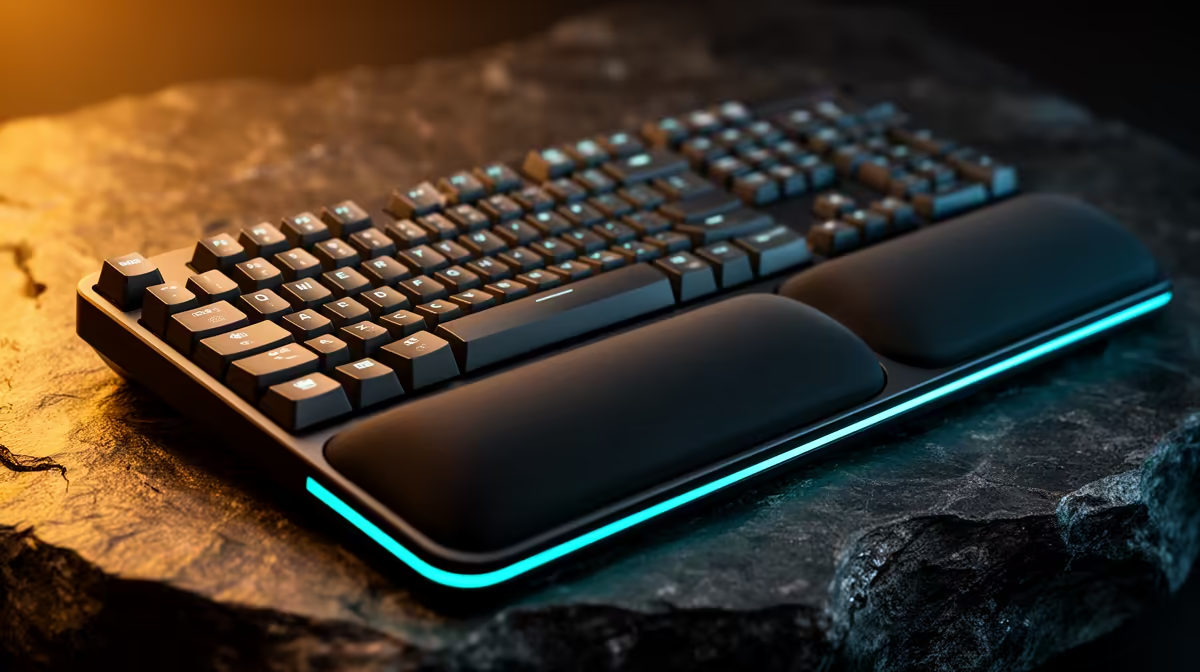
The GAMDIAS Hermes P2A mechanical keyboard at R130 gives a first PC keyboard setup a verified low-cost starting point. The supplied facts do not confirm a wrist rest. A padded support may improve comfort for some users, but posture, keyboard height and key technique deserve attention before adding an accessory that could press against the wrist during movement.
Learn the new controls on a simple desk
The Logitech G413 SE at R1,160 offers a confirmed mechanical keyboard tier for a player who wants a sturdier full desktop input.
The Logitech G305 Lightspeed mouse at R525 provides verified wireless gaming control. The GAMDIAS Zelus E4 Weave chair at R1,650 gives a confirmed seat option, though the desk and monitor positions still determine arm posture.
Set hand position before buying support
Place the keyboard so elbows remain close to the body and wrists stay near neutral while moving between common keys. Rest the palms during pauses rather than planting the wrists on a hard edge while typing. Lower the desk or raise the chair if shoulders lift. Source a wrist rest elsewhere only after measuring keyboard height and trying a full game session; too thick a pad can bend the hands upward.
Lower mouse sensitivity during the first week so new players learn controlled arm movement instead of tense wrist flicks.
Moving from controller to keyboard and mouse? > Give Evetech the desk size and preferred game controls.