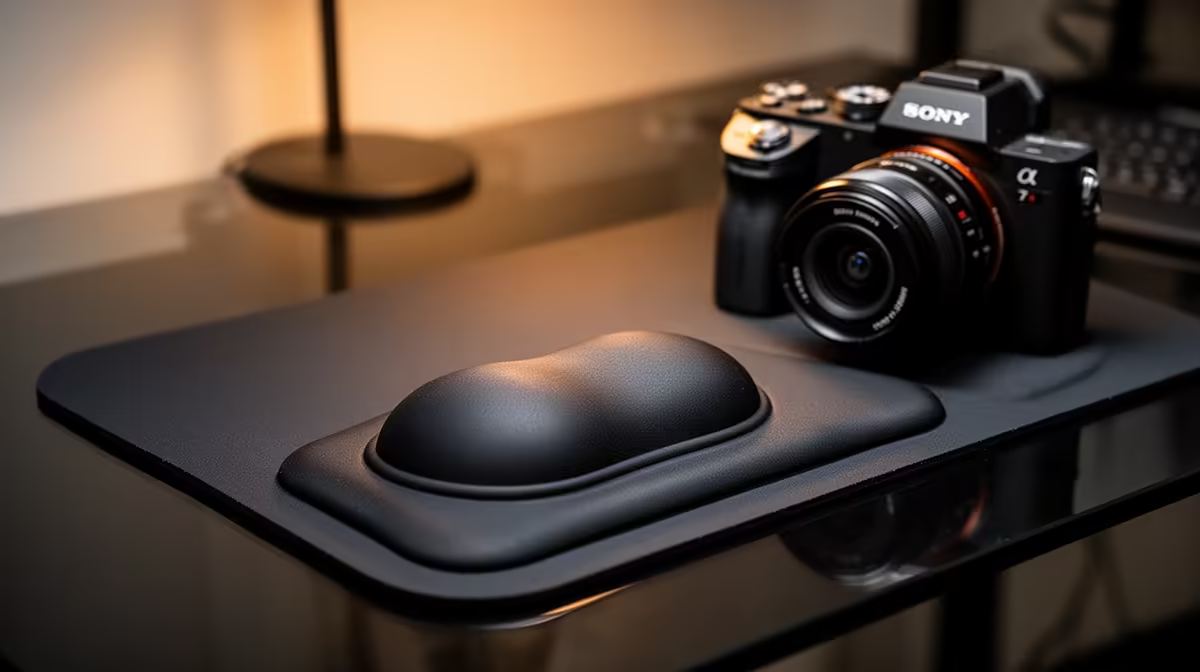
A wrist rest is not overkill when long writing, coding or data-analysis sessions leave the hands unsupported during pauses. It should not press into the wrists while typing. The goal is a neutral hand position, with the keyboard and chair adjusted before an accessory is used to compensate for a poor desk height.
Correct the workstation from the chair upward
Set the feet securely, relax the shoulders and place the keyboard close enough that the elbows remain near the body. The hands should move freely across the keys. Use a rest mainly under the palms between bursts of typing, not as a hard edge beneath the wrist joint. A low-profile keyboard may need a thinner support than a tall mechanical model.
The product evidence provides no confirmed palm-support model or cost. Check current Evetech listings for width, height, firmness, surface material and a base that stays in place. Match the width to the keyboard section actually used; a compact board and full-size board need different dimensions.
Try the adjusted desk for several study sessions before buying. Short movement breaks, varied tasks and sensible screen placement remain more important than one cushion. Stop using the support if it creates tingling, pressure or a bent hand position, and seek appropriate professional advice for persistent discomfort.
Improving a postgraduate desk? > Check current Evetech comfort accessories after measuring keyboard height, width and working posture.