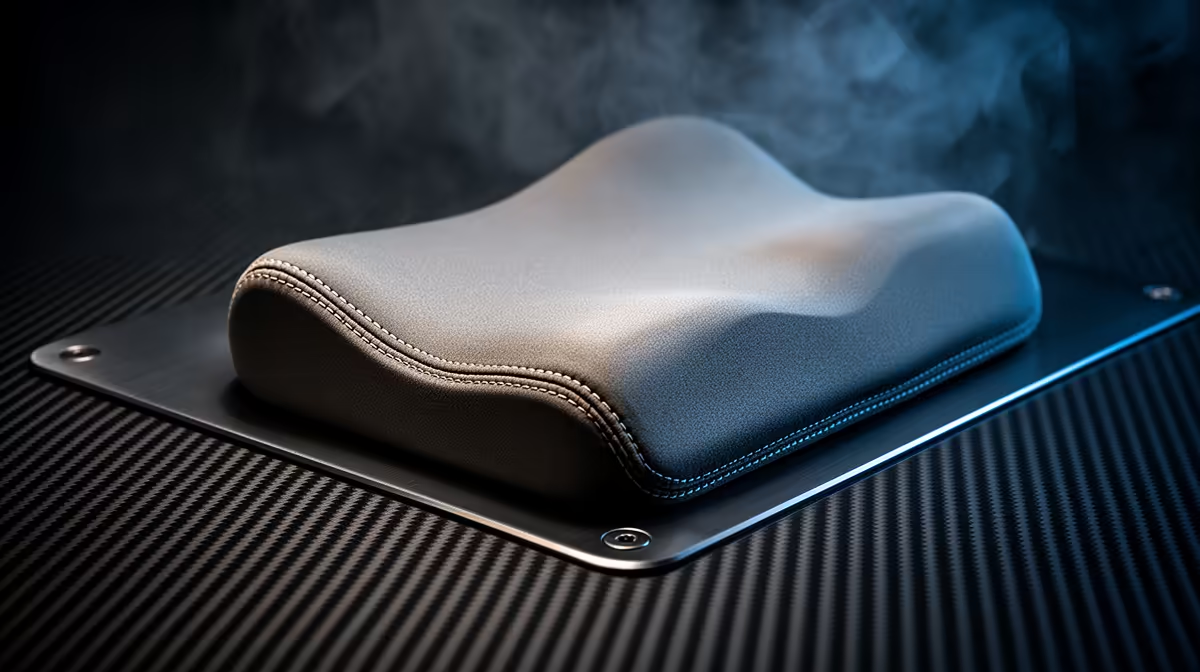
Choose a wrist rest for programming from keyboard height, desk depth, hand size and comfort, not from the computer budget. It should support the heel of the palm during pauses without forcing the wrists upward while typing. Technique, keyboard angle and regular movement still matter.
Measure the typing position
Place the keyboard where shoulders stay relaxed and elbows remain comfortable. Check the gap between its front edge and the desk, plus the height of the key row. Type for a normal work block and note pressure, sharp edges, wrist extension and whether the hands rest continuously.
The verified factpacks contain no currently priced wrist rest. Compare live options by width, height, firmness, surface, base grip, cleaning, material and warranty. A keyboard-length model can support both hands, while a smaller support may move easily; neither is correct if it raises the wrists into an awkward angle.
Use the rest through one real coding session, alternating typing, reading and short breaks. Keep the forearms relaxed, float the hands during active keystrokes where comfortable and change position regularly. Stop if pressure or numbness increases. Clean the surface according to its material.
Buy a wrist rest when the measured keyboard-to-desk gap and direct test show better comfort. Adjust the keyboard or chair first when those are the real cause.
Refining a programming desk? > Browse Evetech keyboards and accessories for the measured fit.