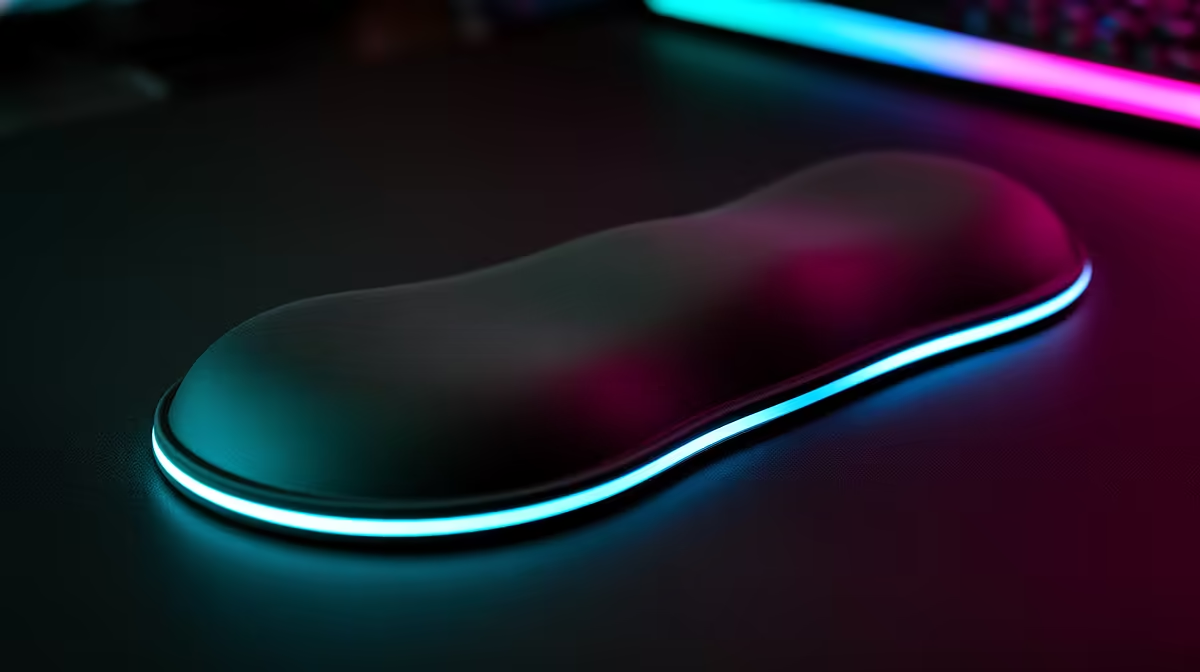
A wrist rest suits an enthusiast who spends long sessions at one keyboard and can match the rest height to the board and chair. It should support the palms during pauses without forcing the wrists upward while typing. The verified facts contain no wrist-rest SKU, so compare shape and material after adjusting the desk.
Set the input position first
Place the keyboard close enough for relaxed elbows and centre it around the keys used most. Adjust chair height and foot support before adding padding. During active typing, let the hands move rather than pressing them into a thick edge. A tall mechanical keyboard may need a higher rest than a slim board. Check that the mouse still has enough space.
Test fit through varied tasks
Type, game and edit for the normal session length. Note palm pressure, heat, cleaning needs and whether the rest slides when the user changes position. A soft surface can feel comfortable at first yet compress into a hard ridge. Measure keyboard width and front-edge height before ordering. Choose a cleanable material and remove the rest if it causes numbness or bends the hands upward.
Repeat the test with the keyboard feet both raised and flat because tilt changes the required support height.
Wash or wipe the wrist rest according to its material instructions before long-term skin contact.
Refining an enthusiast desk? > Explore Evetech keyboards and mice, then source a wrist rest from the measured typing position.