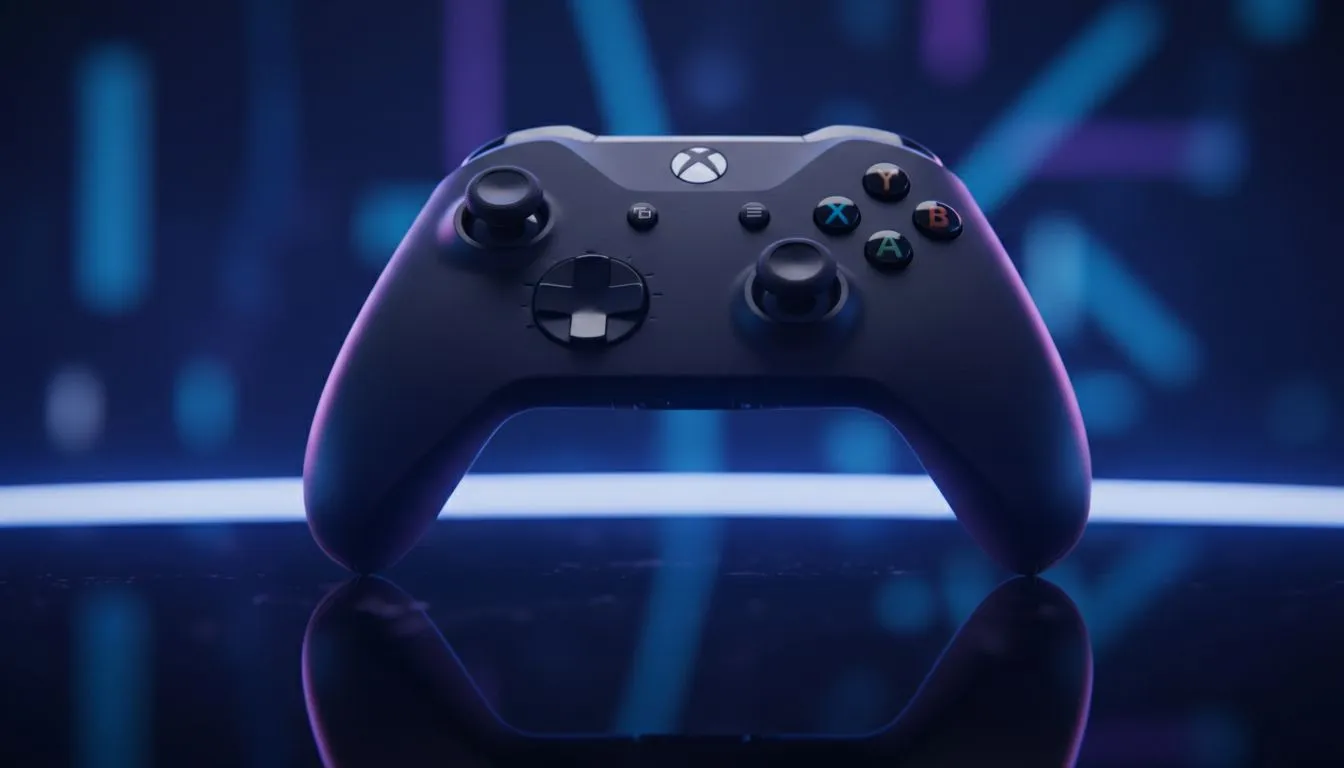
You’ve just sat down for a weekend session, the snacks are ready, and your PC is fired up. You press the guide button, but nothing happens. Few things are as frustrating as an Xbox controller not working on PC when you’re ready to dive into a new campaign. Whether you’re on Windows 10 or 11, these connection hiccups are common but usually easy to resolve with a few tweaks. 🔧
Common Hardware Checks for Windows Gamers
Before diving into software settings, check your physical connections. If you are using a wired setup, try a different USB port. Front panel ports on some PC cases can be unreliable... it is often better to use the ports directly on your motherboard. If you are looking for a replacement, Evetech has a massive selection of gaming controllers to get you back in the game.
Batteries are another frequent culprit. Even if the light turns on, low voltage can cause the Bluetooth signal to drop intermittently. If you’re tired of swapping AAs, upgrading to a dedicated pro-grade wired unit like the Razer Wolverine V3 Tournament Edition can eliminate latency and battery anxiety entirely.
Troubleshooting Software and Drivers
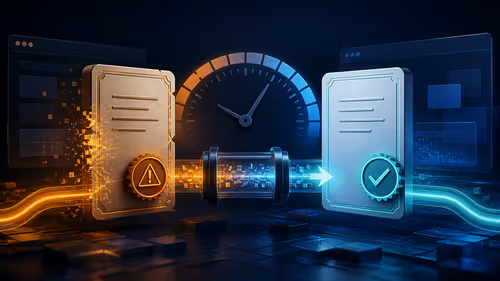
If your hardware is fine, Windows might be the problem. Sometimes, the Xbox controller not working on PC issue stems from an outdated driver. Right-click the Start button and open Device Manager. Look for "Xbox Peripherals" and ensure there are no yellow warning icons. You can right-click your device to "Update driver" and let Windows search automatically.
Firmware Update Pro Tip ⚡
Always check the Xbox Accessories app in the Microsoft Store. Many gamers forget that controllers need firmware updates just like your OS. Plugging your controller in via USB and running an update can fix ghosting or disconnect issues instantly.
Optimising Bluetooth Settings
Bluetooth on Windows 10 and 11 can be finicky. If your controller pairs but won't connect, try "forgetting" the device in your Bluetooth settings. Restart your PC and put the controller back into pairing mode. For those who demand peak performance without the fuss, exploring premium Razer controllers is a great way to ensure high-quality wireless or wired stability. 🚀
Always ensure your Windows build is up to date. Microsoft frequently releases patches that specifically address peripheral compatibility. If all else fails, a simple restart often clears the cache and fixes the "Xbox controller not working on PC" bug. ✨