
A newly disclosed Zoom flaw turns routine meeting software into an urgent update task. Researchers say the screen-sharing issue could be triggered by another participant without the target clicking a link, so waiting for a convenient future patch window carries avoidable risk.
Quick Answer
The Zoomsday disclosure describes memory corruption in screen-sharing processing and identifies patched Zoom Workplace builds including 7.1.5 and fixed 7.0.6 releases. The update itself should cost R0 through Zoom's normal client update path. Leave active calls, install the newest supported build, restart the application and confirm the displayed version before joining another meeting.
🔐 Why zero-click changes the response
Many online attacks depend on a target opening a file or following a link. This report is different because the researcher says a malicious meeting participant could send crafted screen-sharing data to other clients. That makes participant trust and current software versions important even when nobody downloads anything.
The technical disclosure attributes the problem to unsafe handling of annotation data. The reporting describes memory corruption and the potential for remote code execution. Exploitability can vary by platform and build, but users do not need to reproduce the research to take the safe action: move to a fixed version.
🔄 Check the version, then verify again
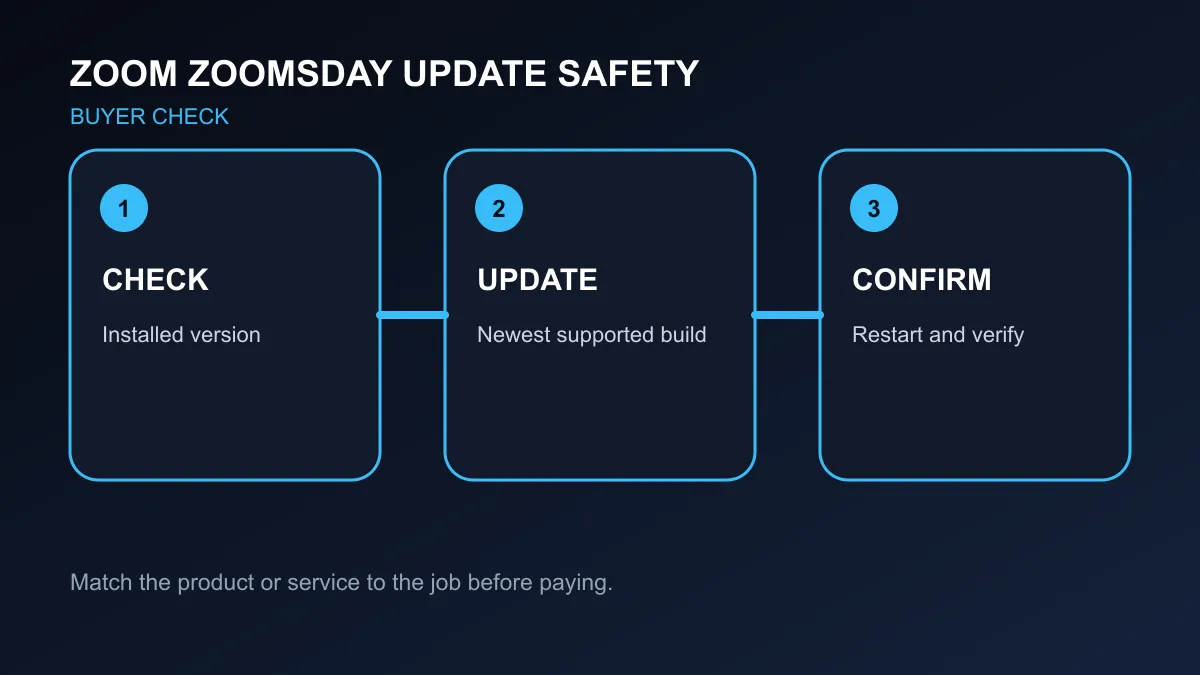
Open Zoom's account or help menu and note the installed version. Use the application's update control or the official installer route approved by your organisation. Close the client when prompted, complete the installation and reopen it. A downloaded installer that was never run does not reduce exposure.
Managed office devices may block self-service updates. In that case, send the displayed version and the vulnerability reference to the support team instead of working around policy. Meeting hosts can also restrict who may share a screen, use waiting rooms and remove unknown attendees while patch deployment is under way.
🎧 Hardware is not the vulnerable layer
The reported issue sits in meeting-client software, not in a headset, webcam or microphone. Replacing accessories will not patch Zoom. Good call hardware can still improve communication: compare headsets, webcams and streaming essentials only for audio, video and control needs.
Treat fixed-version numbers as a minimum reference, not a reason to seek an older installer. The newest supported release can include later corrections. If a company uses VDI, Rooms or the Meeting SDK, administrators should consult the applicable patched branch because those products have separate version lines.
After updating, open a test call and confirm that audio, camera permissions and screen sharing still behave normally. This short check separates patch completion from meeting-time troubleshooting and gives managed teams a clear version record.
Frequently Asked Questions
Does a target need to click a link?
The disclosure says the flaw could be triggered without action from the target.
Which standard client build is fixed?
The researcher lists Zoom Workplace 7.1.5 among the patched versions.
Are cameras and headsets affected?
The reported vulnerability is in Zoom software processing, not meeting accessories.
Before your next video call: Confirm the installed Zoom version, complete the update and ask support for help on managed devices.