The updated Keychron M4 fingertip mouse adds magnetic-optical click switches and translucent retro finishes to one of the smallest gaming-mouse shapes. It is a niche design for fingertip control, not a conventional palm-support mouse, and several final specifications remain unconfirmed.
Quick Answer
Keychron has shown a refreshed M4 with MagOpt switches and frosted lavender, ice, smoke and mint finishes. The existing M4 uses a compact fingertip body, but buyers should not assume its sensor, firmware or price carries over until the new product page is complete. Evetech had no exact Keychron match in the checked mouse catalogue; comparable in-stock 49g to 65g mice ranged from R439 to R3,499 on 11 August.
🖱️ What the M4 update actually confirms
The firm announcement confirms the switch change and the four translucent colour options. Magnetic-optical switches are designed to combine a magnetic mechanism with optical actuation, but a launch label alone does not establish click force, travel, latency or long-term durability. Those details need the final specification sheet and independent testing.
The current M4 is known as a compact fingertip model. Its small shell leaves much of the palm unsupported so the fingers can make short, rapid corrections. That can suit high-sensitivity aim or users who deliberately prefer a fingertip grip. It can feel cramped for a palm grip, large hands or long office sessions. Shape should therefore be the first filter, ahead of sensor numbers.
Reports around the refresh have mentioned possible sensor and firmware changes, but those points are not confirmed on the final updated product page. Treat them as open questions. The regular M4 8K has previously been listed globally at US$69.99, yet that is not a South African price and should not be converted into a local expectation.
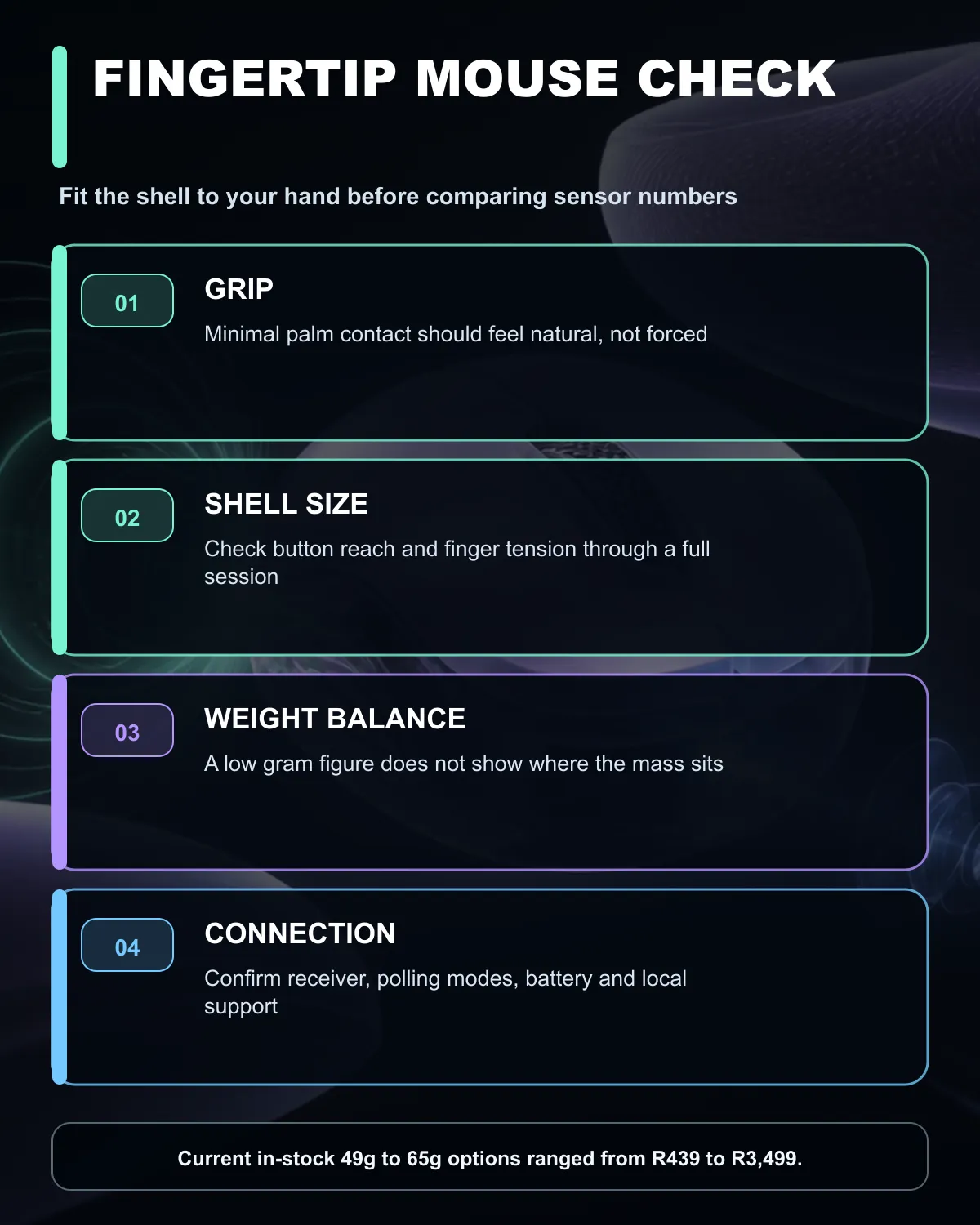
✋ Check grip before chasing low weight
Place your hand in its natural aiming position and note where the palm contacts the shell. A true fingertip grip uses the fingers for most movement, with little or no palm contact. If your palm settles on the mouse, a larger symmetrical or ergonomic body may provide better support.
Weight is useful only in context. The local snapshot included 49g, 54g, 55g, 60g and 65g options. Those figures do not reveal weight balance, side shape, coating, button reach or cable drag. A slightly heavier mouse that fits can be easier to control than a smaller one that forces tension into the fingers.
Connection and polling also affect the complete purchase. Confirm whether the required wireless receiver is included, whether the fastest polling mode needs a separate accessory, and how battery life changes at higher polling rates. Replacement feet and a suitable surface matter after the novelty of a very small shell wears off.
🇿🇦 The practical local comparison
The 11 August catalogue read found no exact Keychron model, so local warranty, stock and rand pricing remain unknown. It did show a broad lightweight field beginning at R439 for a 55g wired mouse and extending to R3,499 for a 54g wireless model. Browse the full gaming mouse category, compare current mouse deals, and use mouse best sellers as a reality check.
The updated M4 belongs on a shortlist only when its fingertip shape solves a real grip need. Wait for the exact local model name and complete specification before comparing price or claiming a performance advantage.
Frequently Asked Questions
What changed on the refreshed Keychron M4?
The confirmed changes are MagOpt click switches and four translucent retro finishes.
Is its new sensor confirmed?
No. A final updated product page is needed before treating reported sensor changes as fact.
Who is a fingertip mouse for?
It suits users who steer mainly with their fingers and want a very small shell with minimal palm contact.
Is the new M4 available locally?
No exact Keychron match appeared in the 11 August Evetech catalogue read.
Ready to choose a lighter mouse? Match the shell to your grip, then compare weight, connection, receiver, warranty and local price.