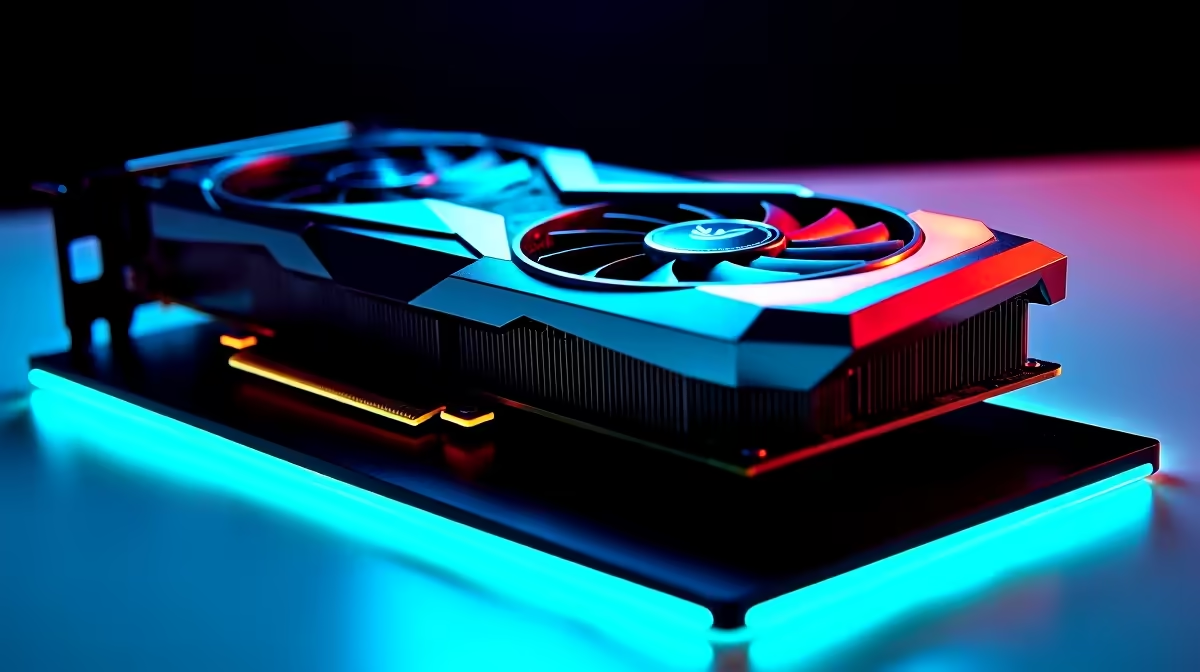
A RTX 5090 should not cause low fps on its own, so the fix is usually in Windows, the driver, or a single overlooked toggle.
Quick Answer
To fix low fps on a RTX 5090 setup, use a 1000W-plus PSU and confirm the 12V-2x6 plug is fully clicked in to avoid throttling. Most cases clear up once these are right, and you should be back to the frames your parts are capable of.
First checks for RTX 5090
Start with the basics. Use a 1000W-plus PSU and confirm the 12V-2x6 plug is fully clicked in to avoid throttling. Pair the card with a fast CPU like the 9800X3D so the 5090 is not CPU-bound at 1440p. These two steps resolve the majority of low fps cases on a RTX 5090, because the default Windows and driver settings are often the real cause rather than the gpu itself.
Driver and Windows settings
Next, set strong case airflow, since the 575W card dumps a lot of heat into the case. Keep Windows 11 fully updated and turn off any background overlays or capture tools that hook into games, since these are a common source of low fps. A clean driver install often does more than any single in-game setting when chasing the frames your parts are capable of.
When it is not the RTX 5090 at all
Sometimes the RTX 5090 is a red herring. Low fps often hides a CPU bottleneck, a background process, or memory running below its rated speed. Run the RAM at EXPO or XMP, close startup clutter, and confirm the GPU sits in the CPU-linked slot before blaming the gpu.
FAQ
Is low fps a hardware fault?
Usually not. Low fps on a RTX 5090 setup is almost always settings, drivers or thermals. Only suspect hardware after the checks above come back clean.
Why did low fps start after my gpu change?
A new gpu often resets a setting or adds a driver that conflicts with your game. use a 1000W-plus PSU and confirm the 12V-2x6 plug is fully clicked in to avoid throttling, and the issue usually clears.
Will a clean driver install help with low fps?
Often, yes. A clean install strips out conflicting leftovers that cause low fps. Pair it with an updated Windows 11 build and rated memory for the best result.
RTX 5090 checks are done and you have the frames your parts are capable of, lock in the settings so the fix sticks after the next update.