Quick Answer
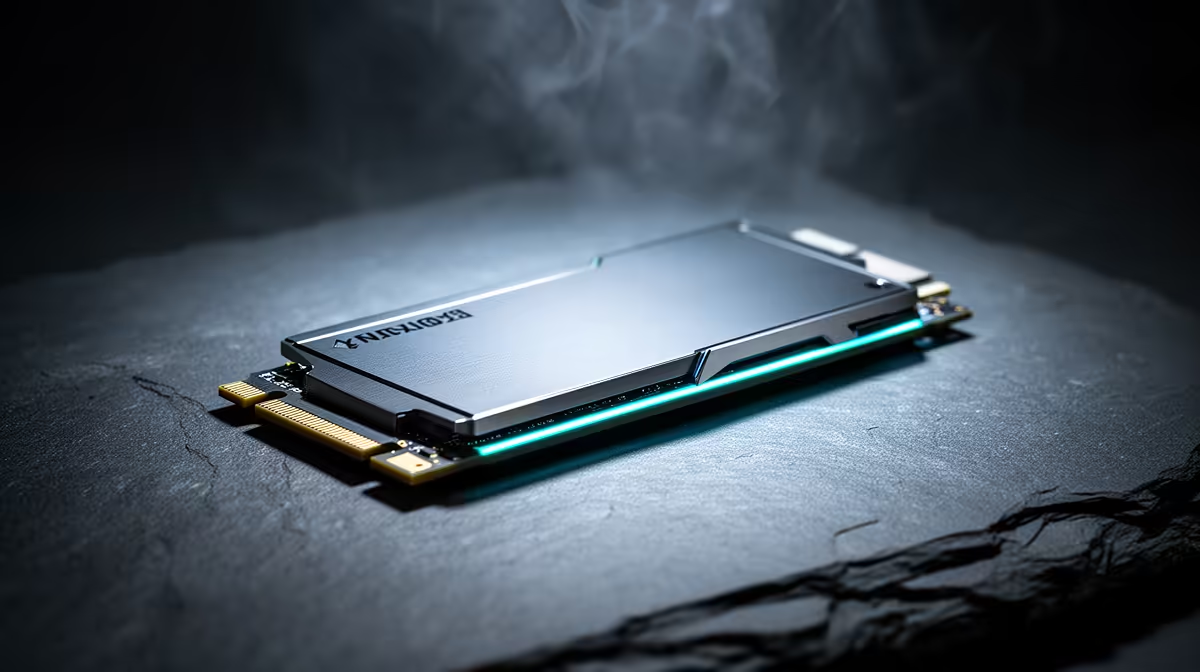
Gen 4 NVMe still holds the value sweet spot because it is fast enough for games, Windows, and content work at a lower price than Gen 5. For most SA gaming PCs, buy a reliable Gen 4 NVMe drive before paying a Gen 5 premium. Gen 4 SSDs usually deliver 5,000-7,400 MB/s sequential reads without the heat burden of Gen 5, and the sensible local price band is R900-R2,800 for popular 1TB-2TB Gen 4 NVMe drives.
Why Gen 4 still feels fast
Game loading, Windows boot, shader cache, and app launches are not pure sequential-read tests. A strong Gen 4 drive already has enough bandwidth and low enough latency for normal gaming. moving from a SATA SSD to Gen 4 feels bigger than moving from Gen 4 to Gen 5 in normal gaming, especially once the system has 32GB RAM and the game is not constantly paging to disk.
Reference drives include WD Black SN850X, Samsung 990 Pro, Crucial T500, and WD Blue SN580. A 1TB drive is the minimum for a modern gaming PC, while 2TB is more comfortable if the user keeps several large titles installed. Check whether the drive has DRAM, strong sustained writes, and a proper warranty.
Heat and motherboard support
PCIe 5.0 drives can run hot and may need the motherboard heatsink to be installed correctly. That matters in compact SA builds where the GPU already warms the area around the M.2 slot. Gen 4 drives are easier to cool and are supported by a wider range of B550, B650, Z690, Z790, and newer boards.
For content work, Gen 5 can make sense when moving huge video files daily. For gaming, the money often improves the build more when spent on capacity, GPU tier, or a better monitor.
FAQ
Is PCIe 5.0 worth it for gaming?
Usually no. PCIe 5.0 is impressive in benchmarks, but most games load close to a good PCIe 4.0 NVMe drive.
Should I buy 1TB or 2TB for a gaming PC?
2TB is the better long-term choice if the budget allows it. Modern games can exceed 100GB each, so 1TB fills quickly.
Does an NVMe heatsink matter in SA?
Yes, especially in compact or hot rooms. A heatsink helps sustained writes and prevents the SSD from dropping speed under long transfers.
Prioritise capacity and cooling
Choose a Gen 4 SSD with enough space, fit the motherboard heatsink correctly, and keep the M.2 slot away from trapped GPU heat where the board layout allows it.