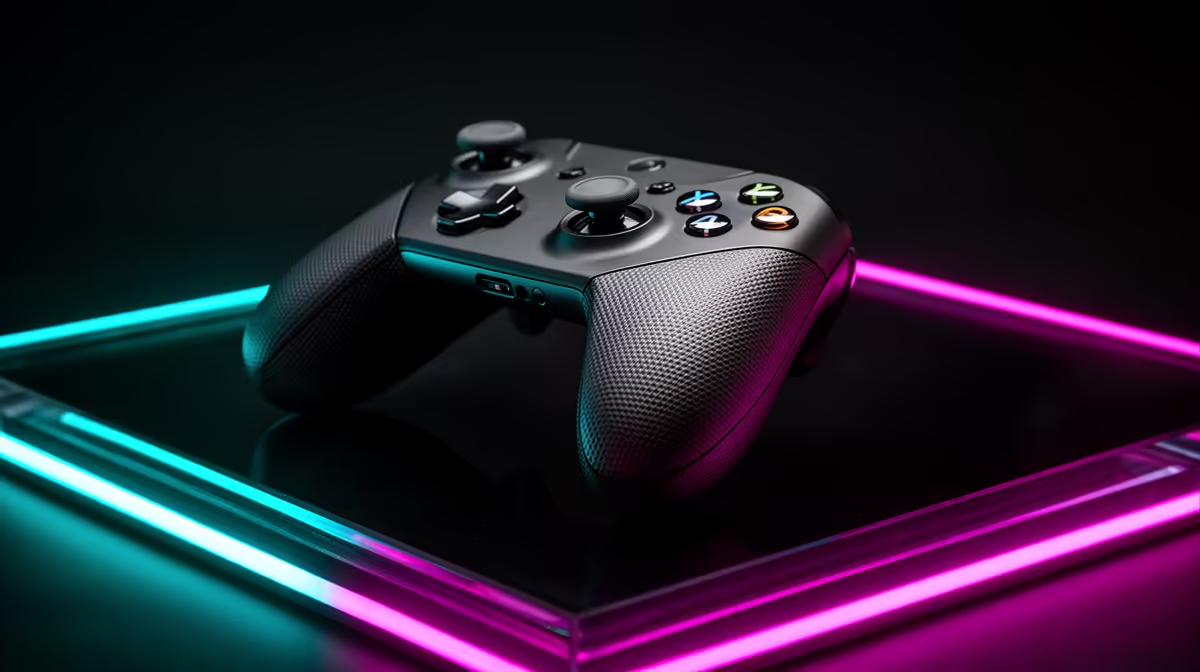
Cheap PC pads can work well until driver support, stick consistency or replacement parts expose the saving. An Xbox controller vs budget PC pad comparison should include years of compatibility and the controls you use most.
Quick Answer
An Xbox controller is worth paying more for on PC when you want broad game support, familiar button prompts and a pad you can replace or troubleshoot without teaching every title a new layout. A cheaper controller can be excellent for occasional platformers, local co-op or backup duty when it uses a well-supported PC input mode and passes your stick, trigger and connection tests. The logo alone does not guarantee long life, and a low price does not prove poor compatibility.
PC games speak more than one controller language
Many Windows games are built around Microsoft's XInput standard. An Xbox controller presents the button layout and trigger inputs those games expect, so prompts and default mappings tend to line up with the physical pad.
Budget controllers may also support XInput. Some expose DirectInput, Switch-style input or several modes selected by a switch or button combination. That flexibility can help across devices and can create confusion when the wrong mode is active.
Read the manual for the exact product code. Check how it identifies itself in Windows, whether the triggers are analogue in PC mode and how rumble works. A controller that connects is not yet proven compatible with every game feature.
Make a five-game compatibility test
Choose games from different eras and launchers. Include a recent action title, an older PC game, a racing game with analogue triggers, a local multiplayer game and the title you play most.
For each one, check:
- Correct on-screen button labels and menu navigation.
- Independent trigger travel, stick range and vibration.
- Reconnection after sleep, a pause and a game restart.
- Two-controller order if you play local co-op.
Steam Input and other remapping tools can bridge gaps. They also add another configuration layer. Save a working profile and know how to disable it when a game already handles the pad.
Wireless is a connection choice, not one feature
An Xbox controller can connect to a PC through methods supported by its exact model, and the behaviour can differ between Bluetooth, a dedicated wireless adapter and USB. Headset support, latency, firmware updates and the number of pads can vary by path.
Cheaper pads may use Bluetooth, a 2.4GHz receiver or a cable. Keep a tiny receiver close to the playing area with a short extension if the PC case blocks the signal. Avoid placing it beside a busy USB 3 storage device.
Test from the sofa or desk position you will use. Move the controller behind your knee and turn your body. A connection that works beside the tower may drop across a living room.
Battery design changes the routine. Some controllers use replaceable cells, some accept a rechargeable pack and others have a sealed battery. Price the charger, cable or spare pack you want and check whether wired play works while charging.
Build quality should be inspected by control
Controller durability is not a single score. Sticks, bumpers, face buttons, USB sockets and shell seams wear in different ways. A heavy pad can feel solid while using the same vulnerable stick technology as a lighter one.
Run an input tester when the pad arrives. Move each stick in slow circles, release it from every direction and check whether the centre settles. Press the triggers through their full range. Test light bumper taps at the inner and outer edges.
Small dead zones are common in games. A new pad that cannot hold centre, misses inputs or disconnects deserves prompt attention through the seller's support process. Keep the serial number and proof of purchase.
Hall-effect or other contactless sensors can reduce one wear mechanism, but implementation, centring and firmware still matter. Do not turn a component label into a lifetime guarantee.
Shape can beat driver convenience
Xbox's offset sticks suit many hands. Your grip may prefer symmetrical sticks, a smaller shell or rear buttons. Hold the controller with index fingers on bumpers and middle fingers on triggers, then see whether your wrists stay neutral.
Button force matters during repeated presses. Racing players should judge trigger travel and spring weight. Fighting-game players may care more about the directional pad's diagonals and pivot. A controller that wins the compatibility chart can lose the comfort test.
For competitive play, define the problem before paying for extra controls. Rear paddles help when you need to jump or reload without leaving the right stick. Trigger stops help in games that treat triggers as buttons, and can limit useful analogue range in racing.
Cheap pads make sense in defined roles
A backup controller does not need every premium feature. It needs to work when a friend visits, survive storage and map cleanly in the games you share. A wired model also avoids battery care and wireless pairing.
For children, check shell size, cable strain relief and the effort needed for bumpers. For a media PC, quiet buttons and a stable connection may matter more than sensor resolution.
The false saving appears when you replace a poor pad twice or spend hours repairing mappings. The false premium appears when you buy features your games never use. Compare total role fit, not brand status.
Shortlist the exact controller, not the family
Use the gaming controller range to compare supported platforms, connection type and included accessories. Then check the peripheral best-seller page for other current desk and gaming options.
Write two columns for the Xbox pad and the cheaper alternative. Score exact-game support, comfort, trigger behaviour, connection, power, remapping and warranty. Give each item a weight based on your role.
If both pads pass and the budget option feels better, buy it. If you want the least setup across a broad PC library, the Xbox controller's familiar XInput path can justify the premium.
FAQ
Why is an Xbox controller common on PC?
Many Windows games support XInput and show Xbox-style prompts by default. That usually reduces mapping work, though each game and controller still needs a check.
Is a budget pad good enough for casual games?
Yes, when its PC input mode, controls and connection pass your game list. Wired pads can make strong backups.
Does wireless work out of the box?
It depends on the controller revision and the connection your PC supports. Check Bluetooth, dedicated-adapter and USB requirements on the exact model.
Test both controllers against five real games, then pay the Xbox premium only when its compatibility, connection and fit save work you care about.