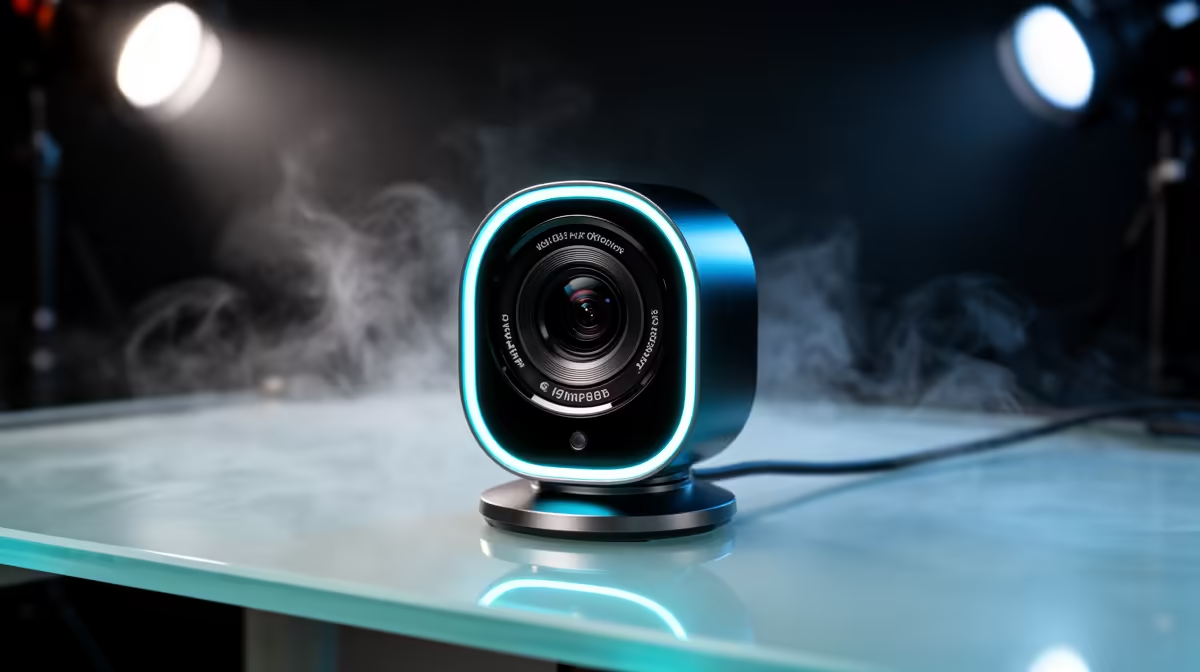
Buying a 4K streaming webcam with true autofocus in South Africa is a three-part budget exercise, not a single product decision. You are allocating Rand across the camera itself, the lighting that makes it perform, and the mount that keeps it stable. Get the split wrong and the most expensive part of the kit can end up being the weakest link in the final image.
Quick Answer
Expect to spend R2,500 to R4,500 for a capable 4K webcam with true autofocus. Allocate another R600 to R1,200 for a soft key light and R250 to R500 for a stable mount. The full setup sits between R3,350 and R6,200, with lighting delivering more visible improvement than a more expensive camera alone.
💰 The Camera Budget: What R2,500 to R4,500 Buys
The R2,500 mark is roughly where 4K resolution and motorised autofocus begin appearing together in the same product. Below that, you typically find one or the other: a 1080p camera with autofocus, or a 4K sensor with a fixed-focus lens. Both are capable tools, but they are a different product category from what this guide covers.
In the R2,500 to R3,500 range, 4K autofocus webcams offer solid daytime performance, standard companion app controls, and 30fps 4K capture. The autofocus systems in this tier track reasonably well under decent light, though low-light tracking can be slower. These cameras are well-matched to a creator who has already invested in good lighting, because the lighting compensates for the sensor's limits in dim conditions.
From R3,500 to R4,500, sensors tend to perform better in low light, autofocus tracking is faster and more consistent, and software features such as background blur and digital zoom presets are more polished. If your setup has inconsistent ambient light, whether from a south-facing Cape Town apartment or a room without much natural light, the additional sensor performance at this tier is a genuine upgrade rather than a marketing specification.
Spending above R4,500 on a webcam for streaming is rarely where the return shows up. The gap between a R4,500 and a R7,000 webcam is far less visible to a viewer than the difference that good lighting makes on the cheaper camera.
🔆 Lighting: Where the Budget Has the Highest Return
A 4K sensor captures four times the pixel data of 1080p, which means 4K also captures noise at four times the detail. Grain, colour irregularity, and the soft-edged noise that appears in dim conditions all read at full resolution on a 4K sensor. The result is that an un-lit 4K camera can look visibly worse than a well-lit 1080p camera. Light is not optional at 4K; it is the foundation the sensor quality depends on.
A single soft key light positioned slightly above eye level and about 50 to 80cm to one side of your face is the starting point. Soft lighting means the source is diffused, either through a frosted panel on the light itself or through a simple softbox, so it wraps around your face without creating harsh shadows. For a 4K setup, a soft key light priced between R600 and R1,200 gives you a tunable colour temperature dial spanning roughly 2700K to 6500K and enough output to hold a 4K sensor at low gain without forcing it to compensate.
The colour temperature setting matters because your 4K webcam's white balance interacts with it. Locking white balance manually around 3200K for warmer artificial light sources, or around 5600K if you have natural daylight coming in, keeps your skin tone consistent across a session. Auto white balance on a 4K webcam is particularly visible because 4K captures colour shift accurately, and a mid-session white balance correction at full resolution looks abrupt.
Pro Tip ⚡
If you stream in Joburg or Durban where afternoon light changes rapidly through a window, position the key light so it is the dominant source on your face rather than relying on ambient daylight. When your artificial key light is 60 to 70 percent brighter than the ambient window light, the camera's auto exposure and white balance stabilise noticeably.
🔧 Mount Budget: Stability at 4K Is Not Optional
4K resolution magnifies camera movement. A loose monitor clip that allows the camera to wobble slightly as you type is invisible on a 1080p feed. On a 4K feed the same movement reads as instability because the extra pixel detail makes micro-motion visible. Stable mounting is therefore part of the 4K budget in a way it is not strictly necessary for lower resolutions.
The practical options at a South African desk are a monitor clip with a locking tension mechanism, a weighted desktop tripod, or a clamp-mounted adjustable arm. A reliable monitor clip runs around R250 to R400, which covers models rated to handle the 100 to 200g weight of a typical 4K webcam without forward droop. A weighted desktop tripod, around 30cm in working height with a standard 1/4-inch screw fitting, runs R350 to R500 and is the sturdier choice if your monitor bezel is narrow or if you prefer the camera positioned lower at desk level.
A clamp arm adds R400 to R800 and makes sense only when your desk layout requires a position the clip or tripod cannot reach. For most setups, the clip or tripod is sufficient.
🧠 Putting the Full Budget Together
Three practical tiers cover most setups:
Entry level: R2,500 camera, R600 light, R250 clip totals around R3,350. This is the minimum for a true 4K autofocus setup and performs well with reasonable ambient light supporting the lighting investment.
Mid-range: R3,200 camera, R800 key light, R350 tripod, totalling roughly R4,350. The most practical bracket for reliable quality across varying room conditions without chasing the top of the range.
Upper sensible limit: R4,500 camera, R1,200 lighting, R450 mount totals around R6,150. Above this, additional webcam spend typically returns less visible improvement than investing in acoustic treatment or a proper microphone.
Frequently Asked Questions
How much should a capable 4K autofocus webcam cost in South Africa?
The R2,500 to R4,500 range covers well-reviewed 4K autofocus webcams that suit streaming and remote work. Below R2,000 the combination of 4K and motorised autofocus is rare, and most options in that range offer one or the other. Budget closer to R3,500 if low-light performance is important to your setup.
Is it worth spending more on the camera or the lighting first?
Lighting first, almost always. A R800 soft key light paired with a R2,800 camera will look better on screen than a R4,500 camera with no lighting, because the sensor quality only shows when the light quality is there to reveal it. Allocate lighting budget before chasing a higher camera specification.
Does a 4K webcam need a faster PC to run alongside a game or application?
Yes, more so than a 1080p camera. Capturing and encoding a 4K feed uses more CPU and GPU resources. For gaming streams specifically, the 4K webcam feed competes with the game encoder for processing headroom. If your PC is mid-range, check whether your streaming software supports hardware-accelerated encoding for the webcam, which offloads most of the compression work from the CPU.
Can I get true autofocus under R2,000 in the South African market?
At 4K resolution, rarely. Under R2,000 you find 1080p webcams with autofocus, which are genuinely capable products but a different category. The combination of a 4K sensor and motorised autofocus adds cost to both the optical assembly and the sensor, pushing reliable products above the R2,500 mark in practice.
Why does the mount matter more for 4K than for 1080p cameras?
4K captures fine spatial detail, which means it also captures fine spatial movement. A camera wobble of 2 to 3 pixels is imperceptible on a 1080p feed but is visible on a 4K one because those same pixels represent a smaller fraction of the frame and the detail is sharper overall. A stable mount ensures the sharpness you paid for with the 4K sensor is actually delivered on screen rather than softened by vibration.
Ready to build a 4K streaming setup that earns every Rand you spend?
Browse the webcams, key lights, and mounts at Evetech to assemble a complete setup across your actual budget rather than buying one expensive piece and compromising on the rest.