Why Audio Mixers Are Essential for Multi-Person Streaming in South Africa 🎙️
Streaming with friends can elevate your content, but audio chaos often kills the vibe fast. Mastering audio mixers for multi-person streaming helps you balance voices, banish echo, and bring crystal-clear sound to every viewer. Whether you're gaming from Cape Town or Johannesburg, nailing your audio setup is key to standing out in South Africa’s vibrant streaming scene. Ready to raise your stream’s sound quality? Let’s dive into what makes audio mixers your secret weapon.
Core Features to Look for in Audio Mixers for Streaming
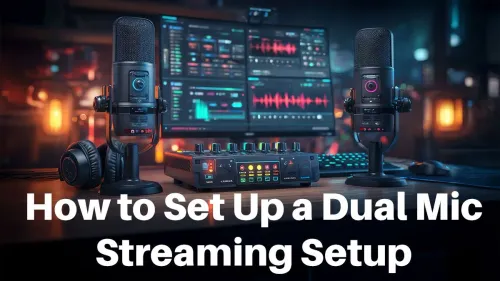
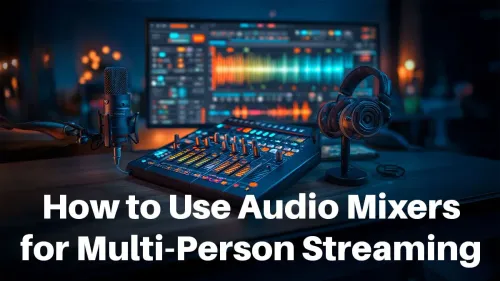
Audio mixers aren’t all created equal. For multi-person streaming, focus on mixers that offer multiple microphone inputs with independent volume controls. This lets you fine-tune each participant’s audio, reducing background noise and avoiding that one voice overshadowing the rest. Models supporting USB or XLR connections are especially handy—they connect smoothly to PCs without complicated setup.
Don’t overlook built-in effects like noise gates and compressors: these keep your sound clean and balanced. Plus, some mixers allow headphone monitoring for each streamer, so you never get blindsided by audio glitches during live broadcasts.
Check out a range of streaming essentials for South African creators. These often bundle audio mixers with other must-haves like quality microphones and headphones.
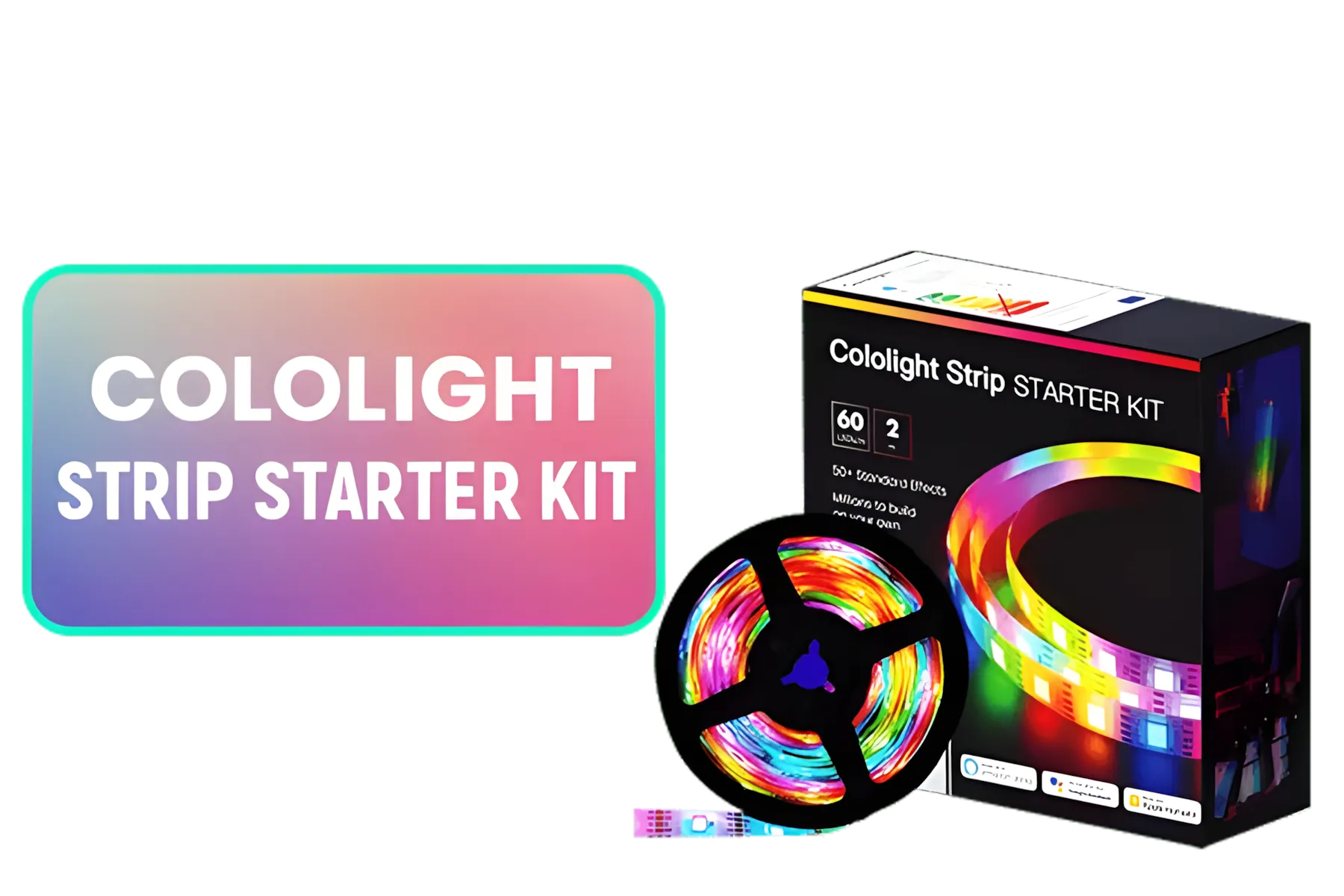
Cololight Strip 60LEDs/M 2 Meter (6.6Ft,) Starter Kit Compatible with Alexa, HomeKit & Google Assistant
R849.00In Stock
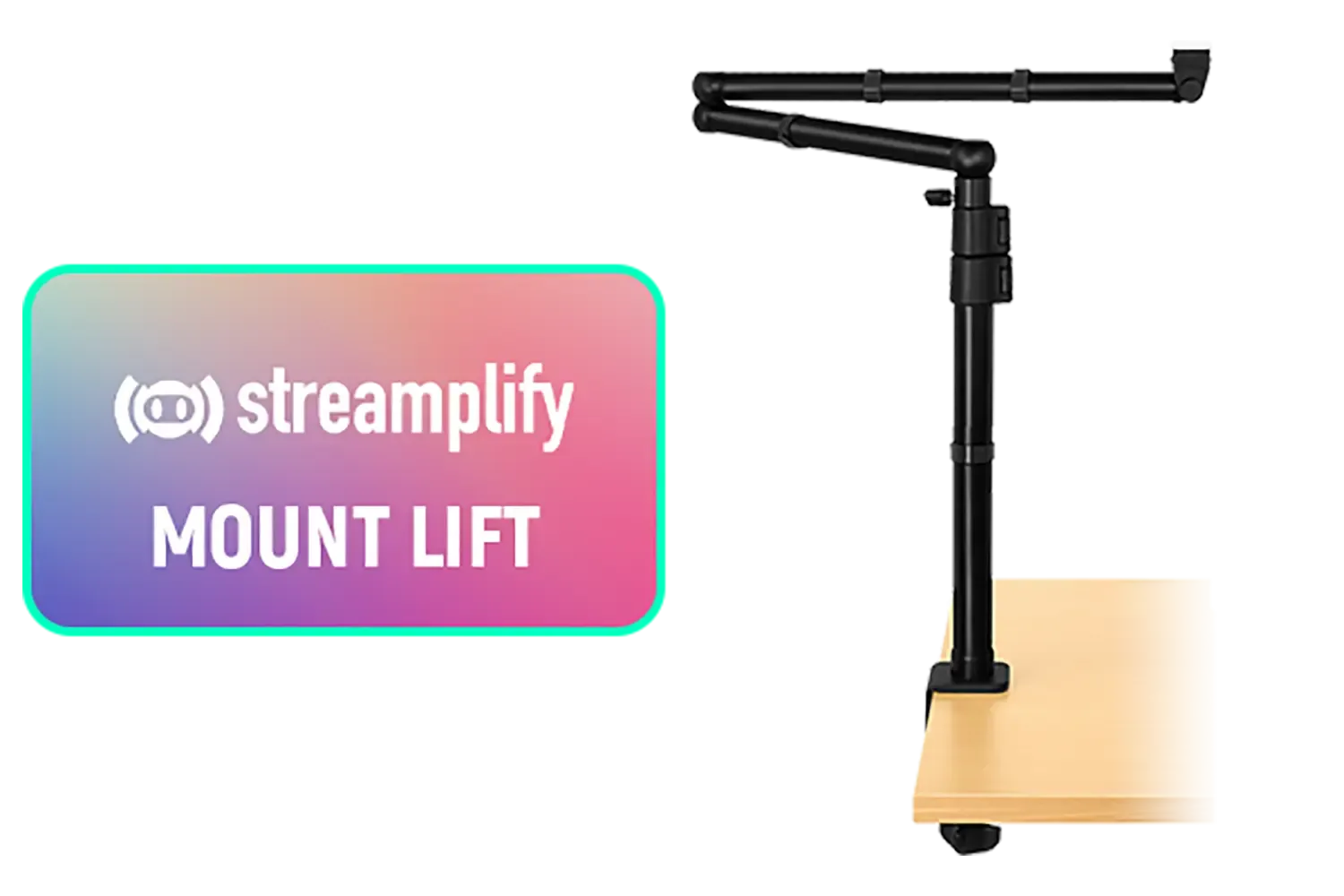
Streamplify Mount Lift / 360° Horizontal Swivel / 180° Up-Down Adjustment / Supports up to 2.5KG / Extends up to 70cm Horizontally / Extends up to 80cm Vertically / SPOM-ML1LCM1.11
R799.00In Stock
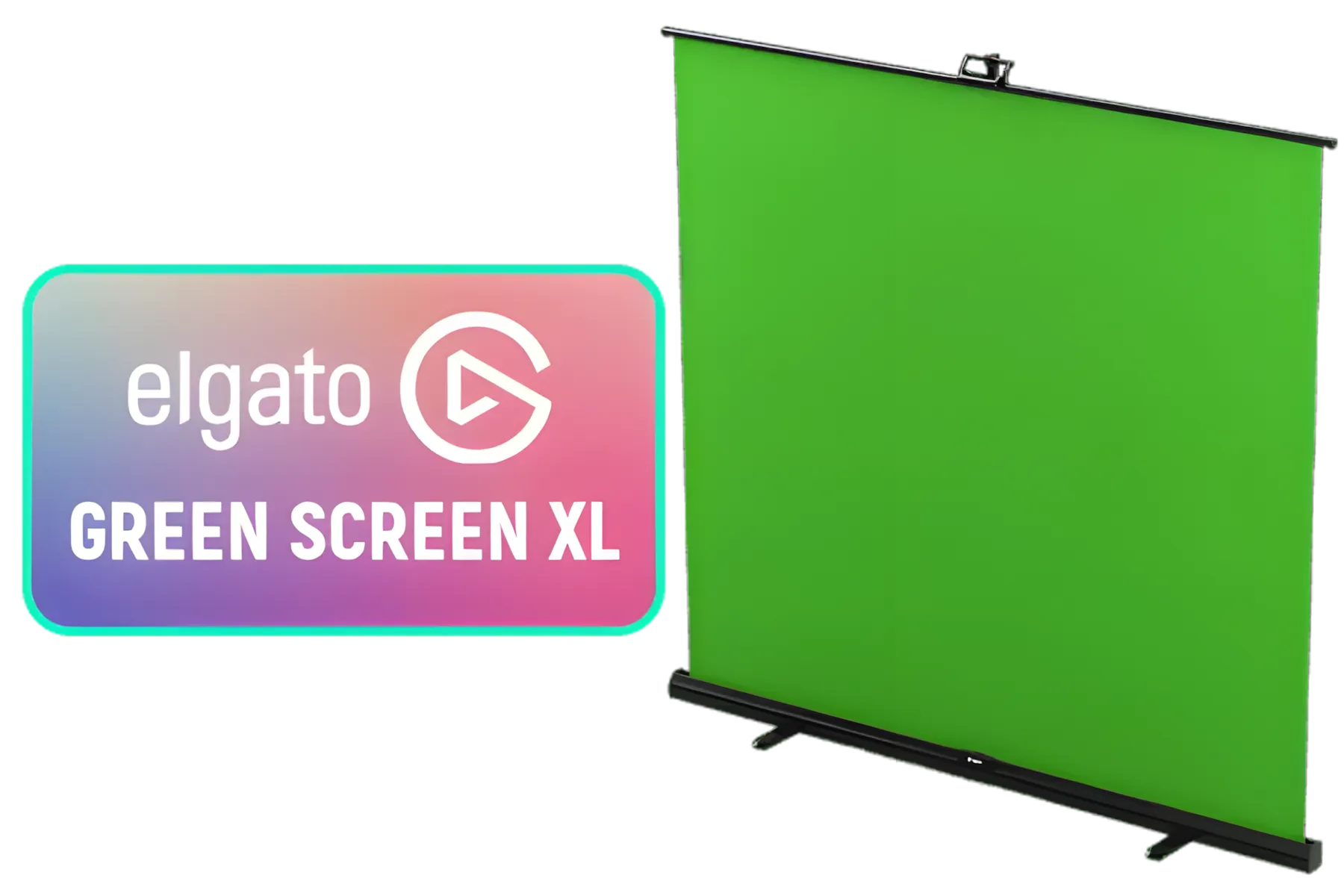
Elgato Green Screen XL - Extra Wide 79x72 Chroma Key Panel, Wrinkle-Resistant Fabric for Background Removal for Streaming, Video Conferencing, on Instagram, YouTube, TikTok, Zoom, Teams, OBS / 10GBG9901
R3699.00In Stock
Corsair Game Capture 4K Pro / Up to 8K60 Passthrough Resolution / Up to 4K60 Recording Resolution / 4K HDR10 capture and passthrough.
/ 10GBK9901
R5699.00In Stock
Corsair Elgato Game Capture Neo / 4K60 HDR Passthrough / Full HD 1080p60 Resolution / Ultra Low Latency / Compatible with All Consoles / 10GBI9901
R2599.00In Stock
Corsair Elgato Stream Deck Mini / 6x Customizable LCD Keys / Integrated USB 2.0 Cable / Integrate Easily With Any Platform And Tool / Pre-Composed Texts Included / Support macOS 10.11 or Later And Windows 10 (64-bit) / 10GAI9901
R1899.00In Stock
Best Practices for Clear Multi-Person Audio Mixes 🎧
Once you have the right hardware, mastering the mixer is next. Start by testing mic levels individually before going live—aim to keep voices within a consistent range to avoid loud bursts or whispers. Use low latency monitoring to catch issues early.
Position microphones close to each speaker but out of direct mouth breath to minimise plosives. If you’re streaming with multiple people physically apart, consider software mixers or interfaces that combine separate audio feeds smoothly.
Australia’s expert streamers often suggest muting unused mics to prevent background disruptions. It’s a simple way to maintain focus and professionalism.
For streamer setups with mood lighting synced to audio, explore options from trusted brands like Cololight that complement your gear with visual flair.
Adjust Your Mixer's Gain Properly
Never crank the gain too high—it causes distortion. Set input levels just below the clipping point for the cleanest sound. This saves your stream from harsh peaks and listener fatigue.
How to Integrate Your Mixer Seamlessly with Streaming Software
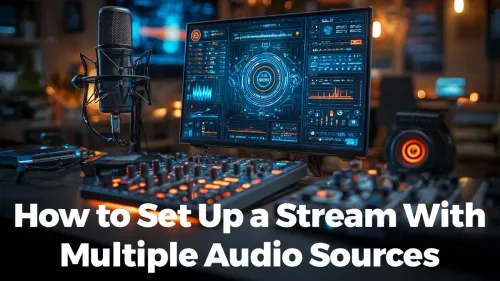
Connecting your audio mixer to popular streaming platforms like OBS or Streamlabs can be straightforward. Use a USB audio interface or compatible mixer to feed audio directly into your software. From there, adjust audio channels independently, add filters, and balance game sounds with voices.
Brands like CORSAIR offer streaming peripherals designed for easy integration, helping South African gamers get set up faster and stress-free.
Remember, frequent testing before streams and after hardware changes is key. It ensures your audio stays reliable even across long broadcasts or sudden changes in your setup.
Elevate Your Stream’s Audio Quality Today
Get your perfect audio mixer and streaming gear with fast delivery across South Africa. Shop now at Evetech for performance that leaves lag in the dust.