



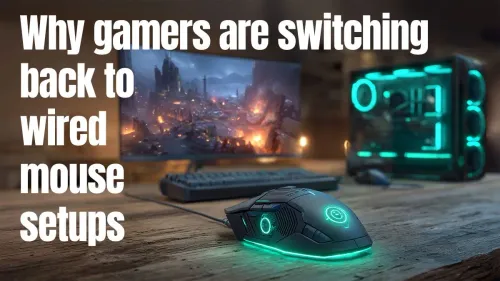
Professional Gamers Favourite Wired Mice
Gamers are switching back to wired mice for superior performance, lower latency, and reliability 💻🖱️. | Evetech Gaming Tech Blog
88 days ago·2 min read
Loading tags...
Discover the real-world wireless latency in top gaming mice! Our tests reveal which models offer flawless, lag-free wheel performance for competitive play. 🎮🖱️
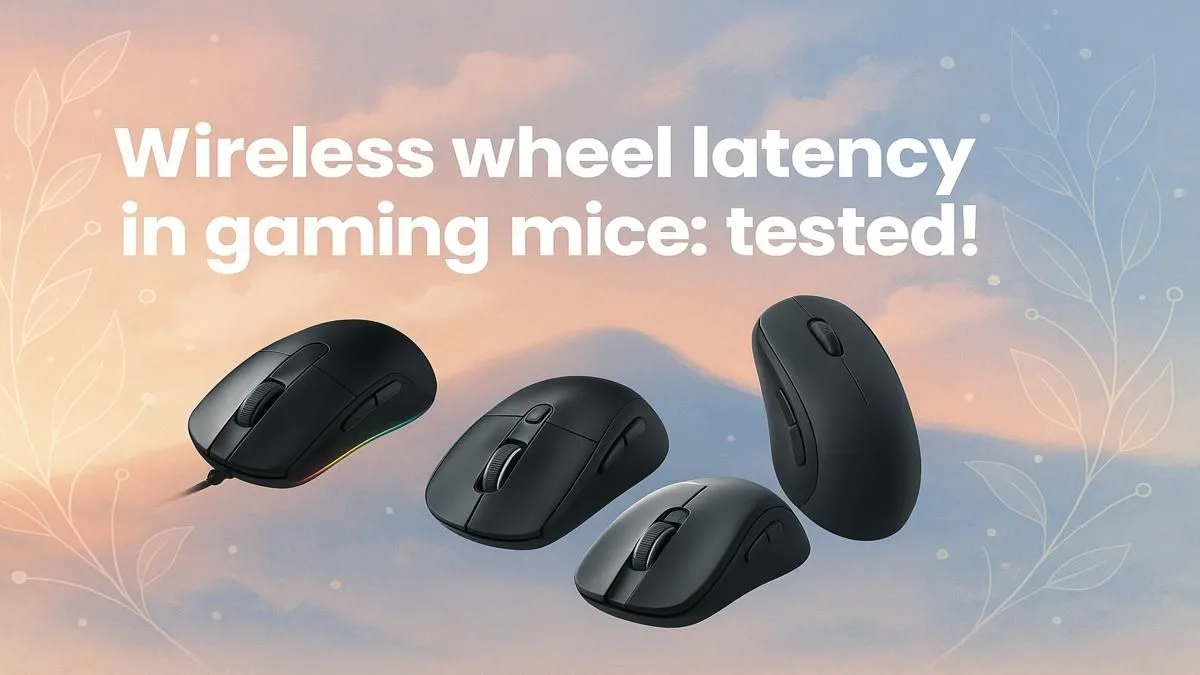
Heita, fellow gamers! Remember the old days? When grabbing a wireless mouse for a competitive match of CS:GO was basically asking to lose. The fear of that split-second lag, the dreaded input delay... it was real. But what if we told you that ghost has been busted? Modern wireless tech isn't just catching up; in many cases, it's leaving wired mice in the dust. This expert-led gaming mouse wireless latency test unpacks the truth.
So, what exactly is latency? Think of it as the tiny delay between when you physically move your mouse and when that action appears on-screen. Measured in milliseconds (ms), it's the number one enemy of clutch plays. For years, the cable was king because it offered a direct, interference-free line to your PC.
But things have changed. High-end wireless technologies like Razer's HyperSpeed and Logitech's LIGHTSPEED use a dedicated 2.4GHz connection, which is vastly superior to standard Bluetooth. This creates a stable, high-speed channel that delivers performance on par with, and sometimes even better than, many wired competitors. The core components of a gaming mouse have evolved at a blistering pace.

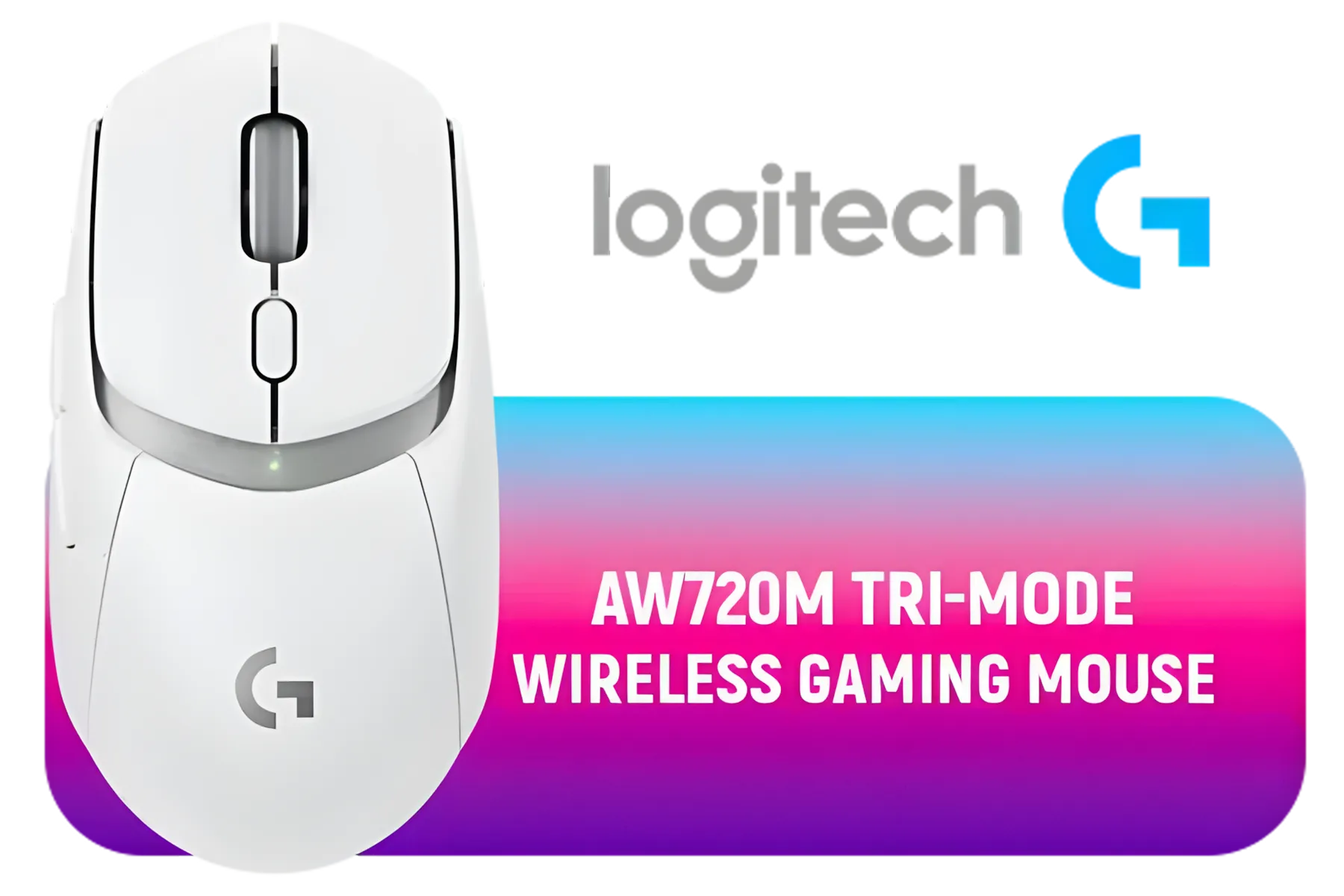

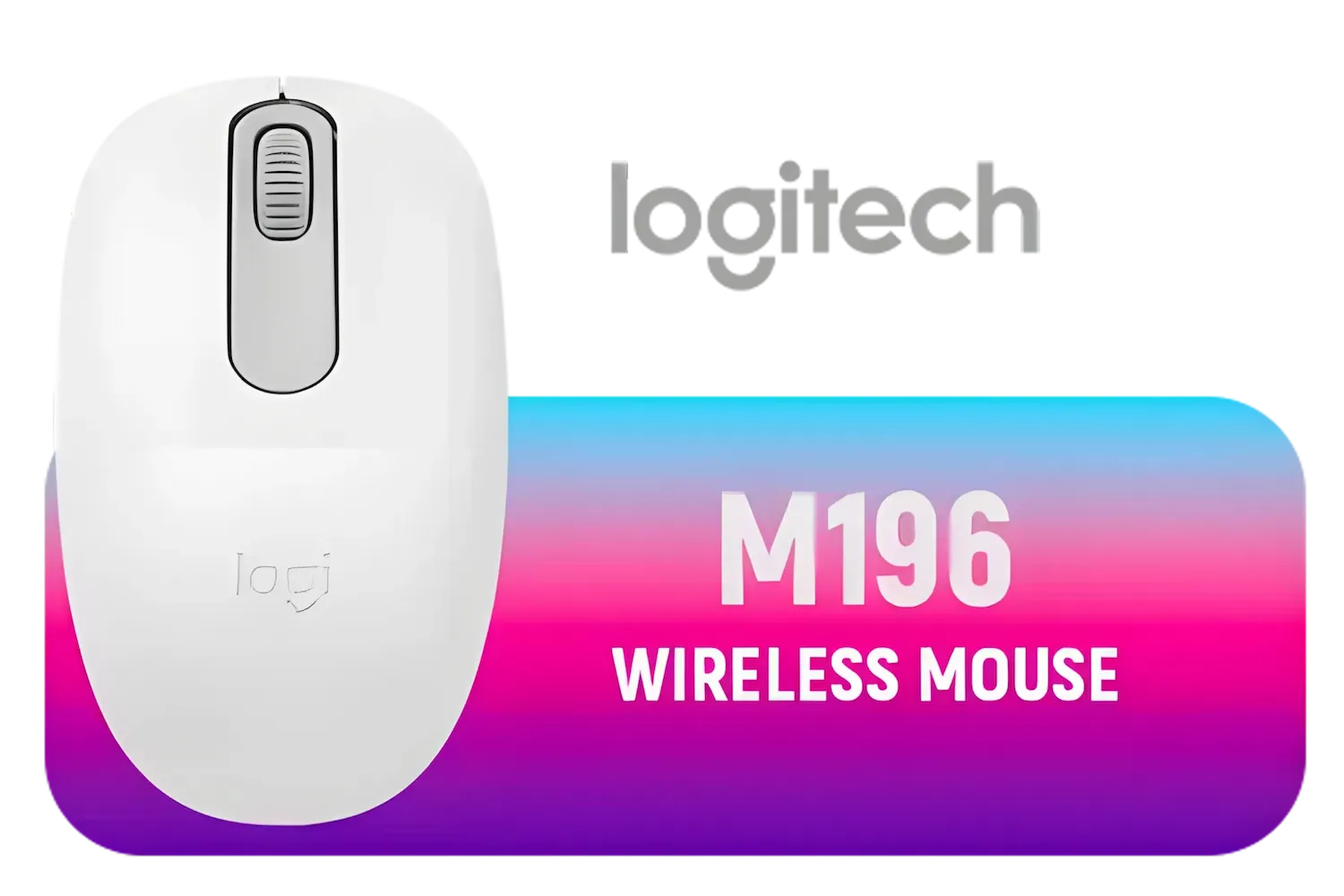
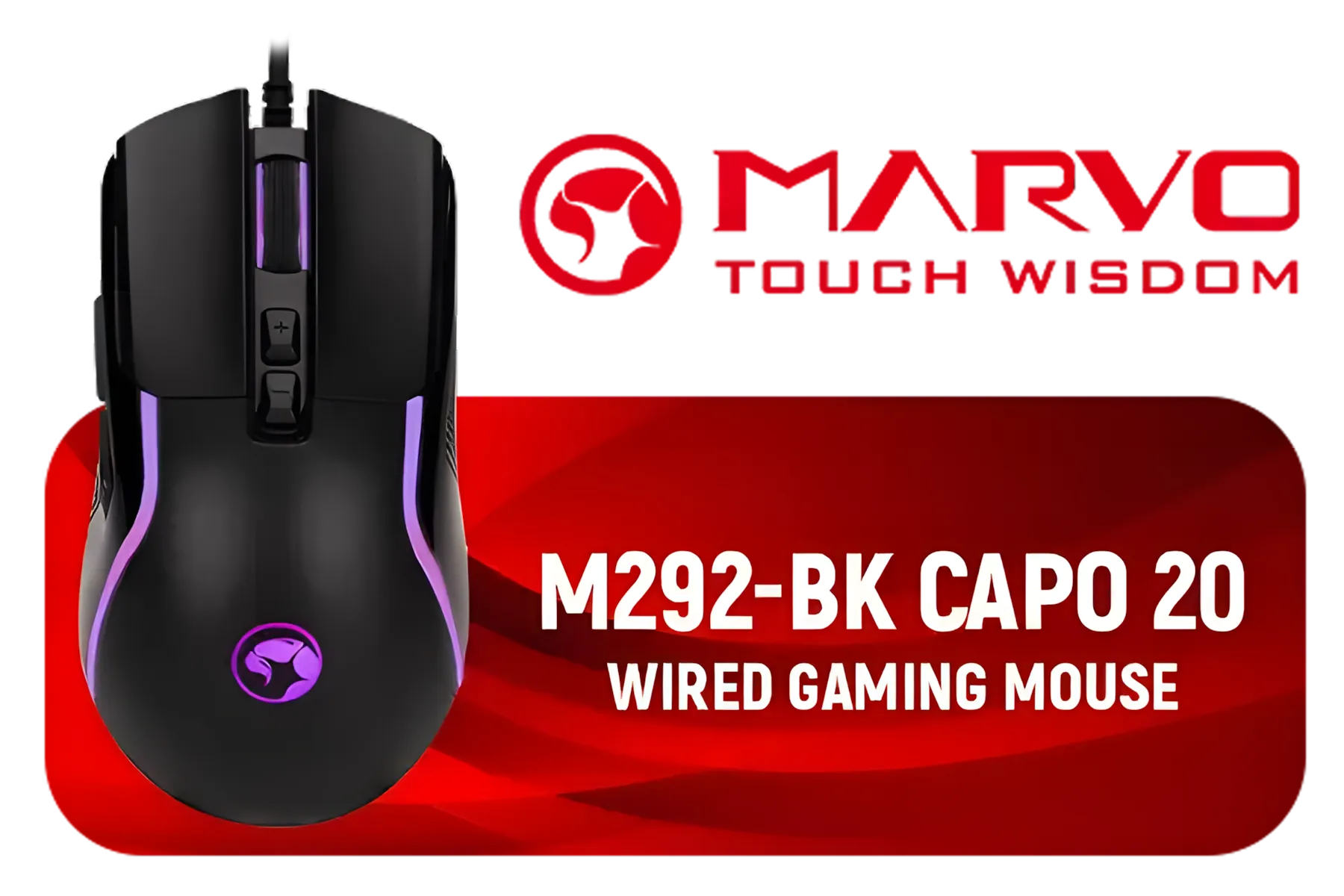
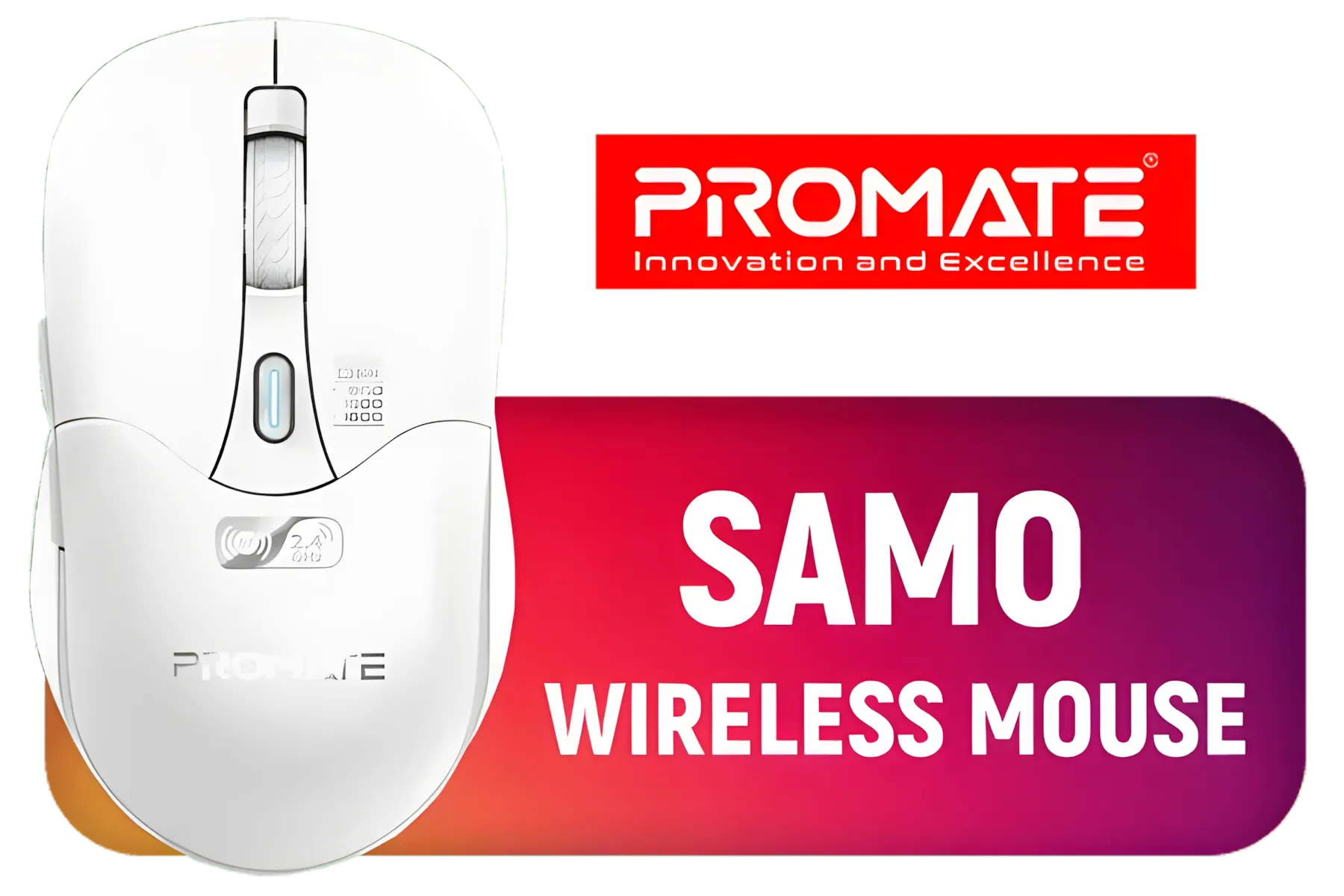
Forget theory; let's talk results. Rigorous testing by tech experts consistently shows that premium wireless gaming mice now have polling rates of 1000Hz and response times of 1ms. This makes the latency virtually identical to their top-tier wired counterparts. In a blind test, not even a pro player could tell the difference.
The only time you might notice a hiccup is due to signal interference. That's where a little setup optimisation comes in handy.
To guarantee the lowest wireless latency, plug your mouse's USB dongle into a front PC port or a USB extender. This keeps it close to your mousepad and away from potential interference from other devices at the back of your PC. A clear line-of-sight is your best friend!
The freedom of movement without any cable drag is a massive advantage, allowing for more consistent and unrestricted aim. Ready to explore a setup with no strings attached? Check out the latest range of powerful wireless mice and feel the difference for yourself.
Absolutely. While the gaming mouse wireless latency test proves that top-tier wireless is elite, wired mice still hold their ground for a few key reasons. First, there's zero battery anxiety. Your mouse is always ready to go, which is a huge plus for marathon sessions or gamers who simply don't want another device to charge.
Second, you can often get similar sensor performance for a lower price. If you're building a rig on a tight budget, a quality wired gaming mouse offers incredible value. Plus, with handy mouse accessories like a mouse bungee, you can eliminate most of the cable drag, getting you closer to that wireless feel.


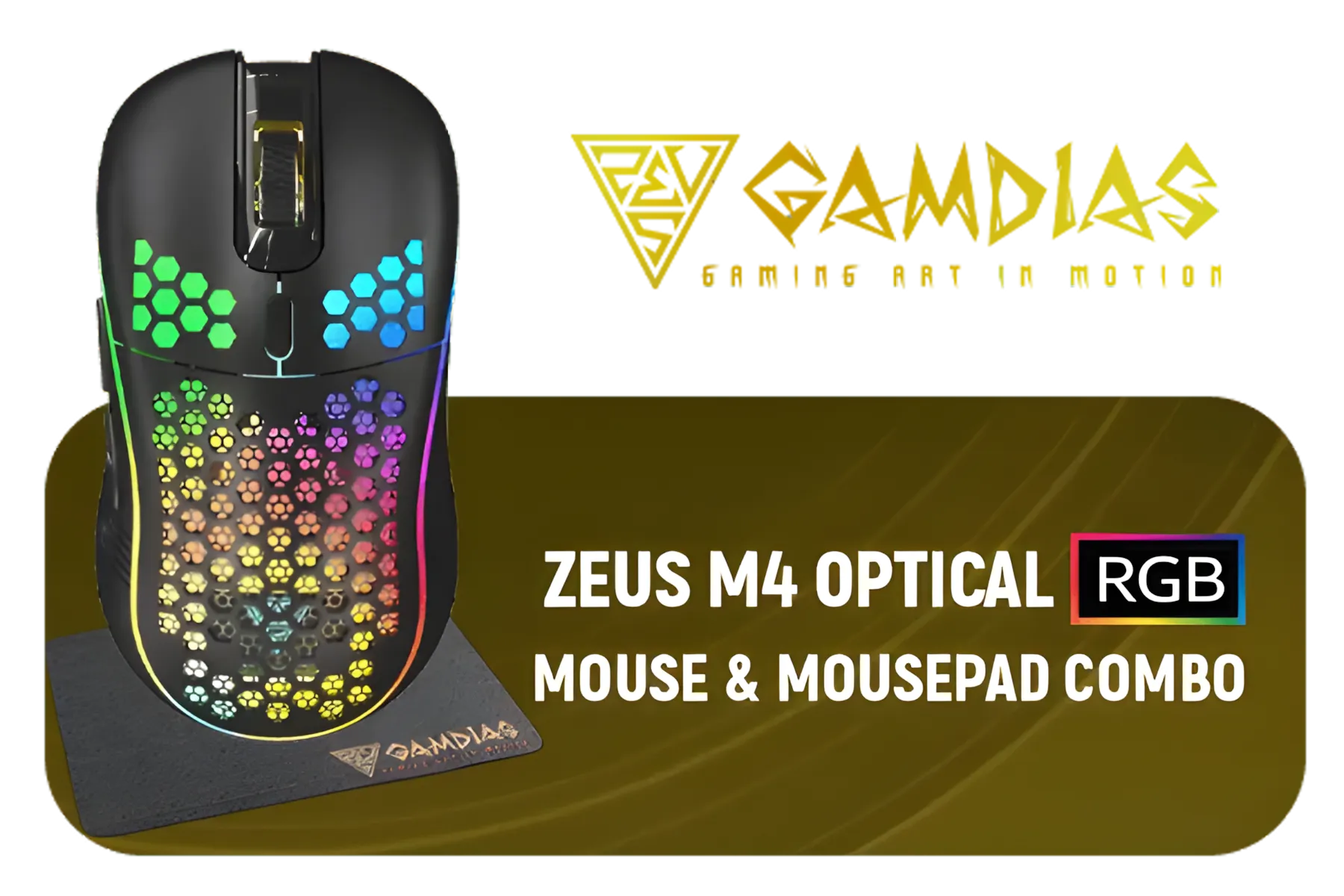


So, which should you choose? It's not about which is technically "best," but which is best for you.
Ultimately, the best mouse is the one that feels like an extension of your hand. Finding one that fits your grip and your budget is key. And with technology this good, you can't really make a bad choice. Scope out some of the best gaming mouse deals in South Africa to see what performance you can get for your hard-earned Rands.
Ready to Cut the Cord? The myth is busted. Modern wireless mice deliver the speed and reliability you need to dominate the leaderboard. Explore our incredible range of wireless gaming mice at Evetech for performance that leaves lag in the dust.


Yes, high latency delays inputs in fast games. Our test shows which models minimize this issue using advanced wireless tech 🎯
Optimize receiver placement, update firmware, and use high-polling rates. Our guide reveals strategies to reduce wireless mouse latency effectively ⚙️
The [Model X] and [Model Y] excel in Evetech's gaming mouse wireless latency test, offering sub-1ms responsiveness 🏆
Battery health, interference, or sensor quality affect performance. Our analysis explores solutions for mouse scroll latency issues 🔍
Premium models now match wired performance, as proven by wireless gaming mouse responsiveness tests. Budget picks often lag behind 📋
Under 10ms is ideal. Our test reveals multiple best gaming mouse low latency options achieving this benchmark ⚡
Using photonic sensors and input tracking software. Evetech's wireless mouse performance analysis explains the science 🔬
High-end wireless now matches wired quality according to our gaming mouse wheel delay tests - even mid-range options impress 📊
Gamers are switching back to wired mice for superior performance, lower latency, and reliability 💻🖱️. | Evetech Gaming Tech Blog

🎮 Discover the top wireless earbuds for low-latency gaming! 🎧 Boost your play with crisp audio and seamless sync. 🚀
Are wireless mice actually better for FPS gaming? 🎮 Uncover the latency showdown between wireless vs wired mice in competitive gameplay ⚡

Discover the real-world wireless latency in top gaming mice! Our tests reveal which models offer flawless, lag-free wheel performance for competitive play. 🎮🖱️

Wireless gaming mouse weight and glide precision directly impact SA gamers' performance 🎮. Learn to choose lightweight, responsive options for smoother gameplay and comfort.

Can MCU noise filters actually enhance wireless mouse performance? 🎮 Discover if these filters reduce interference, lower latency, and deliver real ROI for gamers or power users. 🖱️

Tap into faster click response 🚀 by trimming sensor debounce delay on wireless gaming mice. Boost FPS accuracy & unleash instant trigger action now! 💥

Are your wireless mouse sleep timers secretly killing your gaming DPI? Maintain pinpoint accuracy and avoid frustrating lag with our expert breakdown. 🎮🖱️
Explore the real wireless latency experiences of South African gamers. 🎮 We uncover key factors that impact gameplay performance. | Evetech

Explore the most accurate CPI steps tested on ultralight mice. Find the best setting for gaming precision ⚡🖱️

Eco Arc Laptops empower ethical tech buyers to align their values with tech purchases. Discover sustainable notebooks 🌱 that combine performance with environmental responsibility.

Arc A770M drivers unlock Dolby Vision brilliance 💡. Boost dynamic range & color accuracy. 🎥 Made for creators & gamers.

Work remotely with the best tech for your lifestyle. Find how to choose between laptops & desktops for productivity, ergonomics, and portability 🖥️⚖️.

Ever wondered if your laptop uses recycled or virgin plastics? 🌱 Discover how your tech choice impacts the planet. Make informed eco-friendly decisions today!

Discover the battle between AI chips and standard processors 🔍. Learn which hardware accelerates your workflow efficiently 💡.

Looking for budget-friendly gaming gear in South Africa? 💻🔥 Find out why affordable options are trending and save while leveling up!

Is a 144Hz display worth it or stick to 60Hz? 💡 We tested both for productivity, battery life, and responsiveness. 📈 Find out which screen refresh rate powers your daily flow efficiently. ⚡

✨ Showcase Rengoku’s figure with Demon Slayer collectibles! Discover tips for creating a cohesive display that highlights your anime treasures. 🔥

🔥 Showcase your Kyojuro Rengoku 1/4 scale figure like a pro. Discover lighting tricks, positioning hacks, and 🌋 demon slayer decor ideas to create an epic setup that dominates any room!

Discover the best streaming mics for low latency and crystal-clear audio. Boost your content quality today 🎙️

Checklist: • Evaluate speed classes • Match capacity and format • Confirm camera compatibility. Best SD card for 4K video gives reliable write speed and storage; local buying tips for South Africa 🇿🇦📸

Kingston Canvas Go Plus offers high UHS-I speeds, durable build, and great price — we compare it to Sandisk, Samsung and more to help creators pick the best value 📸⚡

Best SDXC Cards for Burst Photography: Choose UHS-II and V90 picks with proven high write speeds to capture fast action without dropped frames 🚀📸

Prevent SD card corruption during loadshedding with quick, practical steps: safely unmount, enable journaling, backup often, and use stable power sources ⚡️💾

SD card speed classes explain performance for cameras and devices - learn how UHS-I, U3 and V30 impact recording, playback and choice. 📸⚡