


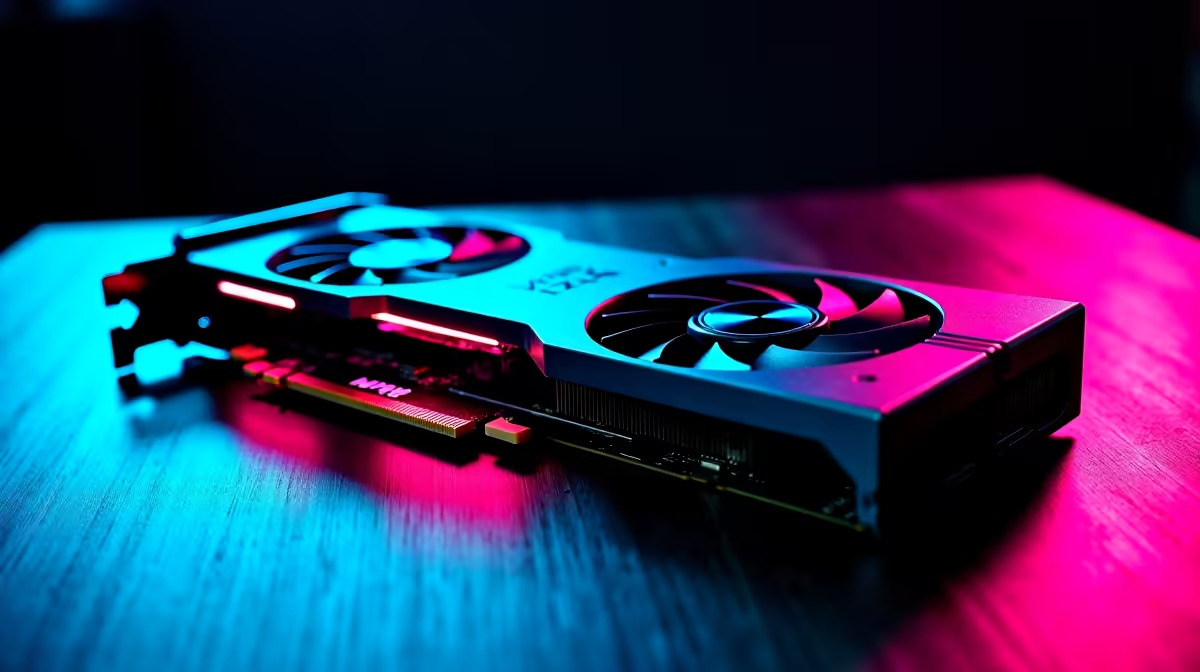
Optimising Counter-Strike 2 Settings for RTX 4060 Ti on South African Setups 🎯
If you want smooth gameplay and crisp clarity on Counter-Strike 2, your RTX 4060 Ti can deliver. But tweaking in-game settings is crucial to squeeze every precious frame per second (FPS) without losing graphic quality. South African gamers often face hardware bottlenecks or unstable connections, so optimising FPS can transform your experience from frustrating lag to clean, reactive action. Ready to unlock your PC’s full potential?
Tweaking Graphics for Maximum FPS with the RTX 4060 Ti
The RTX 4060 Ti is a solid mid-range GPU that balances performance and efficiency well on popular titles like Counter-Strike 2. To maximise FPS, start by lowering specific settings:
- Texture quality: Set to Medium or High depending on VRAM usage. The RTX 4060 Ti has 8GB VRAM, so medium often suffices without visual downgrade.
- Shadows: Drop to Low or Off to reduce GPU strain. Shadows eat a lot of processing power.
- Anti-aliasing: Use TAA or disable it for extra FPS gains without jagged edges.
- Render Scale: Keep it at 100% for native resolution clarity without scaling lag.
These adjustments are perfect for a South African gaming PC with components sourced from great local deals like best gaming PC deals that combine value with power.
Advanced Settings and GPU Control Panel Tips 🔧
Besides in-game settings, leverage the Nvidia Control Panel for RTX 4060 Ti optimisation:
- Power Management Mode: Set to “Prefer maximum performance.”
- Texture Filtering Quality: Change to “High performance” over quality.
- Vertical Sync: Disable to avoid input lag and increase responsiveness.
Enabling Nvidia Reflex in Counter-Strike 2 can also cut latency, giving you the edge in high-stakes matches. These tweaks make a difference on South African broadband too, where every millisecond counts.
Pro Tip for Stable FPS
update your GPU drivers from the [latest graphics cards](https: www.evetech.co.za PC-Components buy-graphics-cards.aspx) section to ensure optimal support and bug fixes tailored to Counter-Strike 2.
Balancing Visuals and Performance with Pre-built or Custom PCs 🚀
Not every gamer builds their PC, and that’s okay. Pre-built options with RTX 4060 Ti configurations can come already optimised or at least provide the hardware headroom to tweak easily. Check out pre-built PC deals offering units with smooth airflow and sufficient RAM — two key factors for preventing performance dips mid-game.
If you’re on the move or favour portability, gaming laptops remain viable. Models with RTX 4060 Ti GPUs deliver good thermal management and tuning possibilities, too. Explore gaming laptops available in South Africa to find options tailored to your budget and lifestyle.
Maintain Your PC with Regular Tweaks and Check for Specials ✨
Regularly clearing caches, closing unnecessary background apps, and monitoring temperatures help keep your system rock-solid during sessions. Also, keep an eye on local special offers from Evetech to upgrade your rig affordably. Graphics card prices fluctuate, but good deals in South Africa can cut costs significantly and extend your gaming lifespan.
With these optimisations, your RTX 4060 Ti will yield smooth FPS and superb Counter-Strike 2 visuals. Ready to get that perfect setup?
Upgrade Your Gaming Setup Today Discover unbeatable value and performance with Evetech’s range of graphics cards and PC deals — Shop now at Evetech for performance that leaves lag in the dust.











