

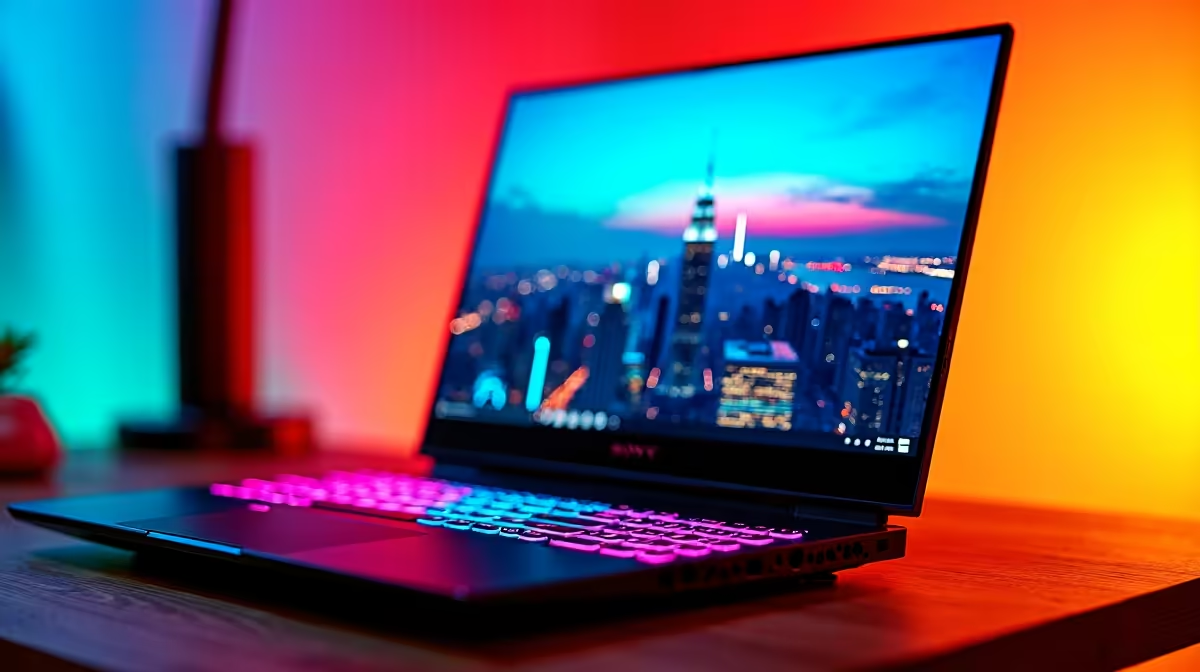
Finding the Best Laptops for Cities Skylines 2 in 2025 ⚡
South African builders and strategists... Cities Skylines 2 demands laptops that handle vast urban landscapes without hiccups. Whether you’re balancing traffic chaos or crafting sprawling skylines, a smooth gaming experience is a must. Choosing the best laptops for Cities Skylines 2 ensures your build time is interruption-free and visually stunning. Expect powerful graphics, speedy processors, and a screen that showcases every detail. Let’s explore what suits you best in 2025.
What Makes a Laptop Ideal for Cities Skylines 2?
Cities Skylines 2 relies on CPU muscle for extensive simulations and GPU power for rendering detailed visuals. A laptop with a mid to high-tier processor, plus at least 16GB RAM, will keep gameplay fluid. Graphics-wise, a dedicated GPU like NVIDIA’s RTX series or AMD’s Radeon RX ensures frame rates stay steady during those busiest city moments.
Beyond raw specs, battery life and display quality affect your gaming session comfort. Look for laptops with fast refresh rates to smooth out animations. South African gamers often make choices balancing performance and budget – luckily, options range from affordable Ryzen machines to premium Intel setups.
Top Processor Choices for Smooth Simulation
Intel’s latest i7 and i9 processors offer exceptional single-core performance, crucial for simulation speed. If you prefer AMD, the Ryzen 7 and 9 CPUs deliver robust multi-threading, which benefits background simulation and multitasking. Discover competitive Intel laptops on special to find offers perfect for your build.
Pro Tip for Your Processor Choice
Don’t just chase GHz numbers—look for laptops with efficient cooling to maintain performance under heavy simulation loads.
Powerful GPUs to Render Your Metropolis
A laptop equipped with NVIDIA’s GeForce RTX GPUs brings ray tracing and DLSS support—features that enhance Cities Skylines 2’s look without sacrificing speed. For South African gamers watching their spend, GeForce RTX gaming laptops on special offer a great tech-to-price balance.
Alternatively, AMD-powered laptops provide solid competition with Radeon graphics. For those on tighter budgets, Ryzen laptop deals deliver reliable power to keep your game smooth.
Budget-Friendly Picks Under R20 000
Not every gamer needs a bleeding-edge rig to enjoy Cities Skylines 2. There are capable laptops under R20k that handle the game well when settings are optimised. Browse the buy gaming laptops under R20k range to find great options that won’t break the bank but still shine when managing city havoc.
Balancing Performance and Portability with Gaming Laptops
Since Cities Skylines 2 can run for hours, weight and heat output matter for your gaming comfort. Many powerful gaming laptops now offer thinner builds without throttling performance. Whether you game at home or at a friend’s place, portability is key. Evetech’s best gaming laptop deals showcase machines that tick all boxes for gamers in South Africa.
Wrapping Up: Your Perfect Cities Skylines 2 Laptop Awaits 🔧
Finding the best laptops for Cities Skylines 2 is about matching your gameplay style with hardware that can keep pace. Whether it’s high-end Intel or budget-friendly Ryzen, there’s a laptop ready to bring your city to life. Don’t compromise on smooth simulation or visuals—your ideal gaming rig is just a click away.
Grab Your Ultimate Cities Skylines 2 Laptop Today Ready to elevate your urban empire without lag? Shop now at Evetech for performance that leaves lag in the dust.











