


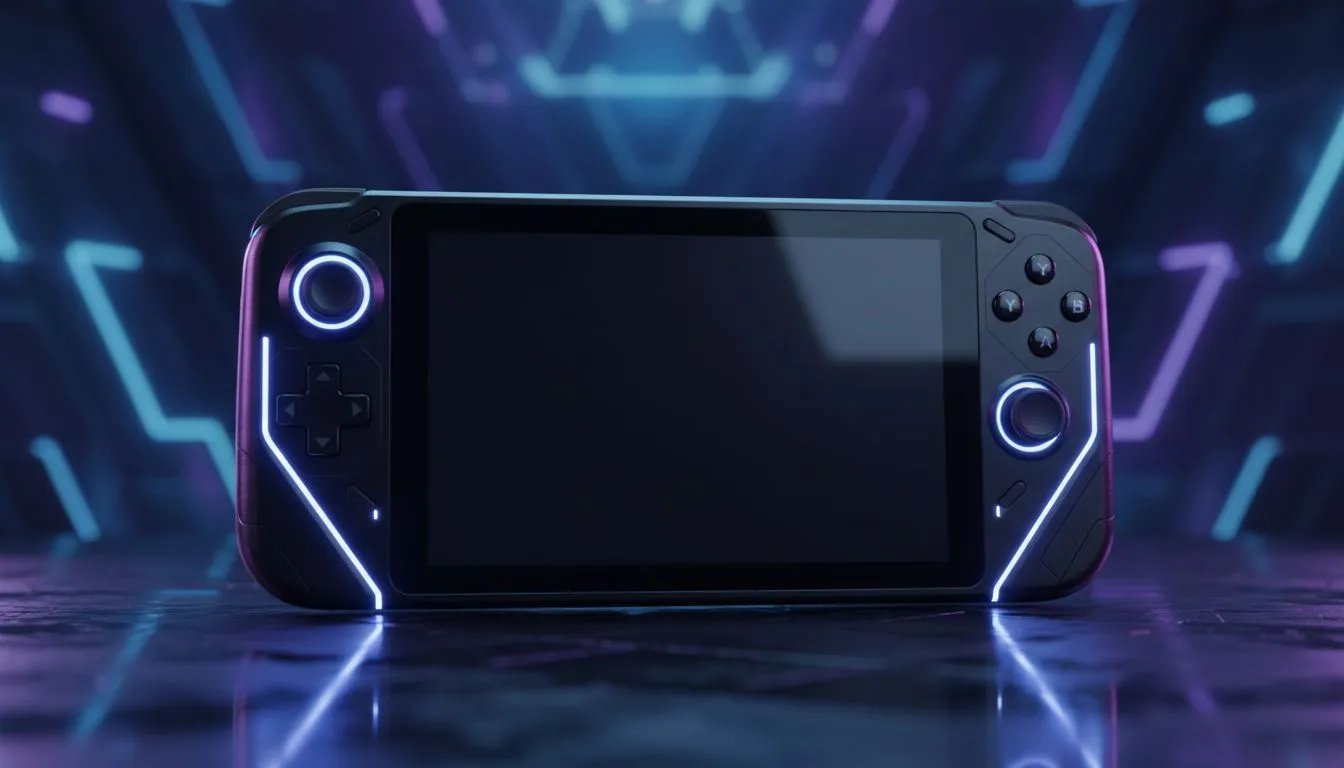
The Rift in Your Backpack: Playing League on the Go
Imagine securing a Pentakill while waiting for your flight at OR Tambo, or defending the Nexus during an unexpected outage without needing a massive generator to power a desktop rig. The dream of playing full League of Legends on handheld devices is finally a reality. We aren't talking about the mobile-only Wild Rift here; this is the full PC client experience running on the latest handheld gaming consoles available in South Africa.
The technology has matured rapidly. With powerful APUs and high-refresh-rate screens, devices from top manufacturers are transforming how we approach MOBA gaming. But how does a mouse-and-keyboard heavy game translate to a portable form factor? Let’s dive into the setup, the gear, and the strategy.
Choosing Your Weapon: The Hardware ⚡
Not all handhelds are created equal, especially when you need the precision required to land a Thresh hook.
If you prioritise versatility, the Lenovo Legion Go is arguably the most interesting contender for MOBA players. Its standout feature is the detachable right controller, which converts into a vertical mouse (FPS mode). This solves the biggest hurdle of playing League on a portable device: mouse accuracy. You get the portable screen with genuine mouse control, all without needing to carry extra peripherals.
For those who prefer a more integrated, lightweight chassis, the ASUS ROG Ally series offers incredible performance per watt. While you will likely need to dock it or map the joysticks extensively for casual ARAM matches, the sheer horsepower ensures that team fights remain buttery smooth at 120Hz.
Alternatively, if you are looking for Intel-based architecture and ergonomic grip comfort for long grinding sessions, the MSI Claw lineup is making waves. These devices often feature Thunderbolt support, making them exceptionally easy to dock with a monitor and keyboard when you return home, effectively turning your handheld into a full desktop replacement.
Optimising Controls for the Touchscreen Era 🔧
Let's be honest: playing League of Legends strictly with analog sticks is difficult. The game demands rapid cursor movement that joysticks struggle to emulate. However, it is not impossible for casual play (like Arena mode or TFT).
To make it work, you have two main routes:
- The Docker Strategy: Treat the handheld as a mini-PC. Connect a Bluetooth mouse and keyboard. This is the only way to play Ranked competitively.
- The Mapper Strategy: Use software like Steam Input or ReWASD to map your joystick to cursor movement and your triggers to Q, W, E, and R. It takes practice, but for farming in practice mode or playing Teamfight Tactics (TFT), it works brilliantly.
Control Configuration Tip 🚀
If you are playing without a mouse, enable 'Target Champions Only' as a toggle in your LoL settings. Map this to an easy-to-reach button on your handheld (like a back paddle). This prevents you from accidentally targeting minions when using joystick-simulated mouse movements during chaotic skirmishes.
Performance and Battery Life
Running League isn't as taxing as Cyberpunk 2077, which is great news for battery life. On most modern Windows handhelds, you can cap the TDP (Thermal Design Power) to 15W and still achieve a locked 60FPS or higher. This extends your play session significantly—vital when you are stuck away from a power outlet.
In South Africa, where hardware prices can fluctuate, these devices offer immense value. Instead of buying a separate laptop for travel and a console for home, a ZAR 14,000 to ZAR 18,000 investment in a high-end handheld covers both bases.
Ready to Take the Nexus Anywhere? Whether you need the precision of Lenovo's FPS mode or the raw power of ASUS and MSI, portable gaming has never looked this good. Explore our massive range of handheld gaming consoles and find the perfect machine to conquer your world.









