


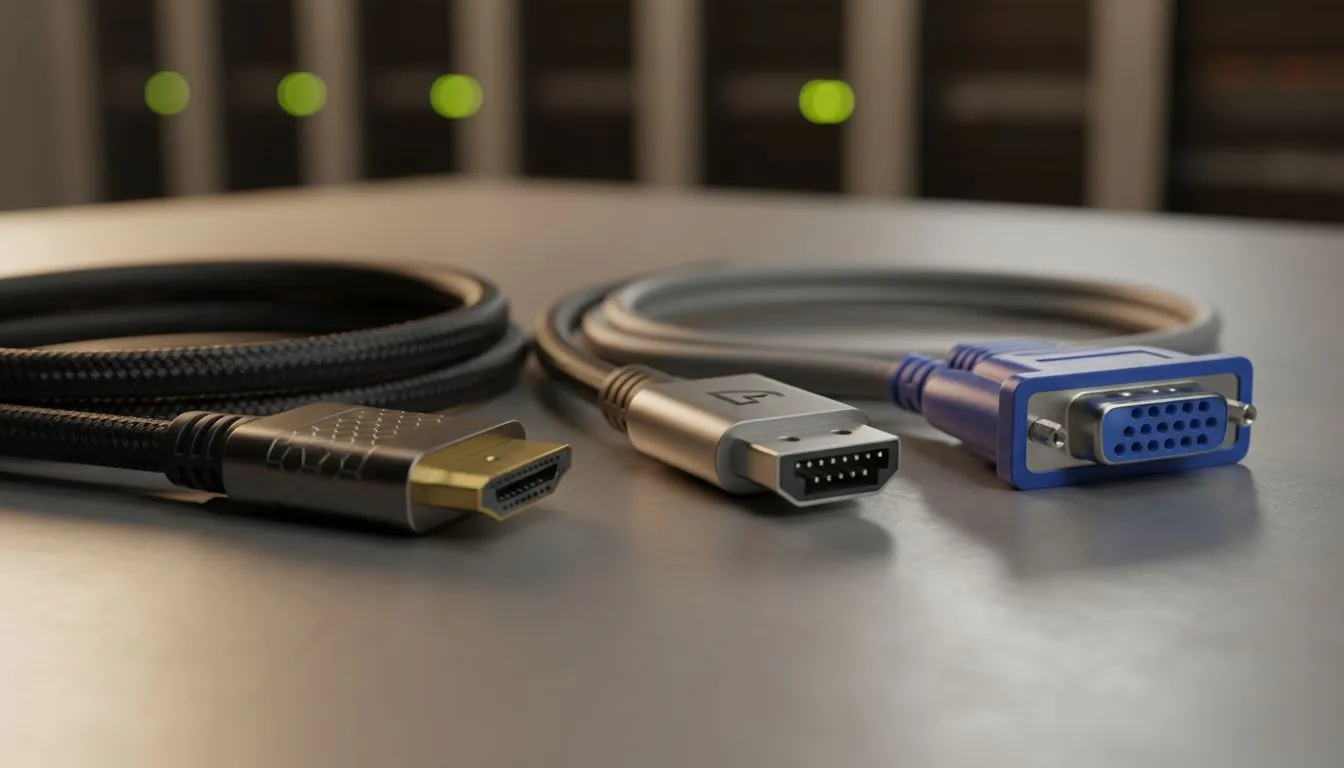
Understanding the Basics: HDMI vs DisplayPort vs VGA: Which Cable Should You Use?
You just unboxed a shiny new screen in Joburg or Cape Town. You look at the back and see three different ports. Which one actually gives you the best frames? Choosing between HDMI vs DisplayPort vs VGA: Which Cable Should You Use? isn't just about what fits... it is about unlocking the full potential of your hardware 🚀.
VGA: The Legacy Connection
VGA is the old school analogue standard. You will mostly find it on older office hardware or budget projectors. It does not carry audio and struggles with resolutions above 1080p. If you are still using this for gaming, you are leaving massive performance on the table. Unless you are reviving a PC from 2005, it is time to upgrade.
HDMI: The Versatile All-Rounder
HDMI is everywhere. From your console to your TV, it is the most common way to move pixels. It carries both high-definition video and audio in a single cable. For most flat monitors, HDMI 2.0 or 2.1 provides more than enough bandwidth for 4K gaming and HDR content. It is reliable, affordable, and easy to find across South Africa.
DisplayPort: The Gamer's Gold Standard
If you want the absolute best refresh rates, DisplayPort is the king. It was designed specifically for computer displays. It handles higher bandwidth than most HDMI versions... making it essential for competitive play.
Most importantly, DisplayPort is the native home for sync technologies. If you want to eliminate screen tearing, you need a cable that supports FreeSync (AMD) or G-Sync (NVIDIA) flawlessly. While some HDMI ports support these now, DisplayPort remains the most stable choice for high-end GPUs ⚡.
Refresh Rate Pro Tip ⚡
Always check your Windows Display Settings after plugging in a new cable. Often, Windows defaults to 60Hz even if your monitor supports 144Hz or 240Hz. Manually selecting the highest refresh rate ensures you get the smooth experience you paid for.
Choosing the Right Tech for Your Setup
The "best" cable depends on your specific screen. If you are rocking IPS panels for professional colour work, DisplayPort often offers better bit-depth support. For those who prefer curved monitors for ultra-wide immersion, the extra bandwidth of DisplayPort 1.4 or 2.1 is crucial to avoid flickering.
Modern Adaptive Sync technology works across both standards, but always check your monitor's manual. Some screens only reach their peak overclocked refresh rate via the DisplayPort input. If you are browsing our PC monitors section, keep an eye on the included cables to save yourself a trip to the shops ✨.
Ready to Find Your Perfect Match? The HDMI vs DisplayPort vs VGA debate is complex, but for maximum power, choice, and value in South Africa, the right monitor makes all the difference. Explore our massive range of PC monitors and find the perfect machine to conquer your world.











