


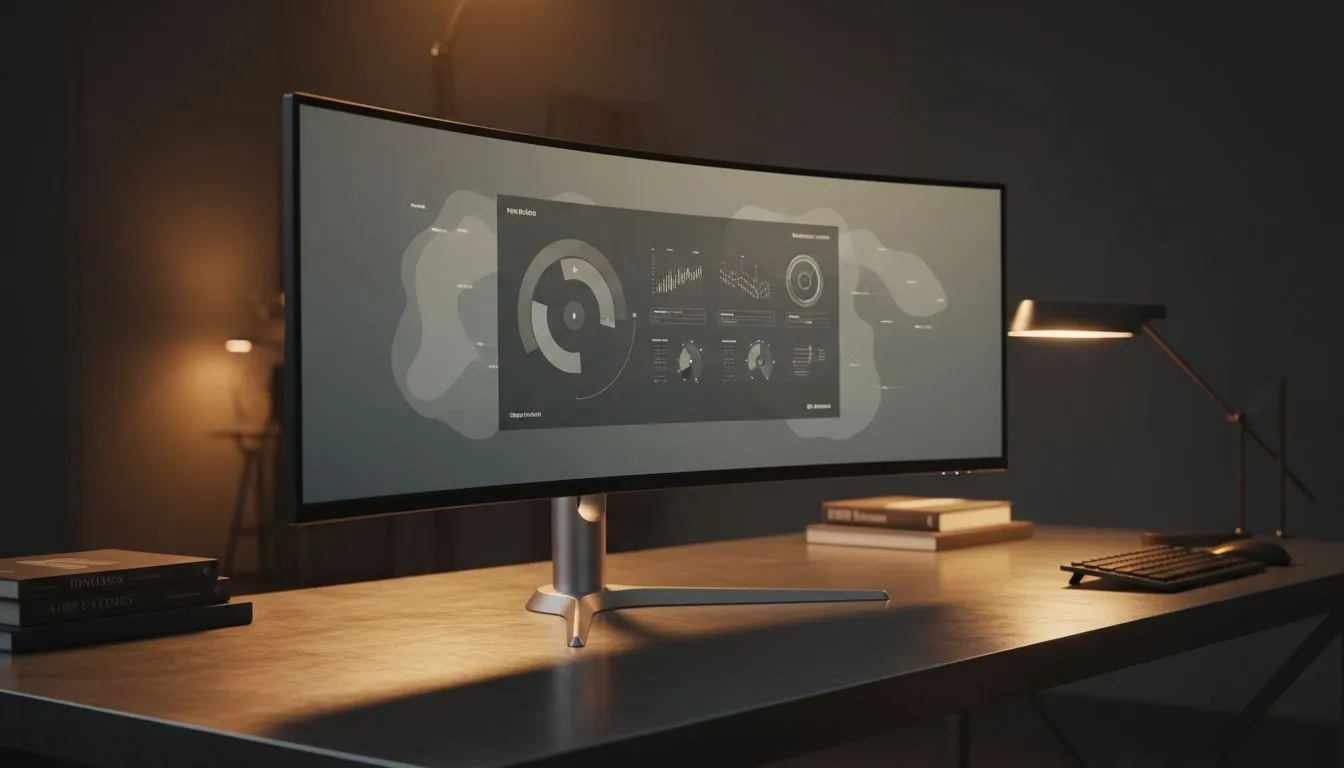
Let's be honest... staring at a tiny laptop screen all day is a recipe for a headache and poor posture. If you are setting up a workspace in South Africa, choosing the right Home Office Monitor Features: What to Look For is the most important decision you will make. It is not just about size... it is about how that panel treats your eyes during those long shifts. 🔧
Prioritising Panel Technology for Visual Clarity
When you spend hours reading text or editing spreadsheets, the type of panel inside your screen matters most. Most professionals agree that IPS panels are the gold standard for office work. They offer the best colour accuracy and wide viewing angles... which is vital if you need to show colleagues your work without the image distorting. You won't deal with the annoying "colour shift" found on older, cheaper screens.
Ergonomics Pro Tip ⚡
Always position your monitor so the top third of the screen is at eye level. This prevents neck strain during those long South African workdays. If your monitor stand doesn't adjust, a few sturdy books or a dedicated riser can save you a trip to the physiotherapist.
Smooth Motion and Eye Comfort Features
Even for basic office work, screen flickering or tearing can lead to significant eye fatigue. Many modern displays include Adaptive Sync to keep the image stable and fluid. If you use an AMD graphics card or integrated Radeon graphics, look for FreeSync (AMD) support. Conversely, users with high-end setups might prefer G-Sync (NVIDIA) compatibility. These features ensure your display refresh rate stays in perfect harmony with your computer... providing a seamless experience that feels much more natural to the human eye. 🚀
Choosing the Right Shape for Your Desk
The physical layout of your desk often dictates the best screen shape. A traditional Flat screen is excellent for general tasks and takes up less depth on narrow desks. However, if you are looking for a more immersive experience, a Curved monitor can be more comfortable. The subtle curve keeps the edges of the display at a consistent distance from your eyes... reducing the need for your pupils to constantly refocus as you look from the centre to the corners. ✨
Finding Value in the South African Market
You don't need to spend a fortune to get a high-quality display. Browsing the full range of PC monitors reveals options for every budget... with entry-level units starting around R1,800 and professional 4K displays going much higher. Focus on high resolution (at least 1080p, but ideally 1440p) and flicker-free technology. These small details make the difference between finishing your day feeling energised or ending it with a squint.
Ready to Upgrade Your Workspace? Choosing the right display is an investment in your productivity and health. Explore our massive range of monitor specials and find the perfect screen to transform your home office today.











