


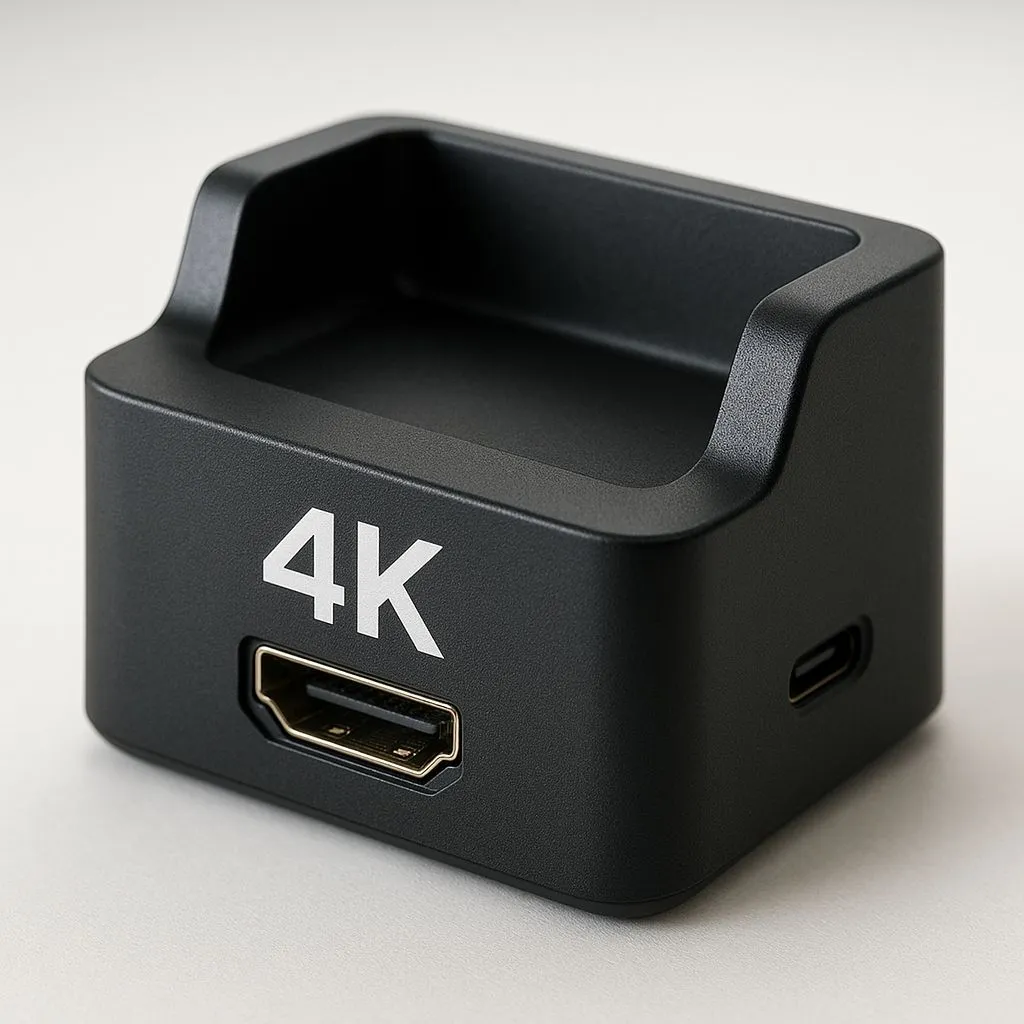
Imagine taking your portable console, plugging it into your lounge TV, and continuing your session in glorious high definition. That’s the dream, right? With the latest generation of portable PCs, it’s now a reality for South African gamers. Whether you’re chilling in Cape Town or grinding in Jozi, mastering handheld 4K TV docking transforms your tiny screen into a cinematic experience without needing a bulky tower.
The Hardware: More Than Just a Cable 🔌
To bridge the gap between a portable device and a 55-inch TV, you need the right gear. It isn't as simple as plugging in a USB-C cable and hoping for the best. You need a docking station that supports Power Delivery (PD) pass-through.
Most handhelds require at least 65W of power to run at full turbo mode while displaying to an external screen. If you use a cheap adapter, your battery will drain even while plugged in... leading to a sudden black screen right before a boss fight.
We are seeing a massive surge in versatile handheld gaming consoles entering the local market. They are powerful, but they need the right peripherals to shine on a 4K display.
Upscaling: The Secret Sauce 🚀
Let's be real for a second. A handheld device isn't going to render Cyberpunk 2077 at native 4K with ray tracing enabled. That would melt the chassis. The trick to handheld 4K TV docking lies in upscaling technologies.
AMD's FSR (FidelityFX Super Resolution) and Intel's XeSS are critical here. You render the game at 1080p or 720p on the device, and the software intelligently scales it up to look crisp on your 4K TV. This keeps your frame rates high and your visuals sharp.
Resolution Pro Tip ⚡
When docked to a 4K TV, set your handheld's output resolution to 1080p and let your TV or the game's FSR handle the upscaling. This saves system resources, reduces heat, and often results in a smoother frame rate than trying to force a native 4K signal from a portable chip.
Choosing Your Portable Powerhouse
Different brands handle docking slightly differently, primarily due to port placement and software integration.
The Heavy Hitters
If you are looking for pure performance and widespread accessory support, the ASUS ROG Ally series is a fantastic starting point. Their software suite allows you to create custom profiles specifically for when you are docked, ramping up the fan curves to handle the heat of a long session.
On the other hand, if you want a device that feels like a Switch but runs Windows, the Lenovo Legion Go is unique. Its detachable controllers mean you can dock the screen unit near the TV and sit back on the couch with the controllers in hand... no extra gamepad required.
The New Challenger
We also can't ignore the blue team. The MSI Claw utilises Intel Core Ultra processors. Intel's XeSS upscaling is proving to be incredibly efficient for docking scenarios, offering high image quality with lower performance overheads.
The Cost of Console Convenience 💰
Building a dedicated 4K living room PC can easily cost over R25,000. A handheld setup offers a hybrid solution for significantly less.
Remember to check your TV's "Game Mode" settings. Even with the best dock, a TV with high input lag can ruin the experience. Ensure your TV is set to low latency mode to keep your inputs snappy.
Ready to Dock and Dominate? Transform your gaming lifestyle with the ultimate hybrid setup. Whether you need the raw power of ASUS, the versatility of Lenovo, or the innovation of MSI, we have the gear you need. Shop our full range of handheld gaming consoles and take your game from the bus stop to the big screen today.










