Why Your Hands Hurt After Long Gaming Sessions
Ever felt that sharp sting in your thumb after a six-hour session of Warzone? We have all been there. Hand cramps are the silent enemy of South African gamers... turning a fun Sunday afternoon into a painful ordeal. If you want to stop hand cramps while gaming, you need more than just willpower. You need the right ergonomic controller tips and gear to keep your hands healthy. ⚡
The Importance of Grip Style and Posture
Most gamers grip their controllers too tightly during intense moments. This "death grip" restricts blood flow and strains the small muscles in your palms. To fix this, try to consciously relax your hands during loading screens. Ensure your wrists are in a neutral position... not bent too far up or down. If you are looking at buying gaming controllers, look for models with textured grips that reduce the effort needed to hold the device.
Choosing Hardware Designed for Comfort
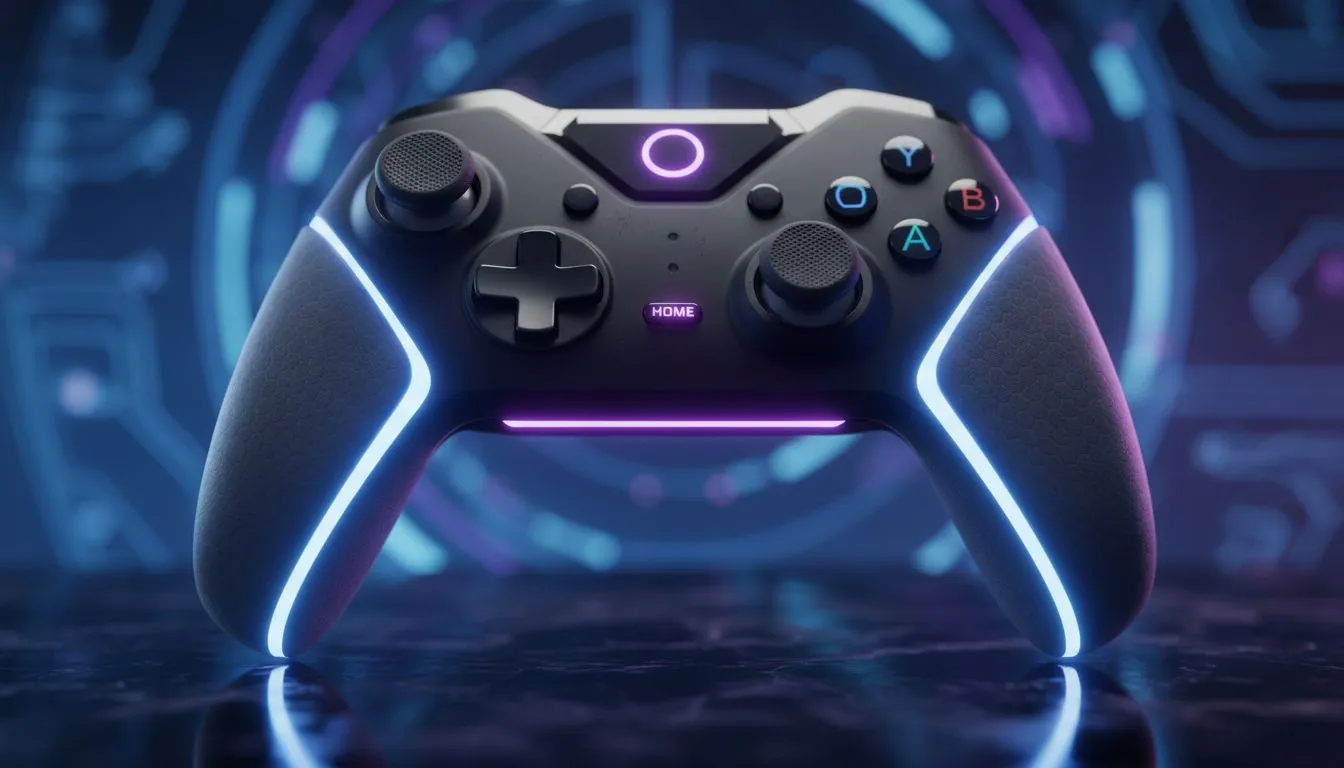
Not all controllers are created equal. Some are designed for portability, while others focus purely on performance and comfort. For those who take their competitive play seriously, Razer controllers are often the gold standard in ergonomics. They feature contoured shapes that fill the palm naturally, reducing the "claw" effect that leads to strain. ✨
Features That Reduce Strain
Modern tech can actually help prevent injury. Look for controllers with remappable back buttons. These allow you to keep your thumbs on the sticks while using your middle or ring fingers for actions like jumping or reloading. The Razer Wolverine V3 Tournament Edition is a prime example of this... providing extra buttons that prevent your thumbs from doing all the heavy lifting. 🚀
The 20-20-20 Rule for Gamers 🔧
Every 20 minutes, take a 20-second break and look at something 20 feet (about 6 metres) away. While doing this, gently stretch your fingers outwards and rotate your wrists. This simple habit keeps your tendons limber and prevents the onset of repetitive strain injuries during long sessions.
Pro Ergonomic Controller Tips for Every Build
Your physical setup matters just as much as your peripherals. If you play at a desk, ensure your elbows are at a 90-degree angle. This prevents you from leaning forward and putting unnecessary pressure on your wrists.
- Adjust Trigger Sensitivity: Use hair-trigger modes to reduce the force needed for every shot.
- Use Thumbstick Risers: These can offer better leverage... requiring less physical effort for precise movements.
- Stay Hydrated: Dehydration makes muscles more prone to cramping. Keep a bottle of water on your desk.
Investing in quality gear is the best way to protect your hands. While a standard controller might cost less initially... the long-term comfort of a premium ergonomic option is worth every cent in ZAR.
Ready to Find Your Perfect Match?
Don't let hand pain stop your climb up the ranks. For maximum comfort, precision, and the best tech deals in South Africa, upgrading your gear is the first step. Explore our massive range of gaming controllers and find the perfect tool to conquer your world.