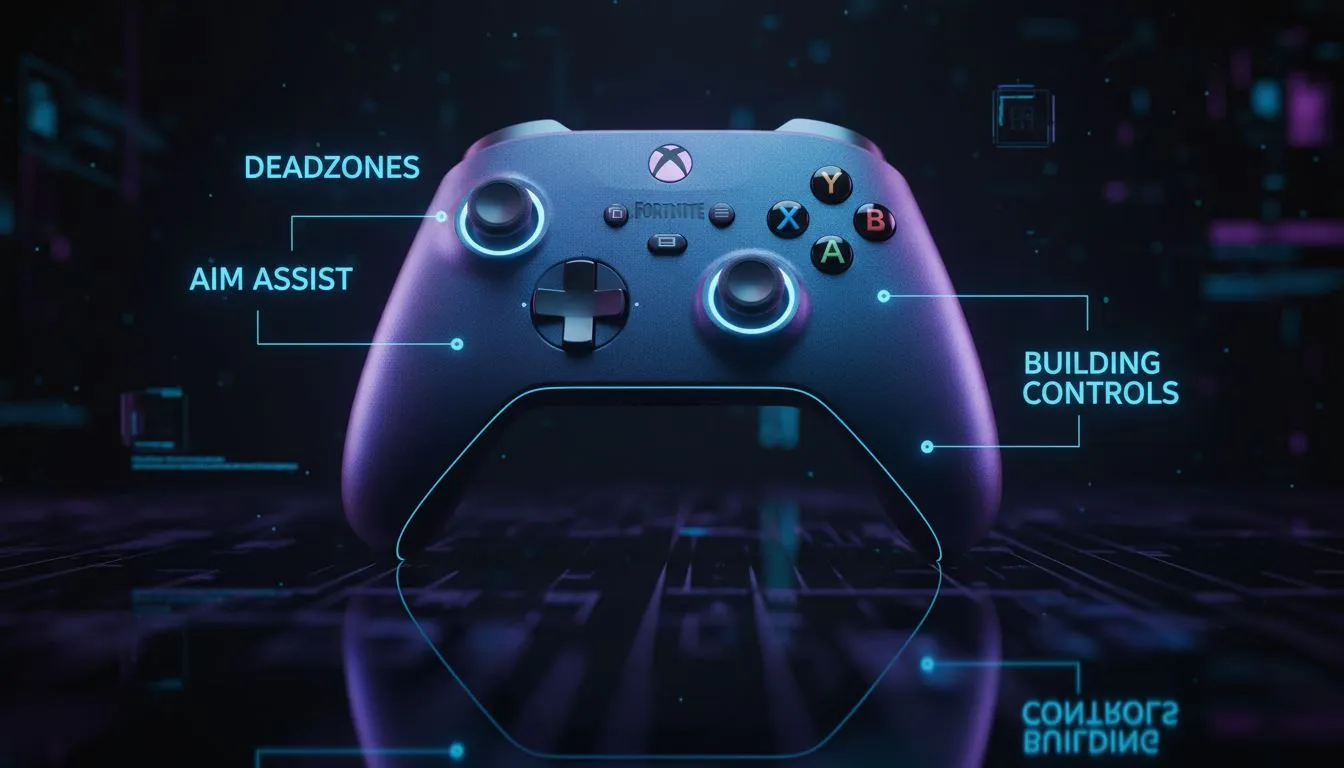
Tired of missing shots while your ping fluctuates on South African servers? Getting your Fortnite controller settings Xbox: deadzones, aim assist & builds right is the difference between a Victory Royale and a trip back to the lobby. Whether you are on a Series X or an older One, fine-tuning your response curves and build sensitivity is the fastest way to level up your gameplay today. 🚀
Optimising Aim Assist and Sensitivity for Xbox
For most competitive players, "Linear" is the preferred input curve. It provides a raw, consistent movement that makes tracking targets feel more natural compared to the ramp-up of "Exponential". If you prefer a snappier, traditional feel, Exponential might suit your playstyle... but Linear is generally king for close-quarters box fighting.
Ensure your Look Dampening Time is set to 0.00 seconds. Any value higher than this introduces an artificial delay that can make your aim feel sluggish. If you're looking for elite precision, the Razer Wolverine V3 Tournament Edition offers 8K polling rates that make these settings feel significantly more responsive than a standard pad.
Fine-Tuning Your Target Tracking
Aim assist is your best friend on console, but it only works effectively if your sensitivity isn't too high. A good starting point is 40% to 45% for both Horizontal and Vertical Look Speed. This allows you to turn quickly while maintaining enough control to stay glued to your opponent. If you find your crosshair "slipping" off targets, try lowering your ADS (Aim Down Sights) sensitivity to around 8% or 10%.
Master Your Deadzones and Build Speeds
Deadzones determine how much you need to move the thumbstick before the game registers an action. Lowering these to around 5% to 10% allows for tiny micro-adjustments, which are vital for long-range AR beams. However, be wary of stick drift... that annoying slow crawl when you aren't touching the controller. 🔧
Pro Sensitivity Tip ⚡
When adjusting your build and edit multipliers, try starting at 2.0x and working your way up. High-speed building is essential for South African players to compensate for higher ping... it allows you to place defensive walls faster than the server can register incoming damage.
If you find that your current hardware is holding back your mechanics, exploring the wider range of gaming controllers can help you find a device with more durable hall-effect sensors or mechanical switches.
Customising Build and Edit Multipliers
In the current meta, speed is everything. You want your Build Mode Sensitivity Multiplier to be high enough to "flick" a 360-degree wall around you instantly. Most pros land between 2.1x and 2.4x. Your Edit Mode Multiplier should be similar, ensuring your "triple edits" feel fluid rather than jerky.
Reliability is key when you're grinding Arena points. Many local enthusiasts prefer hardware from Razer because their controllers often feature additional remappable back buttons. These buttons allow you to jump and build without ever taking your thumbs off the sticks... a must-have for anyone serious about their Fortnite controller settings Xbox: deadzones, aim assist & builds. ✨
Ready to Find Your Perfect Match?
Mastering your settings is only half the battle... the right hardware does the rest. Explore our massive range of gaming controllers and find the perfect tool to help you conquer the island and secure those Victory Royales.