Why go wireless? ⚡
Cut the clutter and focus on play. A Wireless Charging Gaming Desk: Build a Clean Cable-Free Setup brings fast Qi charging, tidy cable routing and a sleek look to South African setups — especially useful if you game in a small pad in Cape Town or a dedicated rig in Joburg. Want fewer cables and a desk that charges your phone without fumbling for a cable? Read on. 🚀
What a wireless charging gaming desk actually includes
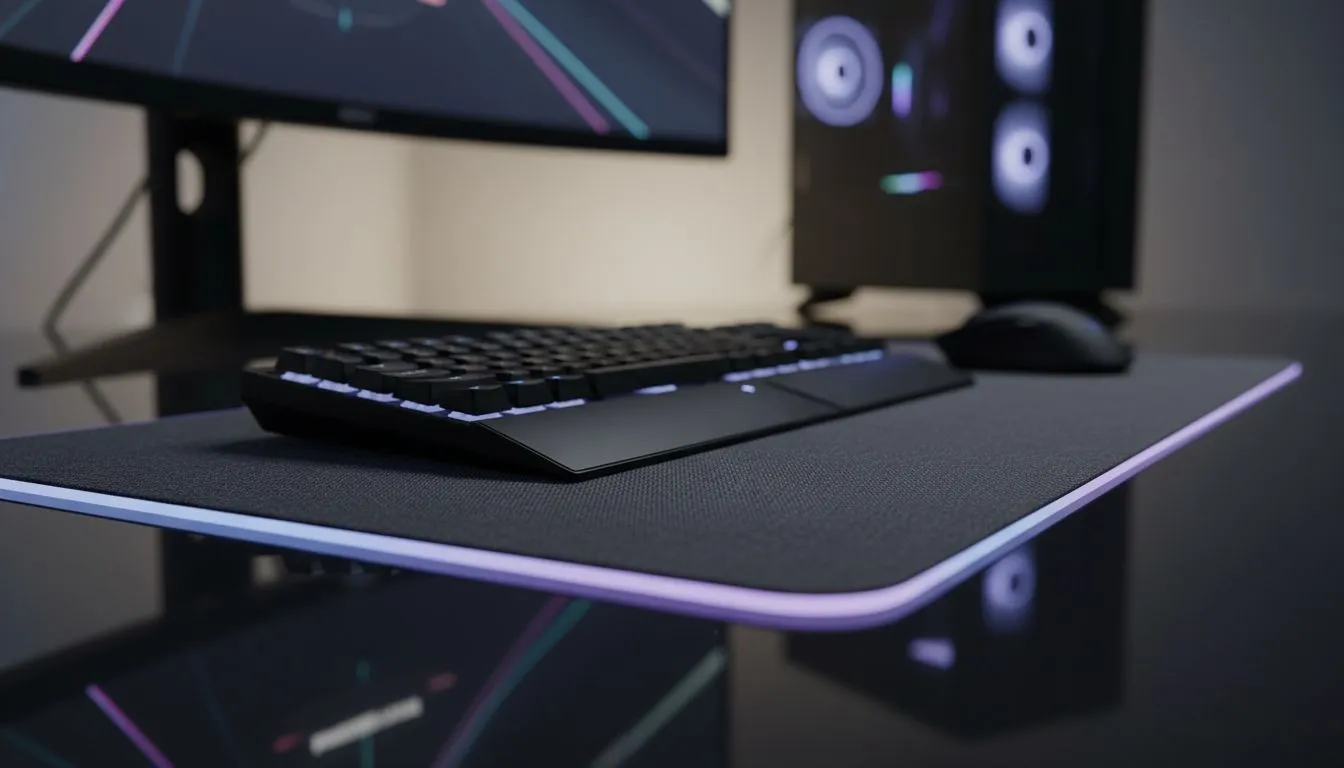
Start with a desk that integrates a Qi charging pad or a removable charging puck. Pair that with a low-profile mouse surface and tidy power routing. If you’re pairing peripherals, our Evetech mouse pad guide is a great place to start for texture and control comparisons: https://www.evetech.co.za/components/mouse-pads-101.
Done properly, the desk gives you a dedicated charging zone and a separate, high-friction mouse area. If you prefer brand-specific pads, check Evetech’s curated Evetech mousepad category for options: https://www.evetech.co.za/components/mouse-pads-101?category=Evetech+Mousepad.
Prefer a pro feel? SteelSeries pads are a common match for esports-style sensors — see the SteelSeries selection here: https://www.evetech.co.za/components/mouse-pads-101?category=Steelseries+Gaming+Mouse+Pads.
Choosing the right surfaces and sizes
A charging area needs to be smooth and unmoving. Many gamers pick a large cloth pad that covers keyboard and mouse zones. If you like budget-friendly options, Marvo pads offer decent control for entry-level setups: https://www.evetech.co.za/components/mouse-pads-101?category=Marvo+Gaming+Mousepads.
Want a minimal look without RGB? There are plenty of pads without lighting that keep the focus on your desk surface: https://www.evetech.co.za/components/mouse-pads-101?attributes-lightingeffects=No.
If you’re after flair and sync with your desk lighting, RGB pads are available too: https://www.evetech.co.za/components/mouse-pads-101?attributes-lightingeffects=Yes+%28RGB%29.
Step-by-step: Build your clean cable-free setup
- Pick a desk with integrated wireless charging or rig a dock under the top.
- Position your charging zone to the right or left of your keyboard. Keep it a few centimetres from heat sources.
- Lay an XXL or extended pad to cover mouse travel and protect the charging puck area: https://www.evetech.co.za/components/mouse-pads-101?attributes-size=XXL and https://www.evetech.co.za/components/mouse-pads-101?attributes-size=Extended.
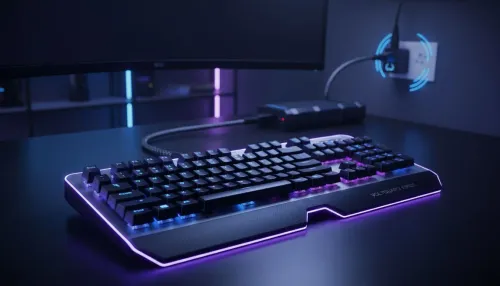
- Route power through a grommet or a cable channel under the desk. Anchor the charger so it doesn’t shift.
Desk Setup Tip ✨
Keep a small strip of double-sided tape under the wireless puck so it won’t move when you reach across your desk. Position the pad so wrist rest and keyboard don’t block the charging coil.
Troubleshooting and maintenance
If your phone won’t charge reliably, check alignment and remove metal cases or thick wallets. Make sure the desk’s charger supports common standards; most modern chargers use Qi. Wipe the surface regularly to avoid dust interfering with contact.
Small decisions that make a big difference
Choosing a larger pad removes edge friction and gives space for charge placement. If you value RGB aesthetics, pair an RGB pad with subtle desk lighting so the desk still reads clean. For local recommendations and component matching, revisit the Evetech mouse pad guide to compare textures and sizes: https://www.evetech.co.za/components/mouse-pads-101.
Final thoughts
A Wireless Charging Gaming Desk: Build a Clean Cable-Free Setup isn't just about fewer cables. It’s about a calmer, faster workflow that feels premium every session. Try the layout suggestions above and tweak them for your playstyle.
Ready to Find Your Perfect Match?
The Mac vs Windows debate is complex, but for maximum power, choice, and value in South Africa, Windows is hard to beat. Explore our massive range of laptop specials and find the perfect machine to conquer your world.