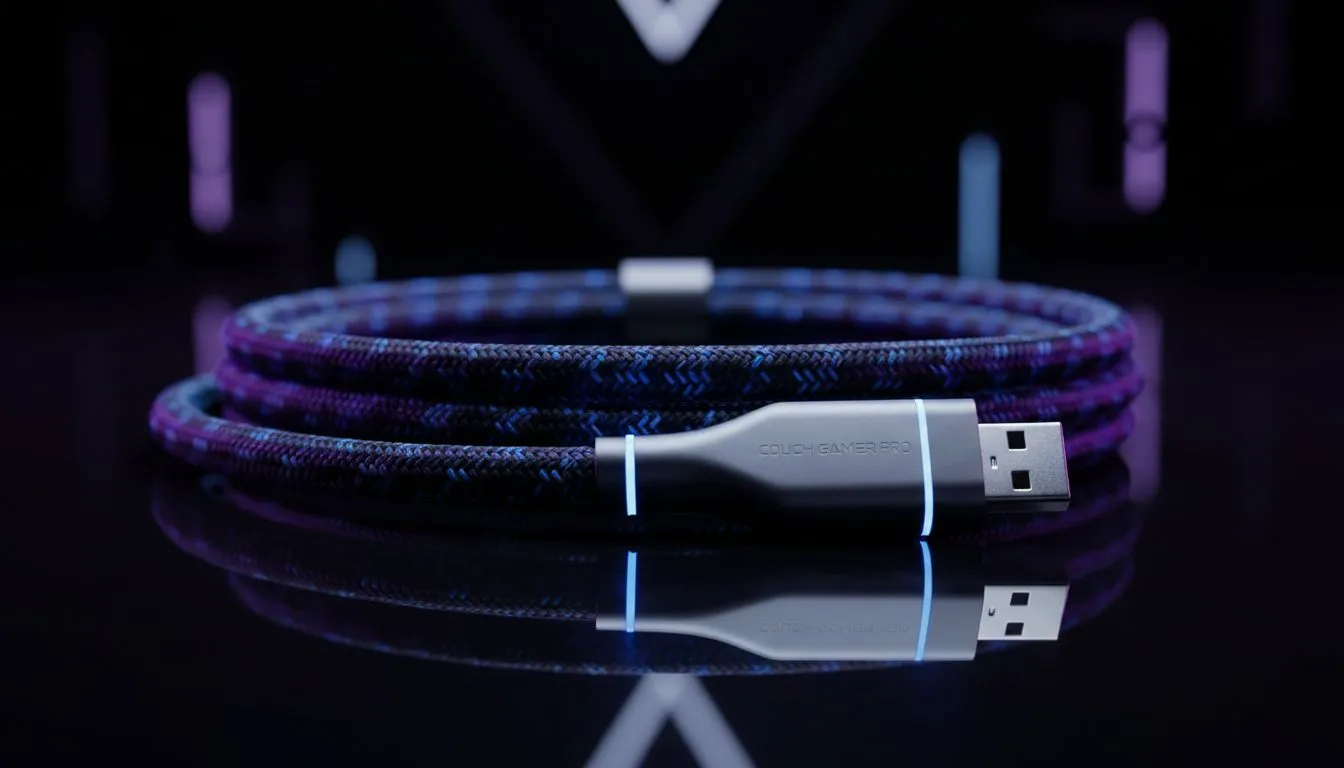
We have all been there. You have just set up your gaming rig in the lounge, but your controller cable extension needs are ignored by the short wire provided. You are stuck sitting on the floor like it is 1998 because your cable won't reach the sofa. It is frustrating, uncomfortable, and completely unnecessary for a modern South African setup... especially when you just want to relax.
Why You Need a Controller Cable Extension: Fix Wired Cable Too Short Issues
Wired controllers are often preferred by competitive players in South Africa because they eliminate input lag and the stress of batteries dying during a heated match. However, many manufacturers only provide a two-metre cable, which simply does not cut it for a spacious living room. If you find yourself leaning forward or straining your neck, it is time to look at a Controller Cable Extension: Fix Wired Cable Too Short solution that allows you to sit back and optimise your posture.
A simple USB extension cable is often the first port of call, but you must ensure it is a high-speed variant to maintain that low-latency advantage. If you are starting from scratch and want to avoid the mess of extra adapters, it might be better to buy gaming controllers that specifically cater to longer distances or offer detachable USB-C connections.
Cable Management Pro Tip ⚡
Always leave a bit of slack near the console or PC connector. If someone trips over your extended cable, that extra loop prevents the console from being yanked off the shelf... saving you thousands of ZAR in potential repair costs.
High-Performance Gear for Larger Gaming Spaces
If your current setup is feeling a bit cramped, upgrading to a premium wired controller can solve the distance issue while improving your gameplay. For example, the Razer Wolverine V3 Tournament Edition features a high-quality detachable cable, making it much easier to swap out for a longer version if the stock length does not meet your lounge requirements. These pro-grade controllers are designed for durability, ensuring the connection remains stable even when stretched across the room.
For those who have a specific brand preference, exploring the full range of Razer gaming controllers is a great way to find a device that balances cable length with ergonomic comfort. Many of these units are priced competitively, starting around R1,500 for entry-level models, providing a massive improvement over standard bundled gamepads.
Final Thoughts on Extending Your Reach
Solving the "wired cable too short" problem does not have to be a mission. Whether you choose a dedicated Controller Cable Extension: Fix Wired Cable Too Short workaround or invest in a new controller with better modularity, the goal is comfort. In the South African heat, nobody wants to be huddled right next to a warm PC or console... give yourself the space to breathe and play at your best.
Ready to Find Your Perfect Match?
Don't let a short cable dictate your gaming posture. Whether you need a high-performance wired pad or a brand-new wireless setup, we have the gear to help you level up. Explore our massive range of gaming controllers and find the perfect machine to conquer your world.