Protect Gaming Keyboard During Loadshedding — quick hook
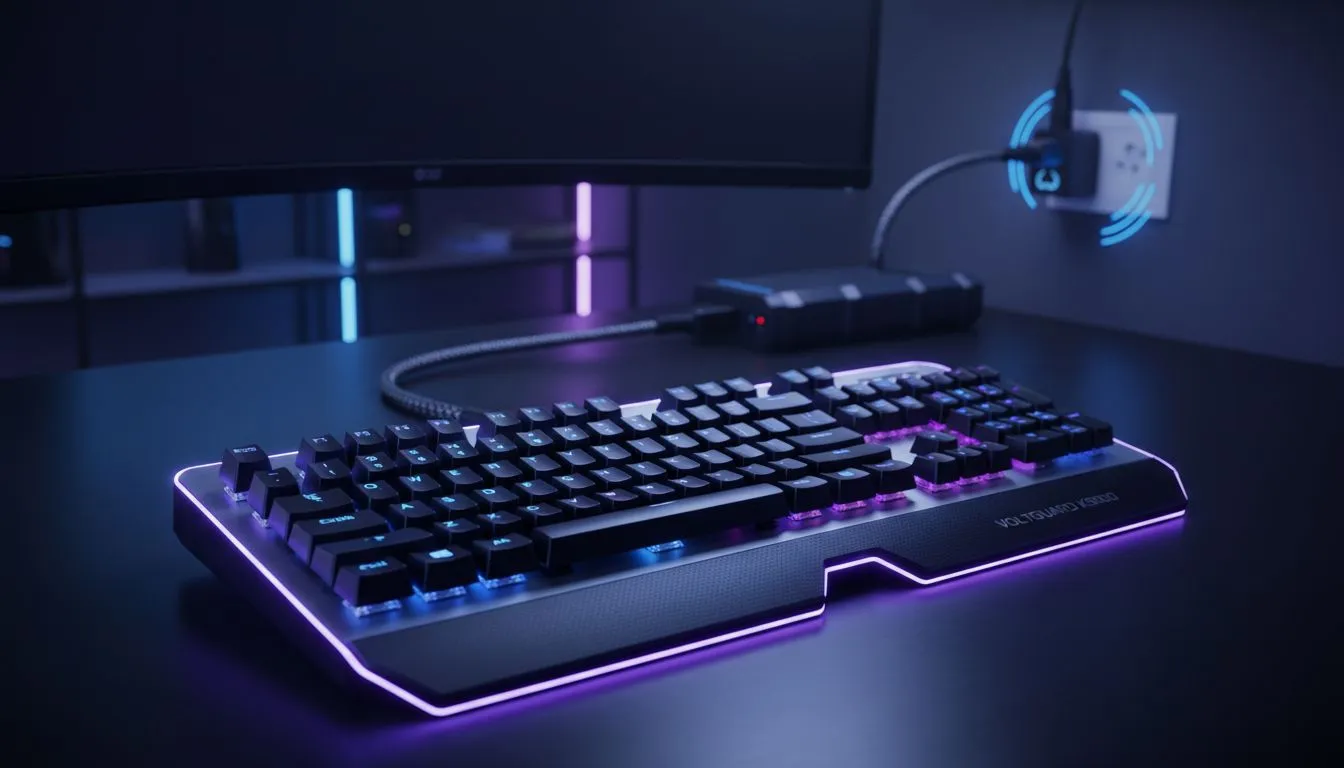
South African gamers: been mid‑combo when loadshedding hits? Protect Gaming Keyboard During Loadshedding is less about panic and more about simple steps that save keys, switches and your match. Read this short, practical guide for surge tips, cheap gear swaps and local buying links that keep your RGB and macros alive. 🎮⚡
Protect Gaming Keyboard During Loadshedding: why it matters
A sudden power hiccup can fry the electronics in a keyboard or corrupt firmware on premium models. If you use a high‑end mech or a wireless board with onboard memory, a spike can mean dead LEDs or lost macros. Before we get tactical, check current local deals to replace or upgrade affordably — our roundup of the best gaming keyboard deals is a good starting place for budget and premium options.
Basic surge strategy for keyboards
- Always unplug during a complete blackout if you suspect unstable power.
- Use a surge protector (not just a cheap multi‑way) rated for household use. Good surge protectors clamp spikes that can pass through USB hubs or PC PSUs into your keyboard.
- For wireless boards, remove or shield batteries during long outages to avoid leakage or corrosion.
Protect Gaming Keyboard During Loadshedding: buying smart in SA
If you’re considering a replacement or a backup keyboard, weigh durability and local service. Evetech lists the cheapest gaming keyboards in South Africa so you can compare features and ZAR price points before committing. For gamers who prefer a wired connection during matches, browse the wired selection here: cheapest wired gaming keyboards. Wired boards avoid battery issues during loadshedding and usually have lower latency.
Tip for small setups: keyboard + mouse combos
If you need a quick replacement on a budget, keyboard and mouse combos can be cost‑effective. See current combo packs and ZAR pricing in the keyboard‑mouse combo range — great for putting a spare on standby. 🔧
Local Swap Tip ✨
If you game on a budget, keep a low‑cost wired keyboard as a hot‑swap. Store it in your kit; when loadshedding hits, swap immediately. It protects your main board and keeps you in the match.
Protect Gaming Keyboard During Loadshedding: wireless considerations
Wireless convenience comes with two extra risks: batteries and RF receivers. If you run a wireless setup, store spare AA/AAA or charged batteries, and consider a backup USB receiver safely tucked away so you don’t lose pairing during a blackout. Explore wireless options and prices here: wireless cheapest gaming keyboards.
Practical maintenance and quick fixes
- Keep firmware updated when power is stable; many vendors publish recovery steps on product pages.
- For sticky switches after a sudden shutdown, use contact cleaner or seek a local keyboard service.
- If RGB dies after a surge, try replugging directly to the motherboard USB header rather than a front‑panel hub.
Protect Gaming Keyboard During Loadshedding: final checklist
Before the next outage: unplug, switch to a wired backup, secure batteries and have a quality surge protector in your setup. These small moves protect boards costing from R200 up to premium R3 000+ models.
Ready to Find Your Perfect Match?
The Mac vs Windows debate is complex, but for maximum power, choice, and value in South Africa, Windows is hard to beat. Explore our massive range of laptop specials and find the perfect machine to conquer your world.