


Best Gaming Keyboard Features for a High-End Setup
Best gaming keyboard features to prioritize when building a high-end setup: mechanical switches, low latency, hot-swap, RGB, macros, durability and ergonomics 🎮⌨️
Read moreClean gaming keyboard quickly and safely in dusty or humid conditions with step-by-step tips, tool checklist, and maintenance routines to prevent corrosion and switch failure. 🧼💨
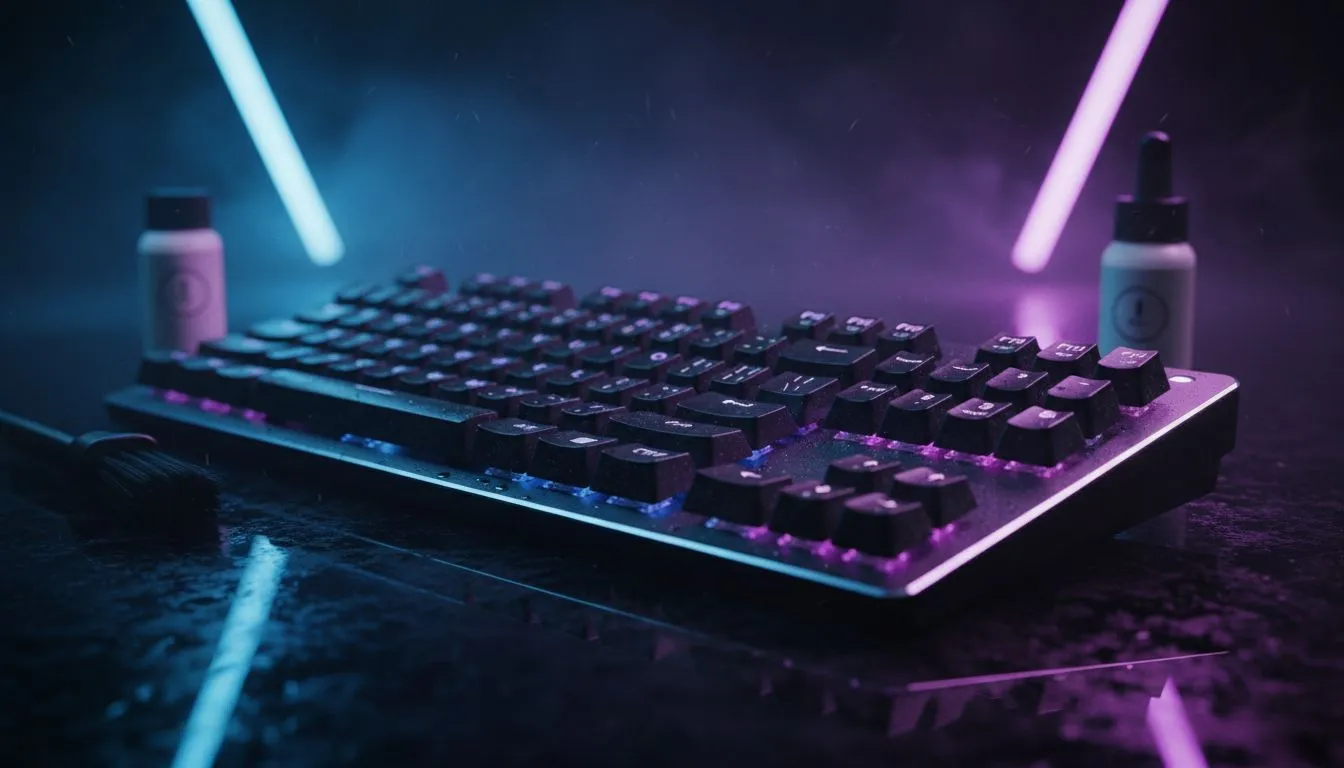
South Africa's dusty townships and humid coastal cities are brutal on peripherals. A dirty keyboard slows inputs, shortens switch life, and makes your rig smell... unpleasant. This short guide helps Cape Town, Durban and Jozi gamers keep a clean gaming keyboard in dusty & humid conditions without expensive tools. Read on for practical routines, product links and pro tips that actually work.
Start simple. Daily: blow out loose dust with a can of compressed air or a soft brush. Weekly: flip the keyboard, shake gently, and wipe the keycaps with a lint-free cloth dampened in isopropyl alcohol (70% or higher dries fast). These steps protect key switches from sticky grime and humidity-related residue.
For budget-friendly options, check Evetech’s curated list of best gaming keyboard deals to replace a ruined board without breaking the bank. Prices on that page are listed in ZAR and updated frequently.
Every 3–6 months, give mechanical boards a deep clean. Remove keycaps with a puller, soak plastic caps in warm soapy water, and gently clean the PCB area with isopropyl swabs. Let everything dry completely—humidity is the enemy here.
If you prefer quick replacements or spare parts, Evetech’s selection of cheapest gaming keyboards in South Africa is a useful reference when a full deep clean isn’t enough.
Use a small artist brush to reach between stabilisers and switch housings. To speed drying after a wet clean, place components in front of a fan, never direct sunlight.
Some designs resist dust better. Low-profile, sealed membrane keyboards and keyboards with removable keycaps are easier to maintain. If you game near braai smoke or heavy dust, consider wired models to avoid battery corrosion in humid conditions—Evetech lists cheap wired keyboards for ZAR-conscious builds.
If you value desk freedom, plenty of budget wireless keyboards include durable coatings and are still serviceable for humid climates. Want a combo? Browse effective keyboard + mouse combos for a tidy, easier-to-clean setup.
Sticky keys after a spill? Power off, remove keycaps, and clean with isopropyl. If a switch fails, hot-swappable PCBs make replacement simple—check product specs on Evetech before buying. For warranty or parts, use Evetech product pages as your source for compatibility and pricing.
Ready to Find Your Perfect Match? The Mac vs Windows debate is complex, but for maximum power, choice, and value in South Africa, Windows is hard to beat. Explore our massive range of laptop specials and find the perfect machine to conquer your world.
Power off and unplug, use compressed air to blow dust, vacuum with soft nozzle, remove keycaps for a deep clean mechanical keyboard procedure.
Power down, remove keycaps, blot moisture, use isopropyl alcohol on contacts, then dry 24–48 hours. Dry and protect keyboard after moisture exposure.
Do light cleaning weekly, wipe surfaces and use compressed air. Deep clean every 3–6 months or sooner in very dusty or humid climates.
Yes. Hold the can upright, use short bursts to remove dust, and avoid over-saturating switches. Use compressed air for keyboard cleaning cautiously.
Keep the board dry, use silica packs in the case, clean regularly, and avoid salty or humid storage to prevent corrosion and switch failure.
A silicone cover blocks dust and splashes but clean it weekly; trapped moisture can cause mold or corrosion if not maintained.
Yes if comfortable: document screws, use a keycap puller, avoid touching the PCB, and follow deep clean mechanical keyboard steps carefully.
Best gaming keyboard features to prioritize when building a high-end setup: mechanical switches, low latency, hot-swap, RGB, macros, durability and ergonomics 🎮⌨️
Read more
Custom actuation point keyboard setup guide: learn to set per-key actuation on your analog gaming keyboard for faster, precise inputs and better control 🎮⚙️
Read more
Cable management for home entertainment helps you eliminate cable clutter quickly and safely. Learn routing, concealment, and product picks to tidy your setup fast 📺🔌
Read more
conference room setup Microsoft Teams Zoom: Upgrade AV, camera, mic, and network to ensure seamless meetings, clear audio, and crisp video 🎯🔧
Read more
• Audit setup • Link accounts • Configure ViewBoard • Test workflows Integrate Google Workspace with ViewSonic ViewBoard to enable secure SSO, calendar and Drive sync, and smooth collaborative whiteboarding 🔗📋
Read more
Best gaming mouse for beginners: fast, comfy picks and pairing tips for your first gaming PC. Learn DPI, grip, wired vs wireless, and budget picks 🎮🖱️
Read more
Discover webcams that automatically adjust light and color for crystal-clear video calls 🎥✨. Boost your streaming quality today!

Discover webcams that blend into your workflow 🎯 Capture moments while you work, stream, or create. Upgrade your setup with smart, multitasking tech!

Dedicated media keys give streamers one-touch control to mute, switch scenes, clip highlights, and adjust audio — cutting task time and boosting consistency 🎛️⚡

PBT vs ABS keycaps: Clear, local guide for South African gamers—compare feel, sound, durability and where to buy. Find the best material for your budget and playstyle 🎮🇿🇦

- Multi-Function Digital Dial: define benefits - Show gamer setups and macros - Offer buying and setup tips Multi-Function Digital Dial puts programmable control at your fingertips for faster actions and smoother streaming. 🎮⚙️

- Explain benefits; - Show the science; - Compare options; - Recommend picks. Magnetic wrist rest for gaming cuts wrist strain and boosts comfort during long sessions 🕹️✨