


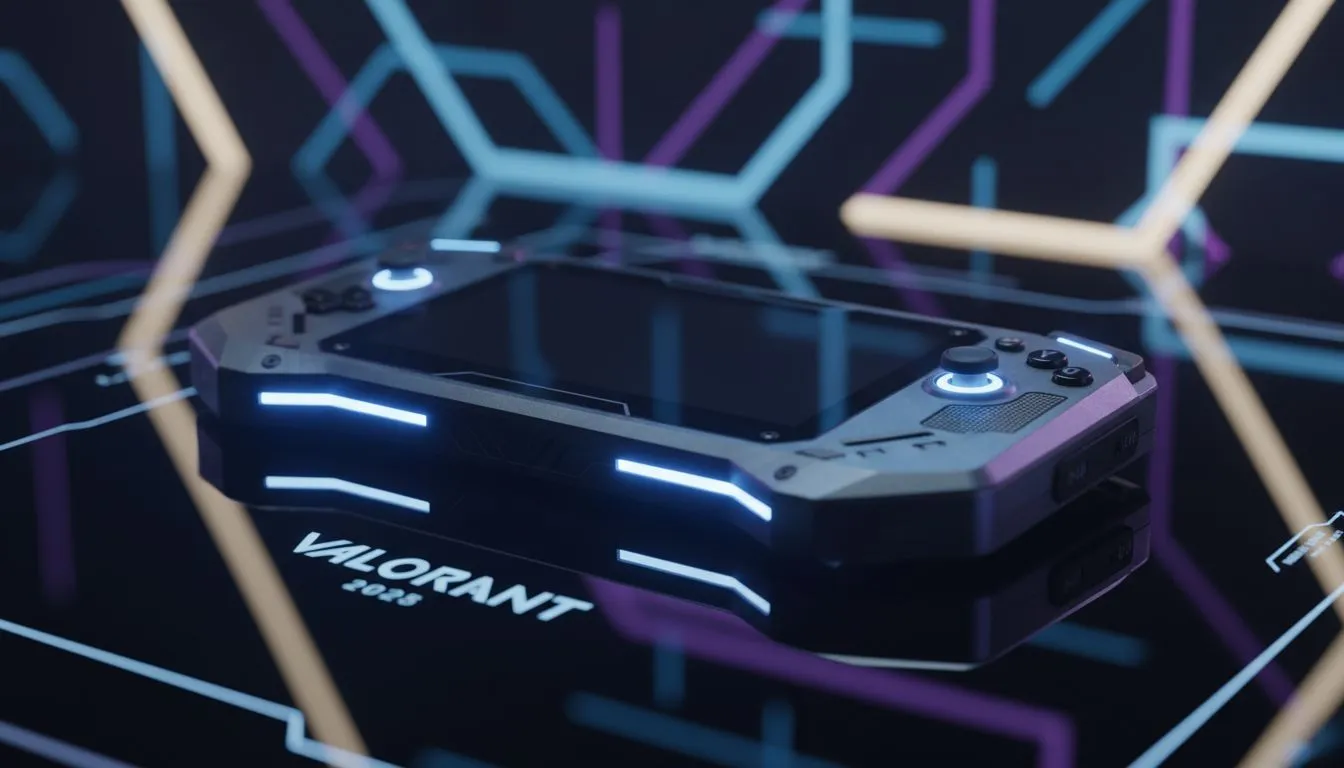
The Reality of Valorant on Handhelds
Trying to click heads in Valorant on your portable rig? It’s tricky. Riot’s Vanguard anti-cheat is notoriously strict, and native controller support is non-existent. But with the rise of gyro aiming, South African agents are finding ways to compete without a mouse and keyboard. Let’s break down how to set up Valorant handheld gyro aiming safely in 2025 without catching a ban. 🎯
Why Vanguard Hates Your Controller
Valorant is designed strictly for mouse and keyboard. Unlike Apex Legends or COD, there is zero aim assist here. In the past, players used remapping software to trick the game, but Riot cracked down hard on tools like reWASD.
If you own one of the modern handheld gaming consoles, you cannot simply plug and play. The game must believe you are using a mouse. This is where Gyro comes in. It translates your physical movement into raw mouse input, bypassing the need for virtual controller software that Vanguard flags as cheating.
Setting Up Gyro for Precision
The secret lies in mapping your handheld's gyroscope to "Mouse" output, not "Joystick" output. This gives you 1:1 pixel accuracy.
For owners of the Lenovo Legion Go, the detachable controllers offer a unique "FPS Mode." However, for true handheld play, you should use Steam Input (adding Valorant as a non-Steam game) to map the gyro to mouse movement. This is generally considered safe because Steam Input operates at a system level that Vanguard tolerates... for now.
Gyro Sensitivity Tip ⚡
When setting up gyro aiming, use the 'Flick Stick' method. Set your right stick to control large camera turns (horizontal only) and use the gyro exclusively for fine-tuning your aim and vertical recoil control. It mimics high-level mouse play mechanics on a handheld.
Device-Specific Advice
Not all handhelds handle this equally. You need software that can map hardware buttons to keyboard keys (WASD) while the gyro handles the mouse cursor.
ASUS ROG Ally
The ASUS ROG Ally uses Armoury Crate SE. Ensure your "Control Mode" is set to "Desktop" or a custom profile where the joystick emulates WASD. If you try to use "Gamepad" mode, Valorant will likely ignore your inputs entirely.
MSI Claw
The MSI Claw utilizes Intel architecture and MSI Center M. Similar to the Ally, you must ensure you aren't running any background macro software. Keep your setup clean. The goal is to emulate a standard HID mouse, which is the only language Valorant speaks fluently.
Avoiding the Ban Hammer 🛡️
To keep your account safe in 2025:
- Avoid Virtual Controllers: Do not emulate an Xbox 360 controller. Emulate a Mouse and Keyboard.
- No Rapid Fire: Do not use Turbo modes on your handheld buttons.
- Stay Updated: Vanguard updates frequently. Always check community forums before launching the game after a patch.
Playing Valorant this way is a challenge. You are playing against people with ZAR 3,000 ultralight mice. But with practice, gyro aiming offers a level of precision that analog sticks simply cannot match.
Ready to Game on the Go? Whether you need the raw power of the ROG Ally or the versatility of the Legion Go, we have the portable rig for you. Browse our complete range of Handheld Gaming Consoles and take your competitive gaming anywhere in South Africa.









