


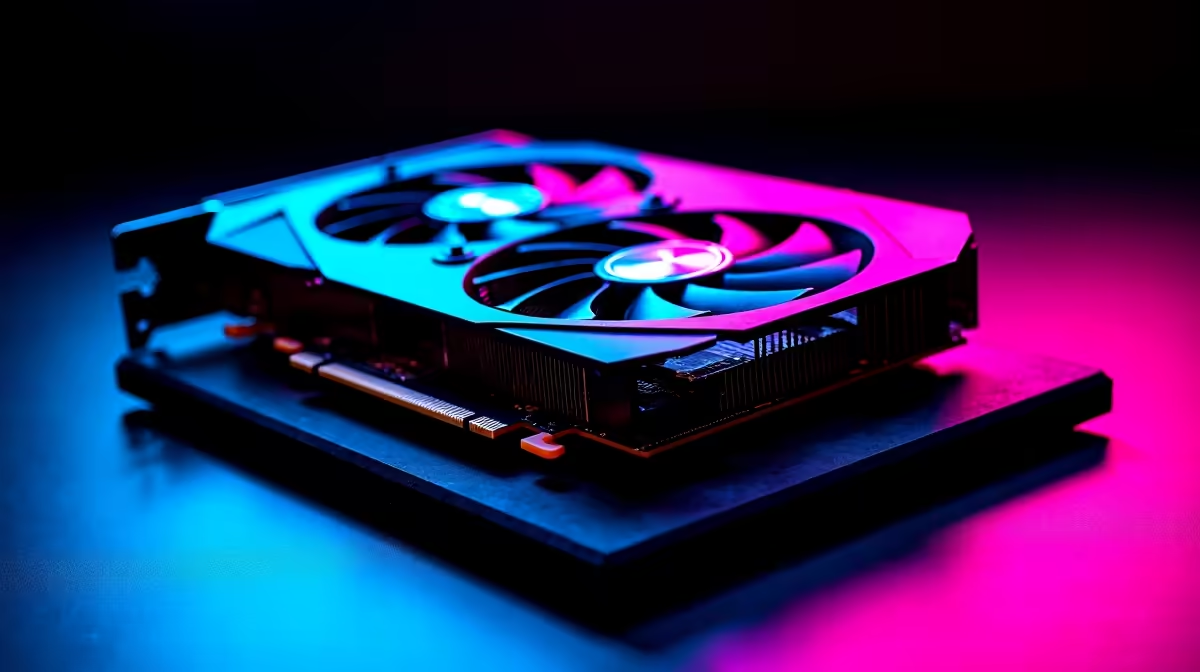
Dropping serious ZAR on a high-end rig means you expect flawless 4K performance. But plugging in your new GPU is only half the battle. If you want buttery smooth framerates without sacrificing visual fidelity, you need to tweak things. Let us explore the best settings for RX 9070 XT at 4K for maximum FPS.
Unlocking Maximum FPS at 4K 🔧
The RX 9070 XT is a true powerhouse. It handles modern titles beautifully. However, pushing 8.2 million pixels requires smart optimisation. You do not need to crank every slider to 'Ultra' to get a stunning picture. In fact, dropping a few heavy settings to 'High' frees up massive resources.
Are you still shopping for the right hardware? Browsing the latest graphics cards is a great starting point.
Core In-Game Tweaks for the RX 9070 XT
To find the best settings for RX 9070 XT at 4K, start with upscaling. AMD's FSR 3.0 is your best friend here. Set FSR to 'Quality' mode. You will barely notice a difference in image clarity. But your framerate will skyrocket 🚀.
Next, look at volumetric clouds and shadow quality. Turning these down from Ultra to High gives a massive performance bump. Texture quality should always stay on Ultra. The RX 9070 XT has plenty of VRAM to handle native 4K textures easily. However, screen space reflections and ambient occlusion are heavy hitters. Dial them back slightly for better stability.
Do you want a system already balanced for this tier of gaming? Checking out the best gaming PC deals saves you the hassle of building. Alternatively, our pre-built PC deals offer incredible value right out of the box. This ensures your CPU does not bottleneck your new GPU.
Adrenaline Pro Tip ⚡
Always enable AMD Smart Access Memory in your motherboard BIOS. It allows your CPU to access the full VRAM at once. This simple tweak can boost your 4K performance by up to 15%. You get this boost without touching a single in-game setting.
Balancing Visuals and Performance
Ray tracing looks incredible but eats into your FPS. For competitive multiplayer games, leave it off completely. Every frame counts when you are trading shots online. For story-driven RPGs, try 'Medium' ray tracing combined with FSR. This gives you beautiful lighting while keeping the game smooth.
Anti-aliasing is another area where you can save processing power. At 4K resolution, pixel density is incredibly high. Jagged edges are naturally smoothed out by the sheer pixel count. You can safely lower your anti-aliasing settings to TAA. You might even turn it off in certain games.
Maybe you are a gamer who travels frequently. Or perhaps you need to game through loadshedding. If so, look at high-performance laptops that pack a similar punch.
Remember to keep your AMD Adrenalin drivers updated. AMD frequently releases driver updates. These updates refine the best settings for RX 9070 XT at 4K. Keep an eye on our weekly specials. You might need to upgrade your monitor to appreciate those 4K textures ✨.
Ready to Dominate at 4K? Getting maximum FPS requires the right hardware foundation. Whether you are upgrading your GPU or building a completely new rig, Evetech has the best prices in South Africa. Explore our massive range of gaming components and start building your dream 4K machine today.











