

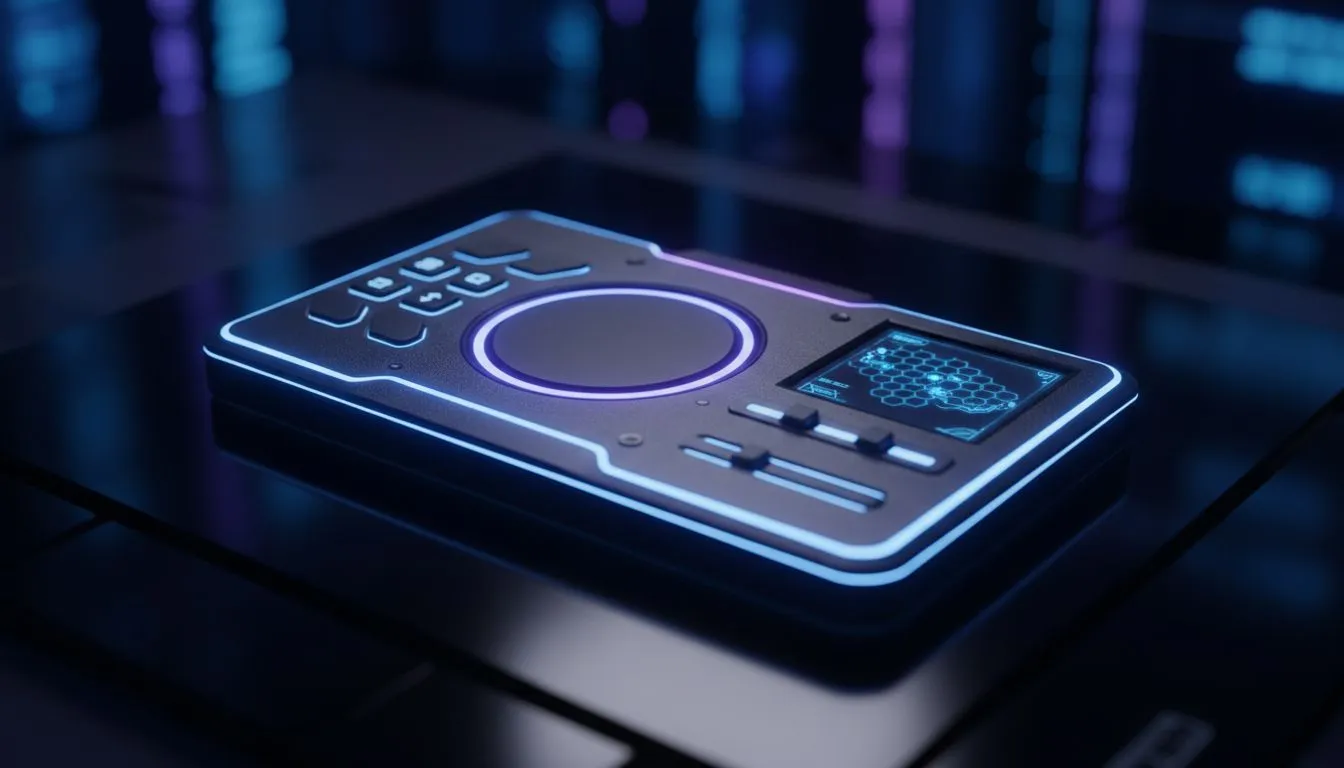
The anticipation for Sid Meier's Civilization VII is building across South Africa. Whether you’re plotting world domination during a quiet evening in Jozi or killing time during loadshedding, the platform matters. With the rise of powerful portable PCs, the big debate isn’t just which civ to pick... it’s how to control them. Is a touchpad precise enough, or does the touchscreen reign supreme for strategy gaming?
The Evolution of Portable Empire Building 🌍
Strategy games were once strictly mouse-and-keyboard territory. The density of menus, tiny unit icons, and complex tech trees made controllers feel clumsy. However, the new wave of modern handheld gaming consoles has rewritten the rules.
Developers are now optimising UI scaling for 7-inch and 8-inch screens. Yet, Civilization remains a game of precision. Misclicking a tile can cost you a war... or your entire empire. This brings us to the hardware interface.
Touchscreen Tactics: Intuitive but Obstructed? 👆
The most direct way to interact with a map is to touch it. Pinching to zoom into your capital or dragging a finger to scroll across the fog of war feels incredibly natural. It mimics the tablet experience but runs on full x86 architecture.
Devices like the ASUS ROG Ally shine here. The screen response is snappy, allowing for quick selection of units. However, there is a distinct drawback: your hand.
When you tap a unit, your finger obscures the screen. In a game like Civ VII, where hovering over a tile provides crucial tooltip data (terrain bonuses, defensive stats), a touchscreen can be limiting. You can't "hover" with a finger. You commit to the click immediately.
The Trackpad Advantage: Mouse Precision on the Go 🖱️
This is where the input debate gets interesting. A trackpad emulates a mouse cursor, allowing you to hover over tiles to read stats before committing to an action. It bridges the gap between desktop accuracy and handheld portability.
The Lenovo Legion Go is currently the heavyweight champion in this arena. Its detachable controllers feature a dedicated trackpad. For 4X strategy games, this is a massive advantage. You can navigate dense menus without smudging your screen or blocking your view. It feels more like a traditional PC experience, just shrunk down to fit in your hands.
Civ Veteran Tip 🛡️
Use Steam Input or your device's command centre to map the 'Next Turn' action to one of the rear back-paddles. This keeps your thumbs on the movement controls and lets you cycle through turns rapidly without moving your hand position.
Ergonomics and Long Sessions 🔋
Civilization is never a 20-minute game. It’s a "just one more turn" marathon that lasts until 3 AM. Comfort is paramount. If you are relying purely on touch, your arms can get tired from holding the device up to reach the centre of the screen constantly.
Using analogue sticks or trackpads allows you to rest the device on your lap or a table. Competitors like the MSI Claw focus heavily on ergonomic grip curves to ensure that even if you aren't using a trackpad, the stick-to-mouse emulation is comfortable for hours of play.
Verdict: Which is Best for Civ VII?
If you prefer speed and casual play, the touchscreen is fantastic. It’s fast and requires zero setup. However, for higher difficulty levels (Deity, anyone?) where every stat modifier counts, the trackpad offers superior control.
Ultimately, the best controller is the one that doesn't get in your way.
Ready to Conquer the World? Whether you need the precision of a trackpad or the speed of a touchscreen, the perfect handheld awaits. Don't let hardware hold back your empire. Browse our best deals on handheld gaming consoles and prepare for Civilization VII today.











