


So, you’ve just fired up Microsoft Flight Simulator, staring at a cockpit filled with more buttons and dials than a spaceship. Feeling a bit overwhelmed? You’re not alone. Many aspiring pilots in South Africa feel that initial buzz of excitement mixed with a dose of "what on earth do I do now?". But don't stress. Mastering Flight Simulator controls for beginners in SA is less about memorising every switch and more about understanding the fundamentals. Let's get you airborne. 🚀
Your First Steps to Mastering Flight Simulator Controls
Before you try to fly a Boeing 747 out of O.R. Tambo, let's simplify. At its core, flying comes down to four primary movements. Getting a feel for these is your first mission.
- Pitch (Up/Down): Pull back on your controller to lift the nose and climb; push forward to lower it and descend.
- Roll (Left/Right): Move your controller left or right to bank the wings, which initiates a turn.
- Yaw (Side-to-Side): This controls the rudder on the tail, helping you make coordinated turns and steer on the ground.
- Throttle (Speed): This is your accelerator. More power to take off and climb, less power to descend and land.
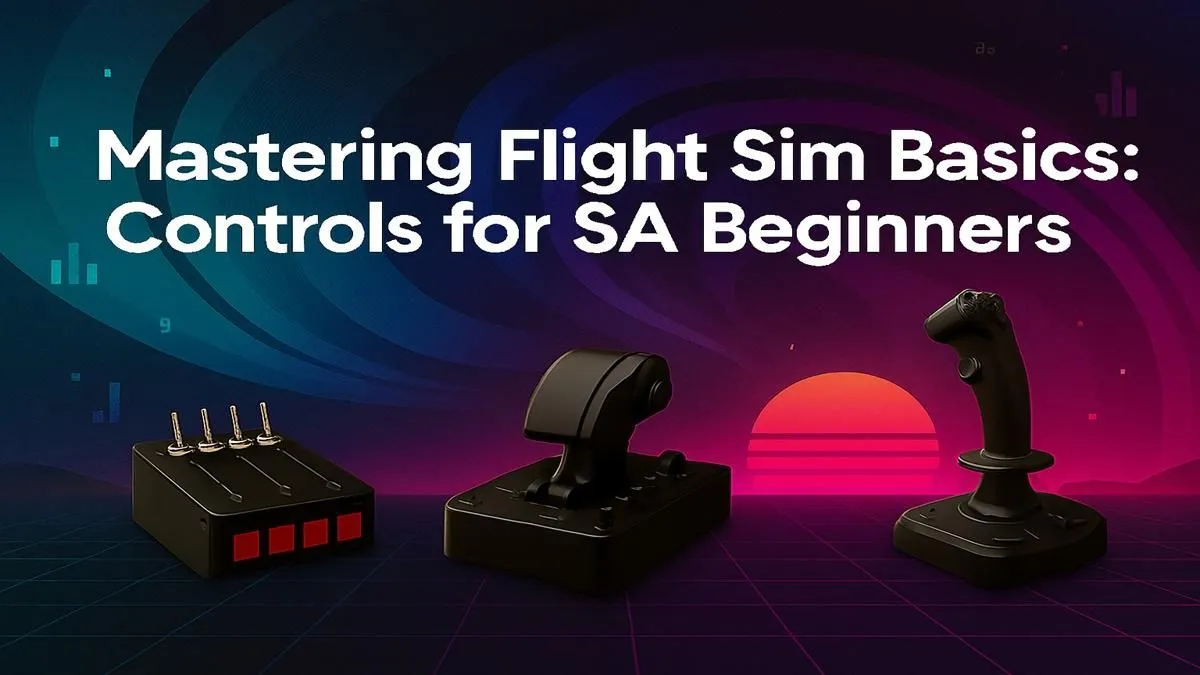
While a keyboard and mouse can work, the experience is night and day with proper gear. A dedicated flight stick like those from Thrustmaster gives you the tactile feedback needed to make smooth, intuitive adjustments.
Why Your Gear Matters for Flight Sim Beginners
Microsoft Flight Simulator is a beautiful, but demanding, piece of software. To truly appreciate the stunning scenery, from the Drakensberg mountains to the Cape Town coast, your hardware needs to be up to the task. Trying to run it on an old PC is a recipe for frustration, not fun.
A system with a powerful processor and a modern graphics card is essential for smooth frame rates. If you're serious about the hobby, investing in a purpose-built Flight Simulator gaming PC eliminates the guesswork and ensures you have an optimised machine from day one. Visuals are just as important. Flying is all about situational awareness, and a wider field of view makes a massive difference. Many virtual pilots in South Africa are upgrading to immersive curved monitors to wrap the cockpit view around them, making it easier to spot landmarks and runways. Of course, Evetech has a wide range of PC monitors to suit any budget or setup.
Quick Control Tip 🔧
't try to learn every keybind at once. Focus on the 'Big Five' for your first few flights: Flaps, Landing Gear, Trim, Brakes, and basic Camera Views (Cockpit External). Master these, and you'll handle take-offs and landings with much more confidence.
Customising Your Controls: A Beginner's Guide
The default control scheme in Flight Simulator is a great starting point, but true mastery comes from customisation. You don't need to map hundreds of functions, just the ones you use most often.
Start by going into the control options and looking at the assignments for your keyboard, mouse, or flight stick. Think about what feels natural to you. For example, many pilots assign the landing gear and flaps to easily accessible buttons on their joystick so they don't have to fumble for the keyboard during a tricky approach. Making your setup work for you is a key part of learning flight simulator controls for beginners.
Prepping for Long-Haul Flights Across SA ✨
Once you've got the basics down, you'll want to try longer flights. A sunset trip from Durban to Gqeberha, perhaps? These sessions can last for hours, and comfort becomes crucial. Hunching over a desk is a quick way to ruin an otherwise epic flight. An ergonomic setup, anchored by a quality gaming chair, will support your back and keep you comfortable, letting you focus on nailing that perfect landing instead of your aching shoulders.
Mastering the controls is a journey, not a race. Start simple, build your muscle memory, and invest in gear that enhances the immersion. Before you know it, you'll be navigating the skies of South Africa like a seasoned pro.
Ready to Build Your Ultimate Cockpit? From powerful PCs to immersive controls, Evetech has everything you need to take to the South African skies. Explore our dedicated Flight Simulator hardware and start your journey today.









