


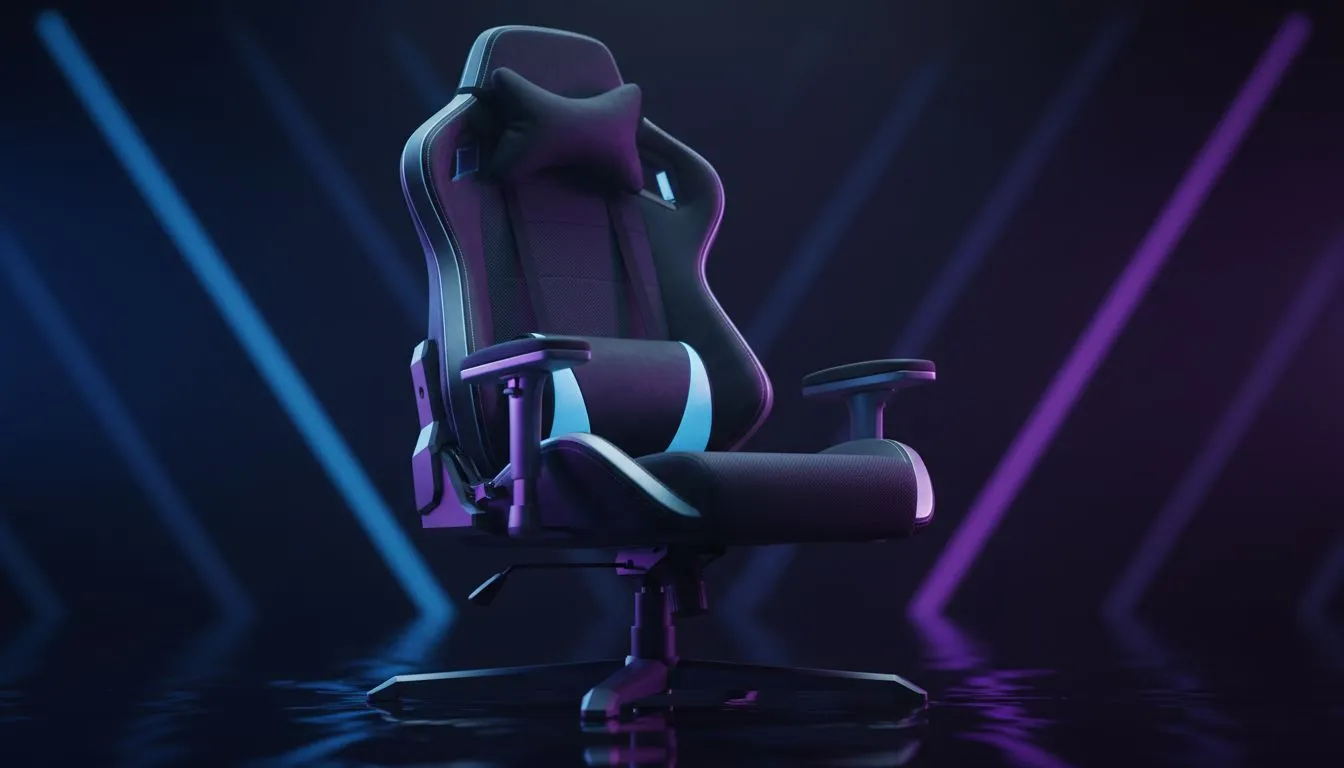
Perfect Your Gaming Chair Setup for Ultimate Comfort 🔧
South African gamers know the grind starts with comfort. Sitting for hours makes the right chair setup vital. Adjusting lumbar support, armrests, and seat height can transform your game and protect your back. Whether you’re diving into a marathon sesh or streaming, these tweaks optimise posture and endurance. Let’s break down how to perfect your gaming chair setup for maximum comfort and performance.
Adjusting Lumbar Support for Healthier Gaming
Lumbar support is more than a fancy feature — it’s key to preventing lower back pain. Your lumbar cushion should fit snugly in the curve of your spine without pushing too hard. Most premium models like Noblechairs gaming chairs offer adjustable lumbar pads. Start low and gradually raise it until your back feels fully supported.
Proper lumbar alignment keeps your spine neutral, reducing strain after long hours. A slight forward lean can help maintain focus and reduce fatigue. Test your setup frequently—if discomfort creeps in, adjust immediately. Lumbar ergonomics matter as much as chair aesthetics.
Setting Armrests to Reduce Shoulder Strain ⚡
Armrests safeguard your shoulders and wrists during clutch moments. Adjust your armrests so your elbows rest comfortably by your sides at roughly 90 degrees. Too high and your shoulders tense up; too low and you risk slouching.
Look for 3D or 4D armrests, like those on the Vertagear gaming chairs, which allow height, depth, angle, and width adjustments. This flexibility helps tailor your setup whether you use a compact mouse or wider keyboard.
Keeping your forearms level reduces wrist strain and improves reaction times. Don’t forget breaks every hour to stretch your arms and shoulders — even the best setup needs movement.
Finding the Right Seat Height 🚀
Seat height affects circulation and leg comfort, especially for South African gamers with diverse desk setups. Your feet should rest flat on the ground or a footrest, with knees aligning just below your hips.
Adjust your chair height so your eyes sit level with the top third of your monitor. This reduces neck strain and encourages a natural posture. Chairs like the Enova range often feature smooth gas-lift adjustments, making this quick and easy.
Wearing supportive sneakers or flat shoes helps stability. If your desk height feels off, consider adjustable desks or risers to complement your chair setup.
Pro Setup Tip
Don’t forget seat tilt! A slight forward tilt encourages an active posture, improving blood flow and focus during intense gaming. Small tweaks pay big dividends. TipBox
Explore Gaming Chairs Crafted for South African Gamers
Shopping local? Evetech offers a solid variety of gaming chairs in South Africa ranging from budget-friendly to high-end options. Whether you want premium build quality or value under R5000, there’s a fit for every player’s style and budget.
Looking for detailed reviews and specs? Noblechairs, Vertagear, and Enova all feature reliable designs tailored for long sessions. Check out budget chairs under R5000 to snag great deals without compromising ergonomics.
Properly adjusting your gaming chair setup is the foundation for smooth gameplay and injury prevention.
Elevate Your Gaming Comfort Now Upgrade your gear with expert-approved gaming chairs from Evetech. Shop now at Evetech for performance that leaves lag in the dust.











