


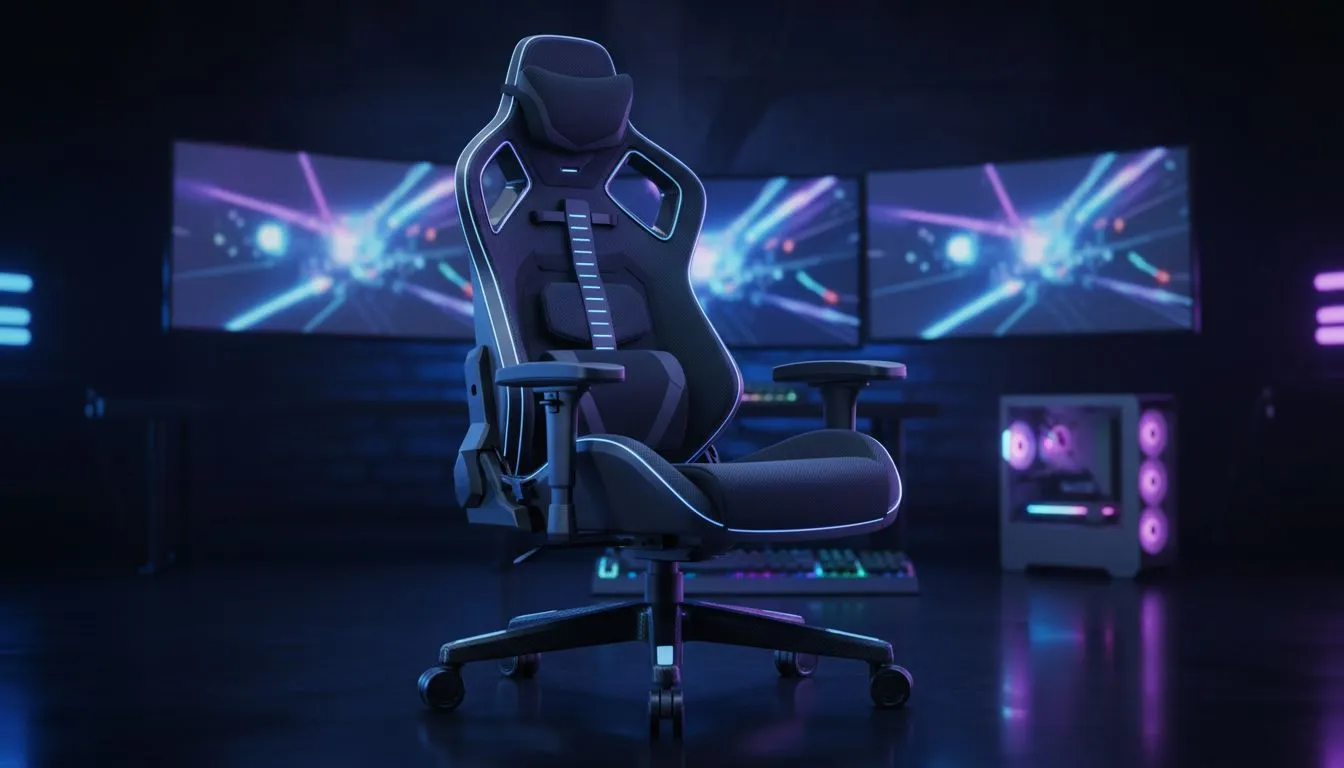
Is your back screaming after a ranked match? We’ve all been there. Ignoring posture during marathon sessions isn't just uncomfortable... it’s a massive debuff to your performance and long-term health. In this Gaming Ergonomics Guide 2025, we break down exactly how to optimise your battlestation for spine health so you can grind harder, aim better, and play longer without the pain.
Why Your Kitchen Chair is Nerfing You
Most South African gamers start out sitting on whatever is available—a dining room chair or a cheap office stool. The problem? These seats lack the structural rigidity required to support your spine during high-intensity moments. When you lean forward to focus, a bad chair forces your lower back into a rounded position, putting immense pressure on your lumbar discs.
To maintain peak focus, you need a seat designed for endurance. If you are looking to upgrade your setup, take a moment to browse our wide selection of gaming chairs. These are built specifically to keep your posture neutral, reducing fatigue so your reaction times stay sharp even four hours into a raid.
The Anatomy of a Pro-Grade Seat
Not all thrones are created equal. When hunting for the perfect ergonomic fit, you need to look at adjustability and materials. A static chair is a recipe for stiffness. You want 4D armrests to align with your desk height and a backrest that reclines to relieve spinal pressure between matches.
For those who prioritize premium materials and German engineering, the Noblechairs gaming chairs offer sophisticated aesthetics combined with breathable fabrics that keep you cool during our hot SA summers. Alternatively, if structural integrity and patented hygiene technology are your priority, the Vertagear lineup is renowned for its easy assembly and heavy-duty support frames.
The 90-90-90 Rule 📏
When setting up your ergonomic station, aim for three 90-degree angles. Your knees should be at 90 degrees with feet flat on the floor, your hips at 90 degrees to your spine, and your elbows at 90 degrees resting on the armrests. This neutral position minimises strain on your joints and keeps your circulation flowing freely.
Smart Ergonomics on a Budget
We know that building a PC in South Africa can be pricey, and you might have blown most of your budget on a new GPU. However, protecting your back doesn't require spending a fortune. You can still get excellent lumbar support and tilt mechanisms without the premium price tag.
Brands like Enova have bridged the gap between affordability and functionality. The Enova chairs provide solid ergonomic features and striking designs that fit perfectly into a modern gaming room. If your budget is tight but you refuse to compromise on health, check out our options under R5000. These picks prove that you don't need to break the bank to save your back.
Beyond the Chair: Monitor and Desk Alignment
While the chair is the foundation, your desk and monitor placement complete the puzzle.
- Monitor Height: The top third of your screen should be at eye level. If you are looking down, you are straining your neck (tech neck is real 💀).
- Distance: Keep the screen about an arm's length away.
- Keyboard Position: Your keyboard should be close enough that your elbows remain at your sides, not reaching forward.
By combining a quality chair with these placement tweaks, you ensure your body works with you, not against you. 🚀
Upgrade Your Battlestation Today Don't let back pain ruin your K/D ratio. Whether you need premium leather luxury or a budget-friendly ergonomic solution, we have the seat for you. Explore our full range of gaming chairs and invest in your health and performance.









