


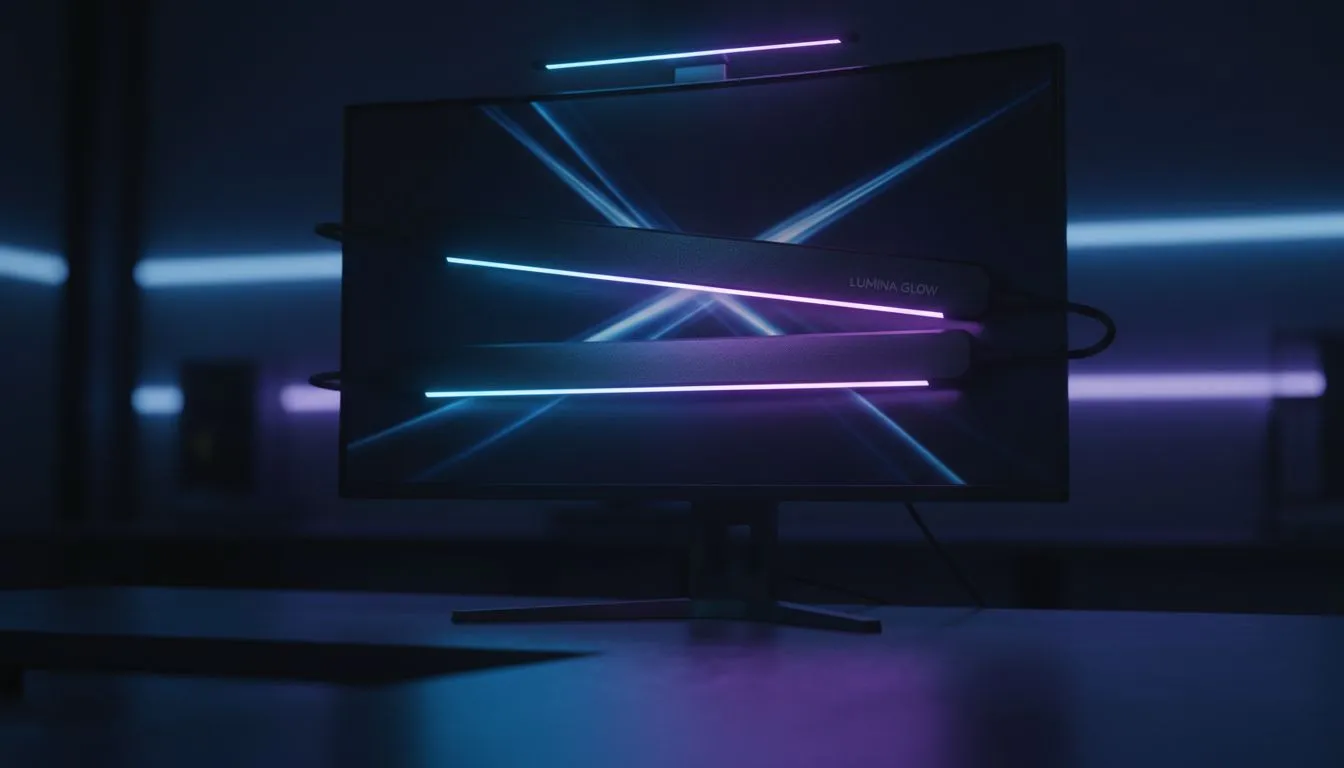
Master Your Gaming Light Bar Placement to Reduce Glare
Ever felt that burning sensation in your eyes after a late-night session of Apex Legends or Warzone? It isn't just lack of sleep... poor lighting is often the silent killer of focus. Getting your gaming light bar placement to reduce glare and eye strain right is the difference between a clinical victory and a massive headache. Let's fix your desk setup today. 🔧
Why Placement of Gaming Light Bars to Reduce Glare Matters
When you buy gaming accessories in South Africa, a monitor light bar is often the most underrated upgrade. Unlike a standard desk lamp that bounces light directly off your monitor... creating that annoying "veiling glare"... a dedicated light bar uses an asymmetric optical design. This ensures the light hits your keyboard and mouse pad rather than reflecting off the glass of your screen. ⚡
By illuminating the area in front of you, you reduce the harsh contrast between a glowing monitor and a pitch-black room. This balance is the secret to staying sharp during those marathon sessions.
The 20-20-20 Rule ⚡
Even with the best lighting, give your eyes a break. Every 20 minutes, look at something 20 metres away for at least 20 seconds. It helps reset your focus and prevents the digital eye strain that often leads to those nasty end-of-day headaches after a long grind.
Reducing Eye Strain with Smart Positioning
The goal is to eliminate screen reflections entirely. You can find incredible gaming accessories deals that include high-CRI (Colour Rendering Index) bars. Position the bar exactly in the horizontal centre of your monitor. If it is off-centre, the light distribution will be uneven... forcing your eyes to work harder to adjust to different brightness levels across your desk.
Check the angle of the lamp head. Most bars allow for a few degrees of rotation. You want the "cutoff line" of the light to fall just below your eye level and strictly onto your desk surface. If you can see the LEDs directly while sitting normally, the bar is tilted too far back. 🚀
Optimise Your Workspace for Peak Performance
Browsing the Gaming Accessories category reveals plenty of options with adjustable colour temperatures. For late-night gaming, shift the light to a warmer, amber hue (around 3000K). During the day, a cooler white light (5000K+) helps with productivity and alertness.
In South Africa, where quality gear starts at reasonable ZAR prices, adding a light bar is a small investment for long-term eye health. It clears up desk space by removing the need for a bulky lamp base, giving you more room for those massive flick-shots. ✨
Ready to Protect Your Vision? Proper lighting is the ultimate performance tweak for any serious South African gamer. To get the best setup for your home office or battlestation, explore our massive range of gaming accessories and find the perfect gear to keep your eyes in the game.











