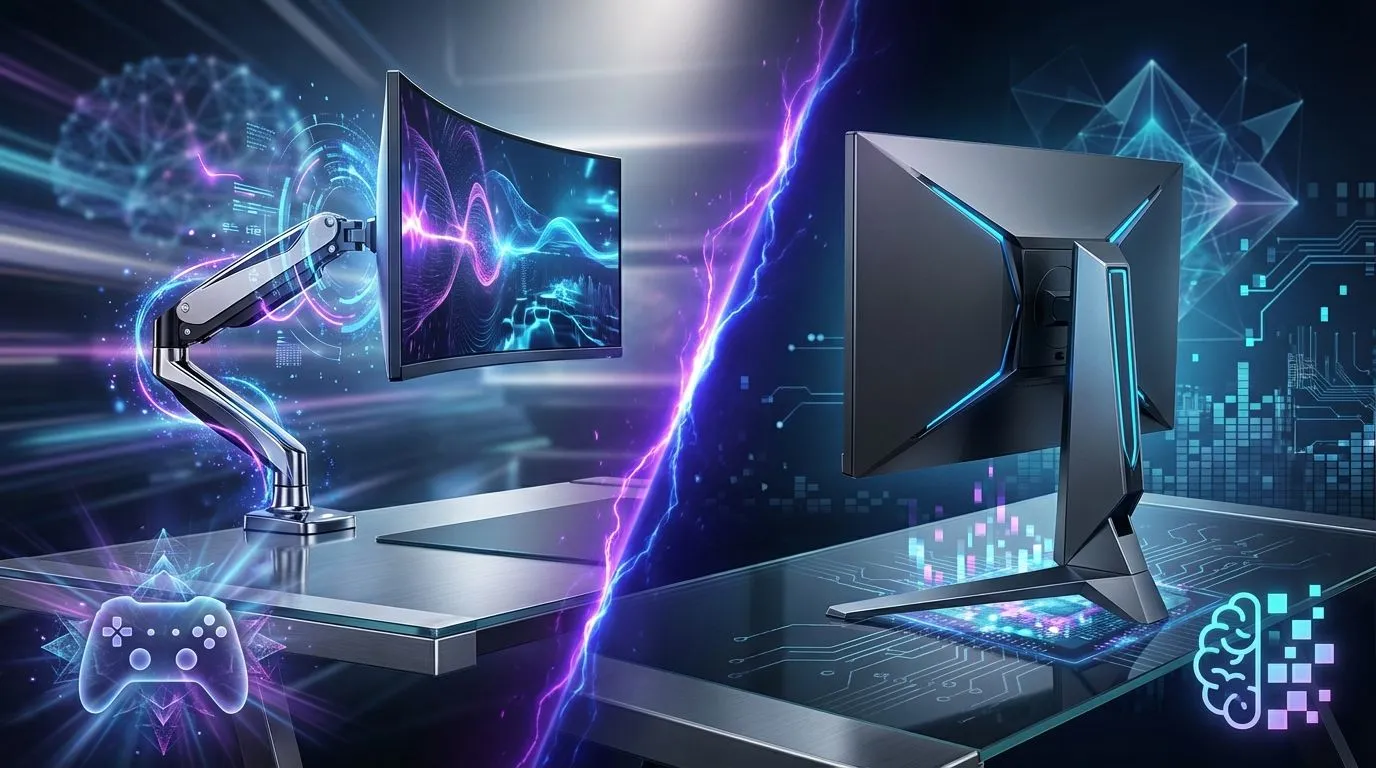
Staring at your battle station, does something feel... off? Maybe it's the bulky base of your monitor eating up precious mousepad real estate. Or perhaps your neck aches after a marathon session in Valorant. You're not alone. The debate of monitor arm vs monitor stand isn't just about looks; it's about reclaiming your desk and optimising your performance. Let's settle the score for South African gamers and find the best pick for your gaming desk.
The Case for the Classic Monitor Stand
Every new monitor comes with one, and for many, it’s perfectly adequate. The default monitor stand is the unsung hero of countless setups across Mzansi. Its primary strength? Simplicity and stability. You unbox it, you attach it, and you're done. There's no worrying about desk thickness or clamp strength.
For gamers with large, deep desks, the footprint of a stand might not be an issue. It provides a solid, wobble-free base that you can trust with your expensive display. However, the trade-offs are significant. Adjustability is often limited to a simple tilt, and height adjustment can be clunky or non-existent. This lack of ergonomic freedom can be a real pain in the neck... literally, especially if you haven't invested in a good gaming chair to compensate.
So, Who Should Stick with a Stand?
- Budget-Conscious Builders: It’s free with your monitor, saving you ZAR for other components.
- Plug-and-Play Gamers: If you value simplicity over all else, the stand is a no-fuss solution.
- Those with Non-Compatible Desks: Glass desks or those with a support bar along the back edge often can't accommodate a clamp-on arm.
Why Monitor Arms are Dominating Gaming Setups ✨
Walk through any pro gaming house or streamer studio, and you'll see them everywhere: sleek, floating monitors held aloft by articulated arms. The switch from a monitor stand to a monitor arm is one of the single biggest quality-of-life upgrades you can make to your setup.
The most immediate benefit is space. By lifting your monitor off the desk, you reclaim a huge chunk of valuable real estate. Suddenly you have room for your stream deck, speakers, or just more space for those wide, sweeping mouse movements. This is especially true if you’re working with a quality gaming desk where every square centimetre counts.
Then there's the incredible flexibility. A good monitor arm allows you to adjust height, depth, and tilt with fingertip ease. You can perfectly position the screen at eye level, reducing neck and eye strain during long gaming sessions. Want to show a teammate something? Just swing the monitor around. It’s a level of control a static stand simply can't offer.
Check Your VESA Mount! 🔧
Before you buy a monitor arm, flip your monitor around and check for four screw holes in a square pattern on the back. This is the VESA mount. Most gaming monitors use a 100x100mm or 75x75mm standard, but always confirm your monitor’s specs to ensure compatibility. No VESA mount? You might need a special adapter.
Monitor Arm vs Stand: The Head-to-Head for Gamers
Let's break down the monitor arm vs monitor stand decision based on what matters most to gamers.
- Ergonomics & Comfort: A monitor arm wins, hands down. The ability to fine-tune your screen's position is crucial for preventing fatigue and maintaining focus. A stand offers very limited adjustment.
- Desk Space: Another clear victory for the monitor arm. It frees up the space directly under your monitor, creating a cleaner, more functional gaming area.
- Aesthetics & Cable Management: Monitor arms almost always look cleaner and more professional. Most include built-in cable routing channels, helping you hide unsightly wires and achieve that minimalist look that pairs perfectly with sleek case lighting. 🚀
- Cost & Installation: The monitor stand is the budget king as it's included. An arm is an additional purchase and requires a few minutes to install, but the long-term benefits often justify the cost.
Making the Right Choice for Your Setup
So, what's the final verdict in the monitor arm vs monitor stand showdown?
For the vast majority of serious gamers in South Africa, a monitor arm is the superior choice. The ergonomic benefits, space-saving design, and clean aesthetics provide a tangible upgrade to your entire gaming experience. It’s a foundational part of a modern setup, much like you see in cohesive Arrozi gaming setups that prioritise both form and function.
However, if you're just starting out, have a desk that won't support a clamp, or are pouring every last rand into your GPU, the trusty stand that came in the box will serve you well. You can always upgrade later. The best pick is the one that fits your desk, your budget, and your gaming style.
Ready to Upgrade Your Battle Station?
Whether you stick with a stand or embrace the arm, optimising your monitor setup is a huge step toward victory. The perfect setup is a sum of its parts. Explore our massive range of PC components and find the next piece of your ultimate gaming rig.