


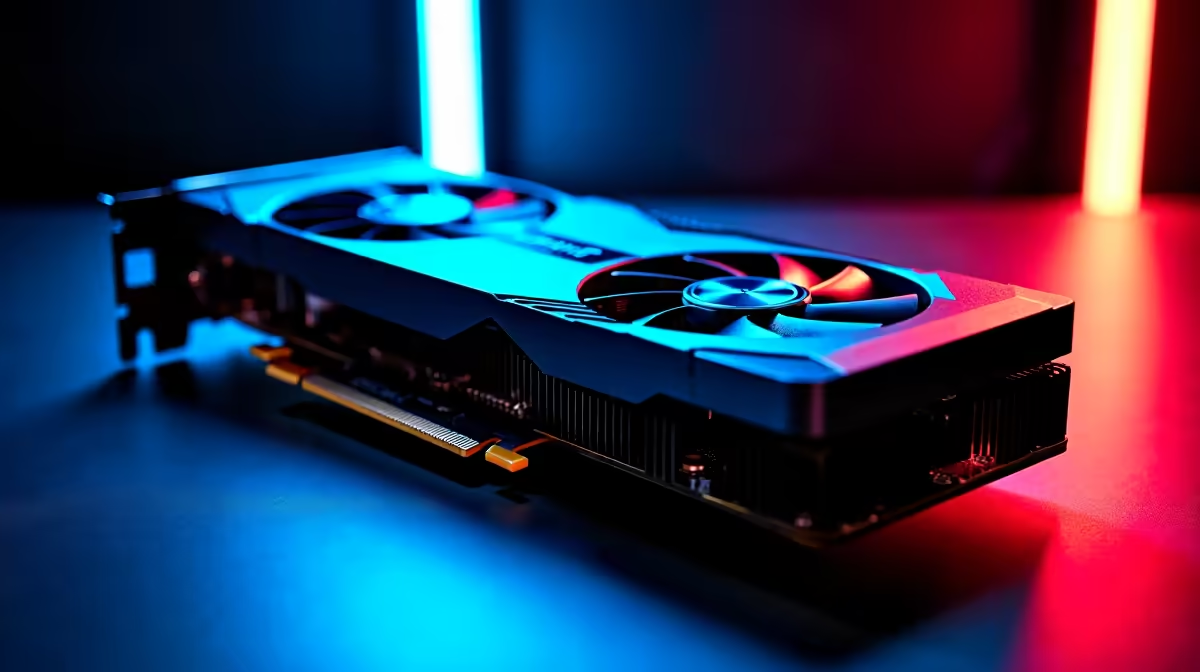
Dropping graphics to the floor on a premium GPU might sound crazy... but competitive South African gamers know the truth. When you are sweating it out in Warzone or Apex Legends, frames win fights. If you want to unlock the absolute highest frame rates, finding the RX 7800 XT lowest settings for max FPS is your ticket to dominating the lobby 🚀.
The Logic Behind Dialing Back Visuals
The Radeon RX 7800 XT is built to crush 1440p gaming at ultra settings. However, pushing 240Hz or 360Hz monitors requires raw speed over pretty colours. By lowering specific graphical options, you reduce GPU load and input latency.
If you are shopping for new graphics cards, you already know that raw rasterisation power is AMD's strong suit. We just need to optimise it for competitive play. Every millisecond counts when you are holding an angle in Counter-Strike 2.
Core Settings for Maximum Performance 🔧
To get the best performance impact without making your game unplayable, you have to be smart about what you turn down. You want maximum visibility and minimum render times.
Shadows and Lighting: Turn these down to low. Volumetric clouds, ray tracing, and dynamic shadows eat up massive amounts of processing power. Disabling them gives you an instant frame rate boost.
Textures: Keep these on medium or high. The RX 7800 XT has 16GB of GDDR6 VRAM... so texture quality barely impacts your frame rate. Your game will still look sharp without sacrificing speed.
Post-Processing: Disable motion blur, depth of field, and ambient occlusion. You want crystal clear visibility to spot enemies across the map, not cinematic effects that blur your vision.
Radeon Adrenalin Pro Tip ⚡
Always enable AMD Smart Access Memory (SAM) in your BIOS and switch on Radeon Anti-Lag in the Adrenalin software. These two free tweaks reduce input delay and squeeze out up to 10% more frames when running your RX 7800 XT lowest settings for max FPS.
Avoiding CPU Bottlenecks at High Frame Rates
Here is the catch... when you drop your GPU load by using the lowest settings, the heavy lifting shifts directly to your processor. If your CPU cannot keep up with the graphics card, your frame rate will stutter and drop. This is why pairing your hardware correctly is crucial for esports titles.
Whether you are browsing custom gaming PC deals or looking at high-performance pre-built PCs, always ensure you have a modern processor. A Ryzen 7 or Intel Core i7 will prevent bottlenecking and keep your 1% low frames incredibly smooth.
Taking Your Competitive Setup Further
Sometimes you need a portable solution for LAN events or dodging the dreaded load shedding schedules. In that case, checking out the latest gaming laptops in South Africa can keep you in the match no matter what.
But for desktop warriors, optimising your current rig is completely free. Just remember that pushing 300 frames per second is useless if your screen caps out at 60Hz. Upgrading your display does not have to cost R10,000 either. Keep an eye on our daily specials if you need a high refresh rate monitor to actually see all those extra frames you just unlocked ✨.
Ready to Find Your Perfect Match? Maximising your frame rates is complex, but for maximum power, choice, and value in South Africa, Evetech is hard to beat. Explore our massive range of PC specials and find the perfect machine to conquer your world.











