


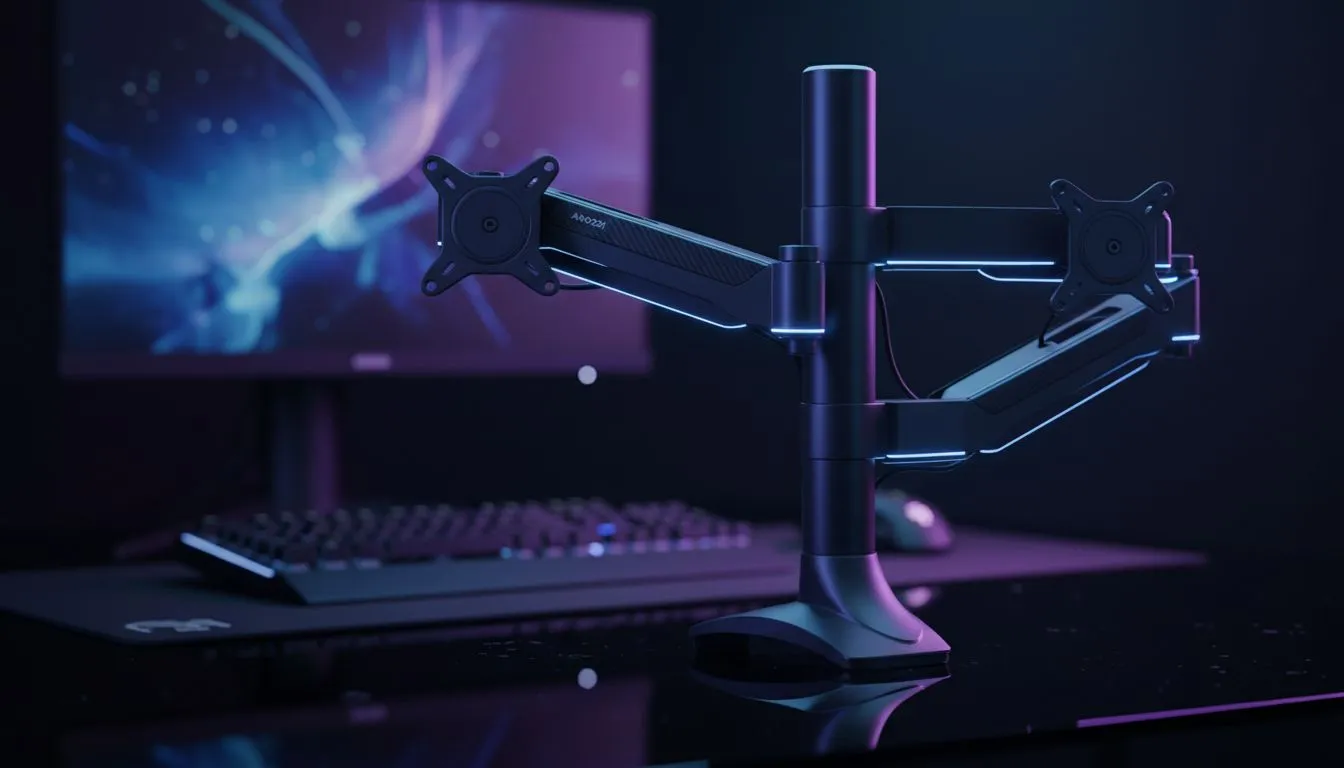
Is your desk feeling cramped? Most South African gamers struggle with bulky factory stands that eat up mouse space. This VESA Mounting Guide: Organize Your Desk with the Arozzi Nova helps you reclaim that territory. By mounting your screen, you improve ergonomics and create a sleek look. It is the ultimate way to level up your workspace without buying a whole new desk. 🔧
Understanding the VESA Standard for Your Workspace
The VESA standard is a universal mounting interface. It defines the distance between the four mounting holes on the back of your screen. Most modern range of PC monitors feature these holes in a 75x75mm or 100x100mm pattern. Before you start, check your screen’s manual to confirm compatibility.
Using a mount allows you to position your screen at eye level. This simple change reduces neck strain during long gaming sessions. It also frees up the area directly beneath your monitor. You can use that space for your keyboard... or perhaps a cheeky Nando’s takeaway.
Why the Arozzi Nova is a Game-Changer
The Arozzi Nova is a premium gas-spring monitor arm. It offers fluid movement that static stands simply cannot match. You can tilt, swivel, and rotate your screen with a single finger. This flexibility is vital if you often switch between gaming and productivity tasks.
To get started, you will need the right essential monitor accessories like the Nova arm itself. The installation is straightforward. You can choose between a desk clamp or a grommet mount. Both options provide a rock-solid foundation for your expensive hardware.
Cable Management Pro Tip 🔧
When installing your Arozzi Nova, leave a bit of slack in your cables near the monitor ports. This prevents tension when you rotate or tilt the screen. Use the built-in cable channels to hide the mess for a truly professional South African battlestation look.
Choosing the Right Screen for Your New Mount
Not all screens are built the same. High-refresh-rate high-performance gaming monitors often come with heavy internal components. The Arozzi Nova is designed to handle this weight with ease. It ensures your screen stays exactly where you put it without sagging.
If you prefer a more "wrapped-in" feeling, immersive curved monitors are an excellent choice. Mounting a curved screen helps you find the perfect focal distance. This reduces eye fatigue and makes the curve feel even more natural.
Specialised Displays and Mounting Needs
Some setups require unique solutions. For example, portable monitors are great for secondary displays but often lack VESA holes. You might need a specialised bracket for those. However, for your primary display, quality is everything.
If you are a content creator, you likely use 5K and 4K monitors for precision work. The Arozzi Nova allows you to rotate these screens into portrait mode. This is perfect for reading long lines of code or scrolling through social media feeds. 🚀
Getting the Best Value in South Africa
Building a dream setup does not have to break the bank. We constantly update our best PC monitor deals to ensure you get the most "bang for your buck" in ZAR. Combining a discounted screen with a high-quality mount like the Arozzi Nova is a smart move.
Organising your desk is about more than just aesthetics. It is about creating an environment where you can perform at your peak. Whether you are clutching a 1v5 in CS2 or finishing a work report... a clean desk leads to a clear mind. ⚡
Ready to Reclaim Your Desk Space? Organising your setup starts with the right foundation and the best display technology. Explore our massive range of monitor specials and find the perfect Arozzi accessory to transform your gaming experience today.











