

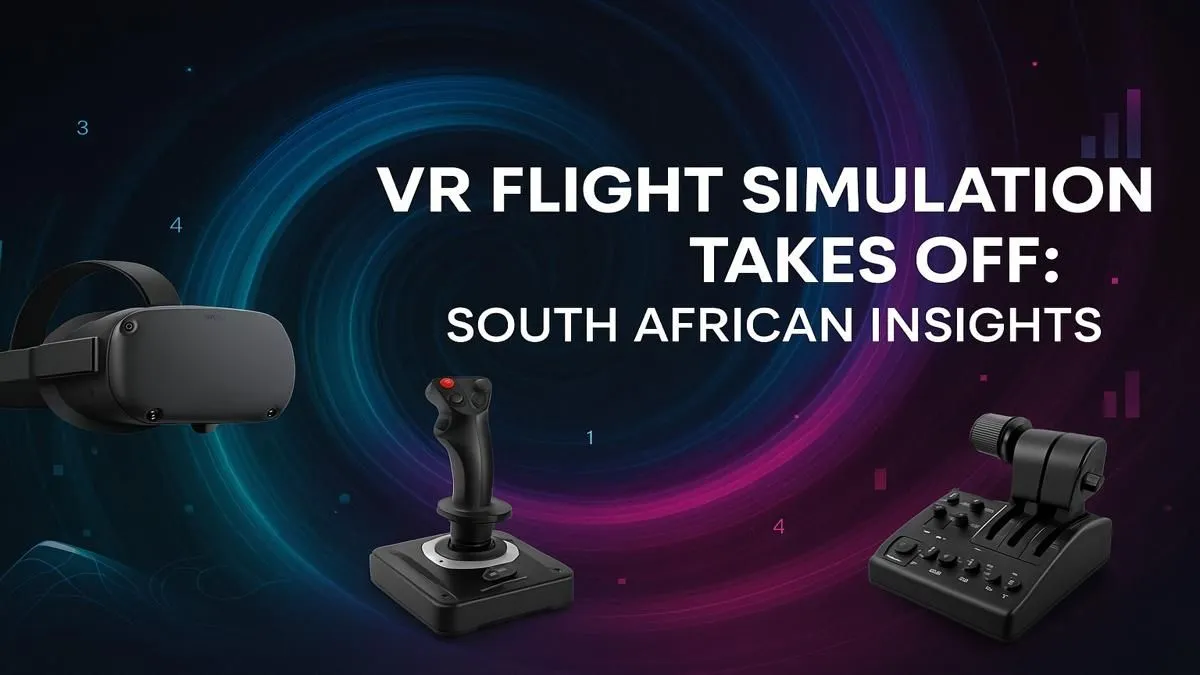
So, you’ve spent hours perfecting your landings at O.R. Tambo on a flat screen. But what if you could actually feel the cockpit around you? What if you could glance out the side window to spot your wingtip, not by pressing a key, but just by turning your head? Welcome to the incredible world of the VR flight simulator South African pilots are raving about. This is your ultimate 2025 guide to getting airborne. 🚀
Why a VR Flight Simulator Changes Everything
Moving from a monitor to a virtual reality headset is more than just a visual upgrade... it's a fundamental shift in immersion. The first time you bank a Cessna over the Cape Town coast in Microsoft Flight Simulator VR, you'll understand. The sense of scale, the accurate depth perception for landings, and the 1:1 head tracking that makes you feel truly present in the cockpit is an experience no monitor can replicate. It's the closest thing to real flying you can get without leaving your home.
This isn't just about looking around. It's about building muscle memory and spatial awareness that feels authentic. For any aspiring pilot or seasoned enthusiast in South Africa, a VR flight simulator setup is the pinnacle of home aviation.
The Engine Room: PC Specs for a Smooth VR Flight
Virtual reality is demanding, and a smooth flight sim experience requires some serious horsepower. Stutters and low frame rates can ruin the immersion and even cause motion sickness. To get the best VR flight simulator South Africa has to offer, you'll want to focus on these core components:
- Graphics Card (GPU): This is your most important investment. For a clear, high-framerate experience in titles like MSFS 2020 or DCS World, you should aim for an NVIDIA GeForce RTX 3070 or higher. The new RTX 40-series cards are even better, offering features like DLSS 3 to boost performance significantly.
- Processor (CPU): Flight simulators are heavy on physics and object calculations. A strong CPU, like an Intel Core i5 (12th gen or newer) or AMD Ryzen 5 (5000 series or newer), is crucial to prevent bottlenecks.
- RAM: 16GB is the absolute minimum, but 32GB of fast DDR4 or DDR5 RAM is highly recommended to keep things running smoothly, especially with complex scenery.
Feeling overwhelmed? A great starting point is exploring professionally built Microsoft Flight Simulator gaming PCs that are already optimised for the task.
Performance Pro Tip ⚡
In Microsoft Flight Simulator's VR settings, prioritise the 'Render Scaling' and 'Volumetric Clouds' options. Lowering render scaling slightly (e.g., to 80-90%) can give you a huge FPS boost with minimal visual loss. Setting clouds to 'High' instead of 'Ultra' will also save precious frames during complex weather, keeping your flight smooth.
Choosing Your View: VR vs. Immersive Monitors
While VR offers unmatched immersion, it's not always practical for a five-hour transatlantic flight. Sometimes, you want to kick back, monitor flight plans on a second screen, and enjoy the view in high-fidelity comfort. This is where a hybrid setup shines.
For those long hauls or when you just prefer a traditional display, nothing beats the wrap-around view of immersive curved monitors. An ultrawide or super-ultrawide display can fill your peripheral vision, offering a fantastic alternative to VR. Having a range of quality PC monitors gives you the flexibility to choose the best display for any given flight.
Essential Controls for Your Virtual Cockpit ✈️
You can't fly a Boeing 747 with a mouse and keyboard... well, you can, but it's not fun. Tactile, physical controls are non-negotiable for an authentic flight sim experience.
HOTAS vs. Yoke
- HOTAS (Hands-On Throttle-And-Stick): Perfect for fighter jets, aerobatic planes, and Airbus models. The joystick and separate throttle quadrant give you precise, responsive control.
- Yoke and Rudder Pedals: This is the setup for aspiring commercial and general aviation pilots flying Boeing, Cessna, or Piper aircraft. A yoke mimics the control column of these planes for a truly authentic feel.
Brands like Thrustmaster are legendary in the flight sim community. Investing in quality peripherals like Thrustmaster flight sticks and yokes will elevate your entire experience. And since you'll be spending hours in the pilot's seat, don't forget about your own comfort! A good, ergonomic chair is vital. Check out these supportive gaming chairs to prevent back pain during long flights.
Your journey to building the ultimate VR flight simulator in South Africa is an exciting one. By matching a powerful PC with the right headset and controls, you're not just playing a game... you're learning to fly. ✨
Ready for Takeoff? Building the ultimate VR flight simulator in South Africa is an incredible journey. From the core PC to the final peripheral, having the right gear is everything. Explore our range of powerful gaming PCs and start building your dream cockpit today.











