


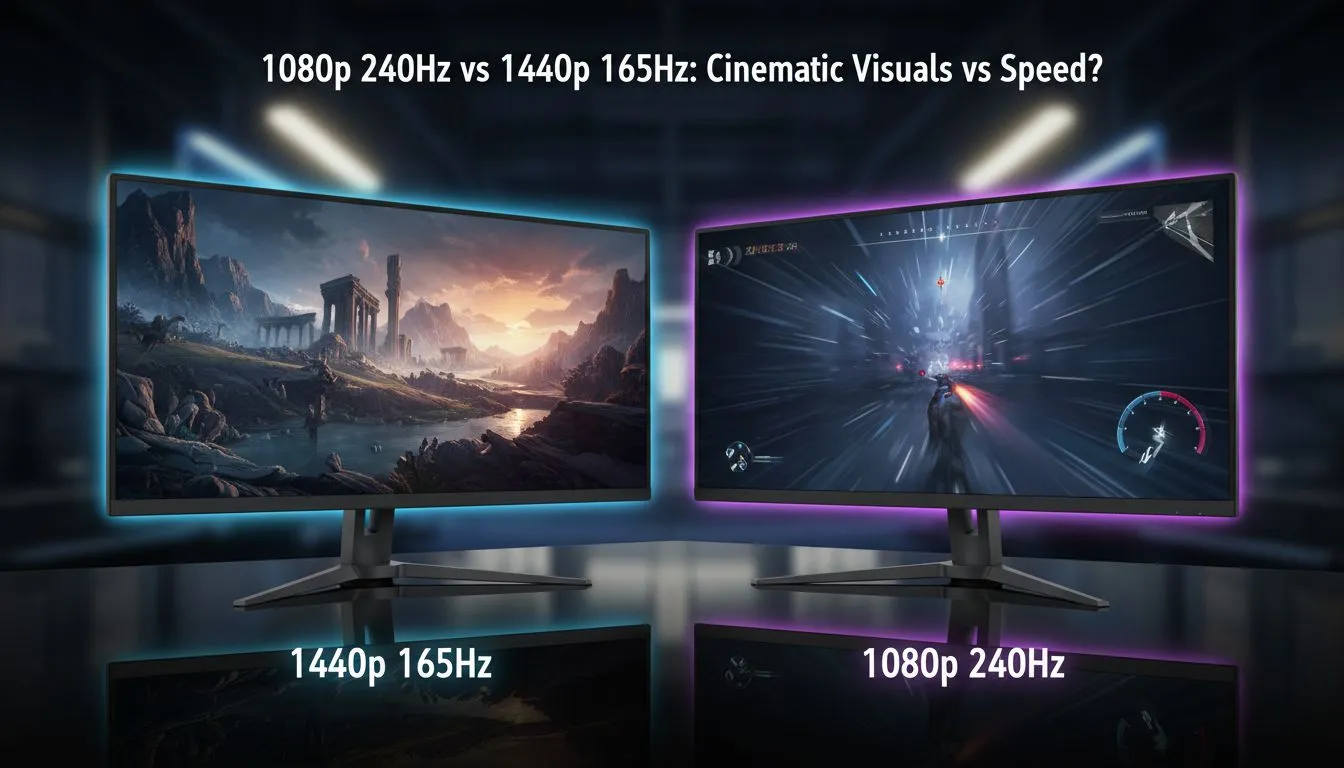
Choosing between 1080p 240Hz and 1440p 165Hz is the ultimate South African gamer's dilemma. Do you prioritise the buttery smoothness of high refresh rates in competitive shooters, or do you want those crisp, cinematic visuals in sprawling open-world adventures? Finding the right balance depends on your GPU and your favourite genres. Let’s break down which monitor deserves a spot on your desk... ⚡
The Need for Speed: Why 1080p 240Hz Rules Esports
If your evenings are spent grinding ranks in Valorant, Counter-Strike 2, or Apex Legends, raw speed is your best friend. A 1080p 240Hz display focuses entirely on motion clarity. At this refresh rate, the delay between your actions and the screen's response is minimised, giving you a distinct advantage in high-stakes gunfights.
While 1080p might seem "old school" to some, it allows your graphics card to breathe. Pushing 240 frames per second is much easier at 1920x1080 than at higher resolutions. If you are hunting for the best pc monitor deals in South Africa, you will notice that 240Hz panels have become incredibly affordable, making pro-level performance accessible to everyone.
The Sweet Spot: 1440p 165Hz for Cinematic Immersion
For many, 1440p (QHD) is the current "Goldilocks" zone of PC gaming. It offers roughly 78% more pixels than standard 1080p, resulting in much sharper textures and clearer distant objects. When you pair this resolution with a 165Hz refresh rate, you get a remarkably smooth experience that still looks breathtaking in titles like Cyberpunk 2077 or Elden Ring.
Most modern mid-range GPUs are designed specifically for this tier. Browsing through the latest pc monitors reveals that 1440p is quickly becoming the new standard for home setups. It provides enough screen real estate for work during the day and elite gaming at night. If you want to feel truly "wrapped" in your digital world, many of these high-spec curved monitors use 1440p to enhance that sense of depth.
Optimising Your Refresh Rate ⚡
Always ensure you are using a DisplayPort cable rather than HDMI to unlock the full potential of high refresh rate monitors. Windows often defaults to 60Hz even on a 240Hz screen... so remember to right-click your desktop, go to Display Settings, and manually select the highest available refresh rate in the Advanced Display options.
Choosing the Right Panel for Your Build
Before you commit, consider your desk space and mobility. If you are a digital nomad or frequently head to LAN events, portable monitors can serve as a great secondary screen, though they rarely hit these high refresh targets. For those who demand the absolute peak of visual fidelity and have the hardware to back it up, exploring 5k 4k monitors might be the next logical step beyond 1440p.
Regardless of your choice, the quality of your gaming monitors will define your experience for years to come. Don't forget to budget for essential monitor accessories like gas-spring arms to clear up desk clutter and improve your posture. 🚀
Ready to Find Your Perfect Match? The 1080p 240Hz vs 1440p 165Hz debate is complex, but for maximum power, choice, and value in South Africa, Evetech is hard to beat. Explore our massive range of gaming monitors and find the perfect machine to conquer your world.











