


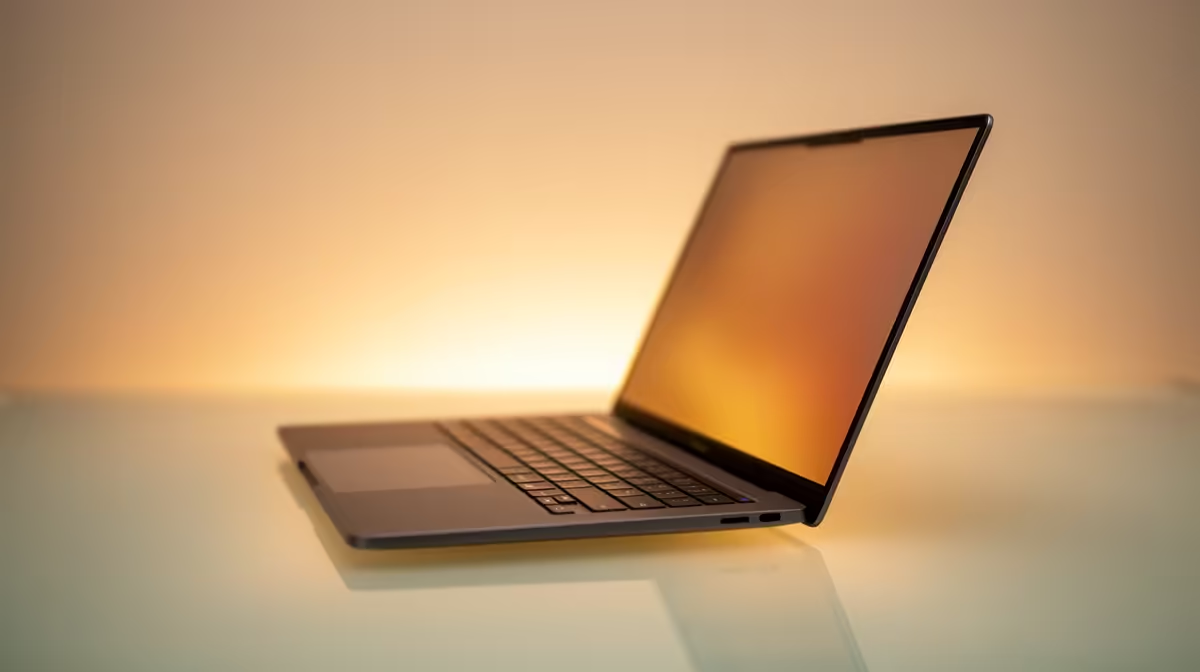
You’re halfway through a critical assignment, and the Wi-Fi is down but your laptop is still on... for now. How long have you got? If you're using an ASUS Vivobook, that’s the million-rand question. Everyone wants to know the real story behind ASUS Vivobook battery life, beyond the marketing hype. Is it enough to survive a full day of lectures at UCT or a work session during Stage 4? Let's uncover the unfiltered truth. 💻
The Official Specs vs. Your Daily Grind
ASUS might advertise "up to 10 hours" on the box, but what does that mean in reality? That number is usually based on a perfect-world test: low screen brightness, no Wi-Fi, and only light video playback. Your reality involves multiple Chrome tabs, Spotify in the background, and a screen bright enough to see.
The real-world ASUS Vivobook battery life is always different. The specific model you choose from the wide range of ASUS Vivobook laptops is the single biggest factor influencing how long you can stay unplugged.
Key Factors Draining Your Vivobook's Power
Understanding what consumes your battery is the first step to mastering it. It’s not just one thing, but a combination of hardware and habits.
The Processor Battle: AMD vs. Intel
The engine inside your laptop matters immensely. Modern processors are designed for efficiency, but they have different strengths. An AMD Ryzen chip might sip power during steady multi-tasking, while an Intel Core processor could offer bursts of performance that use more juice. Your choice between our ASUS Ryzen laptop deals and the latest ASUS Intel laptops will directly impact your laptop's overall battery performance.
Screen Technology: The OLED Difference
Many new Vivobooks boast stunning OLED screens. They offer incredible colour and true blacks. Because each pixel lights up individually, showing a dark theme or black background actually saves power. However, cranking up the brightness to view a white document can sometimes use more power than a traditional IPS screen. It's a trade-off between visual quality and battery stamina.
Pro Tips to Maximise Your ASUS Vivobook Battery Life 🔋
Getting more time away from the plug isn't magic... it's just about being smart. You can easily extend your ASUS Vivobook battery life by making a few simple tweaks. These small changes can be the difference between finishing your work during an unexpected outage or staring at a blank screen. Many of the best-value models can be found in our range of ASUS laptops on special.
MyASUS App Secret ⚡
Your Vivobook comes with the MyASUS app pre-installed. Open it and find the 'Battery Health Charging' setting. You can set it to 'Maximum Lifespan Mode,' which limits the charge to 60%, or 'Balanced Mode' at 80%. This won't give you the longest single session, but it dramatically increases the long-term health and lifespan of your battery, saving you money down the line.
The Verdict: Is It Good Enough for South Africa?
So, what's the final word on the ASUS Vivobook battery life? It’s genuinely impressive for its price point. While it won't compete with a premium machine that costs twice as much, a modern Vivobook will comfortably get most students and professionals through 5-7 hours of real-world work.
Ultimately, the overall Vivobook battery performance is a strong selling point. The key is choosing the right model for your needs. ✨
Ready to Improve Your Setup? The truth about ASUS Vivobook battery life is that the right model makes all the difference. From energy-efficient OLED screens to the latest processors, we've got a Vivobook that fits your hustle. Explore our range of ASUS Vivobook deals and find the perfect machine to keep you productive.










