


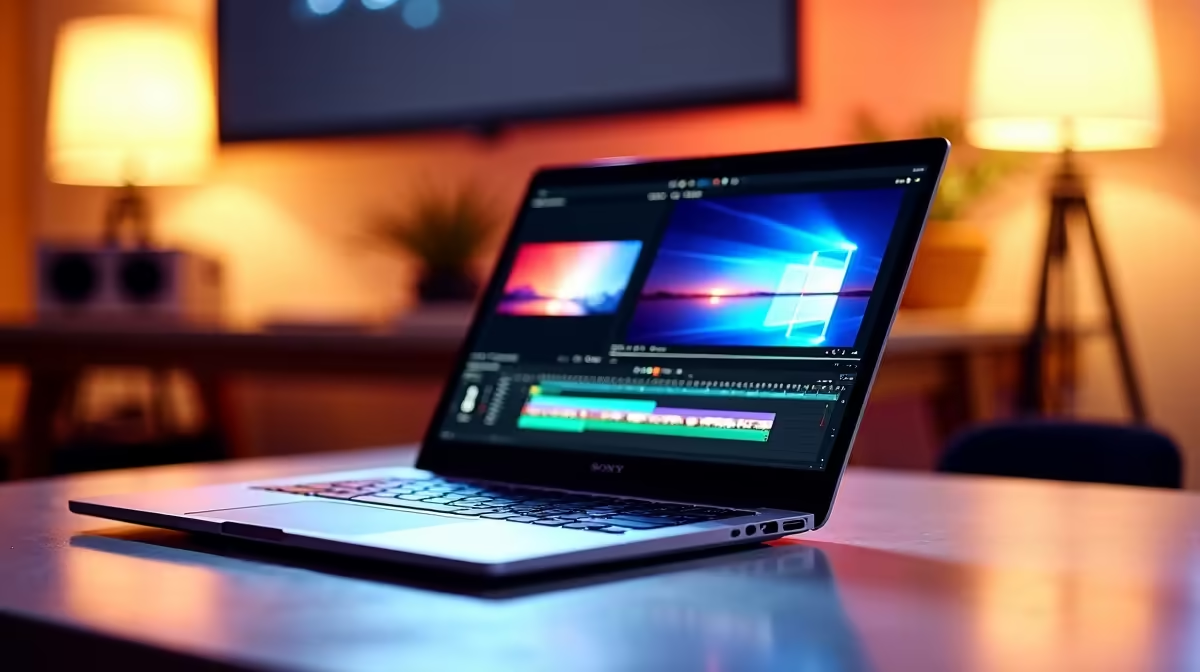
So, you're a budding YouTuber in Cape Town or a freelance filmmaker in Jozi, ready to slice and dice your next masterpiece. The only problem? Your bank account isn't quite ready for a top-tier machine. Don't stress. Finding the best budget laptops for video editing in South Africa is totally possible without selling a kidney. This guide will show you exactly what to look for, helping you find a powerful, affordable rig. 🚀
What Really Matters in a Budget Video Editing Laptop
Scrubbing through 4K footage or rendering a complex timeline can bring a standard laptop to its knees. For video editing, you need a balanced machine where the key components work together. Forget marketing fluff; focus on these four pillars to find an affordable laptop for editing that actually performs.
The CPU: Your Timeline’s Engine
The Central Processing Unit (CPU) is the most critical component for video editing. It handles decoding, encoding, and the general responsiveness of your editing software.
- Cores and Threads: More cores mean better multitasking. When you're rendering, your software can use multiple cores at once, drastically cutting down wait times. Look for at least a 6-core processor.
- Clock Speed: Measured in gigahertz (GHz), this is how fast each core can run. A higher clock speed helps with smooth playback in your timeline.
For a budget-friendly choice, you can't go wrong with modern processors from either team red or team blue. Both Intel laptops on special featuring Core i5/i7 H-series chips and the latest AMD laptops on special with Ryzen 5/7 H-series processors offer fantastic performance for their price in ZAR.
RAM: Your Creative Workspace
Think of RAM (Random Access Memory) as your desk space. The more complex your project—multiple video layers, effects, high-resolution clips—the more desk space you need.
- 8GB RAM: This is the absolute minimum. You can edit 1080p clips, but you might experience slowdowns with longer projects or when multitasking.
- 16GB RAM: This is the sweet spot for most budget video editing laptops. It provides enough headroom for smooth 1080p and even light 4K editing without constant stuttering.
The GPU: The Visual Powerhouse ⚡
The Graphics Processing Unit (GPU), or graphics card, accelerates visual tasks. This includes rendering effects, colour grading, and exporting the final video. While the CPU can do this work, a dedicated GPU does it much, much faster.
This is where a little secret comes in handy: gaming laptops are often the best budget laptops for video editing. They are built with powerful, dedicated GPUs like NVIDIA's GeForce RTX series, which are perfect for creative work. A machine built for gaming has the cooling and graphical power needed to handle long render sessions. Checking out the best gaming laptop deals is a fantastic strategy for finding a high-performance editing rig on a budget.
Storage: Speed is Everything
Your storage drive (SSD or HDD) holds your operating system, software, and all your precious footage. For video editing, the type of storage is more important than the size.
- NVMe SSD: A Non-Volatile Memory Express Solid State Drive is non-negotiable. It's incredibly fast, meaning your apps will launch instantly, and you won't be stuck waiting for media to load. Get a laptop with at least a 512GB NVMe SSD for your OS and active projects. You can always use a cheaper, external hard drive for archiving old footage.
Editing Pro Tip 🔧
If your budget laptop still struggles with 4K footage, use a proxy workflow! Most editing software (like DaVinci Resolve or Adobe Premiere Pro) can create low-resolution copies of your files, called proxies. You edit with these smooth, lightweight files, and the software automatically swaps in the full-quality originals for the final export. It's a brilliant way to get a high-end editing experience on modest hardware.
Finding the Best Deals in South Africa
Now that you know the specs, how do you find the machine? The key is to look for a balanced system. Don't get a laptop with a beastly CPU but only 8GB of RAM. You need a machine where all the components are strong enough to support each other.
Keep an eye out for sales and special offers. Often, last season's models offer incredible value and are more than powerful enough for today's editing needs. By focusing on the core components we've discussed, you can confidently browse through the many laptop specials for sale in South Africa and identify a true bargain that will serve your creative journey well. ✨
Ready to Create Your Masterpiece? Finding the right machine is the first step to smoother timelines and faster renders. For the best value and widest selection in South Africa, a powerful Windows laptop is your ticket to creative freedom. Explore our massive range of laptop specials and find the perfect machine to bring your vision to life.









