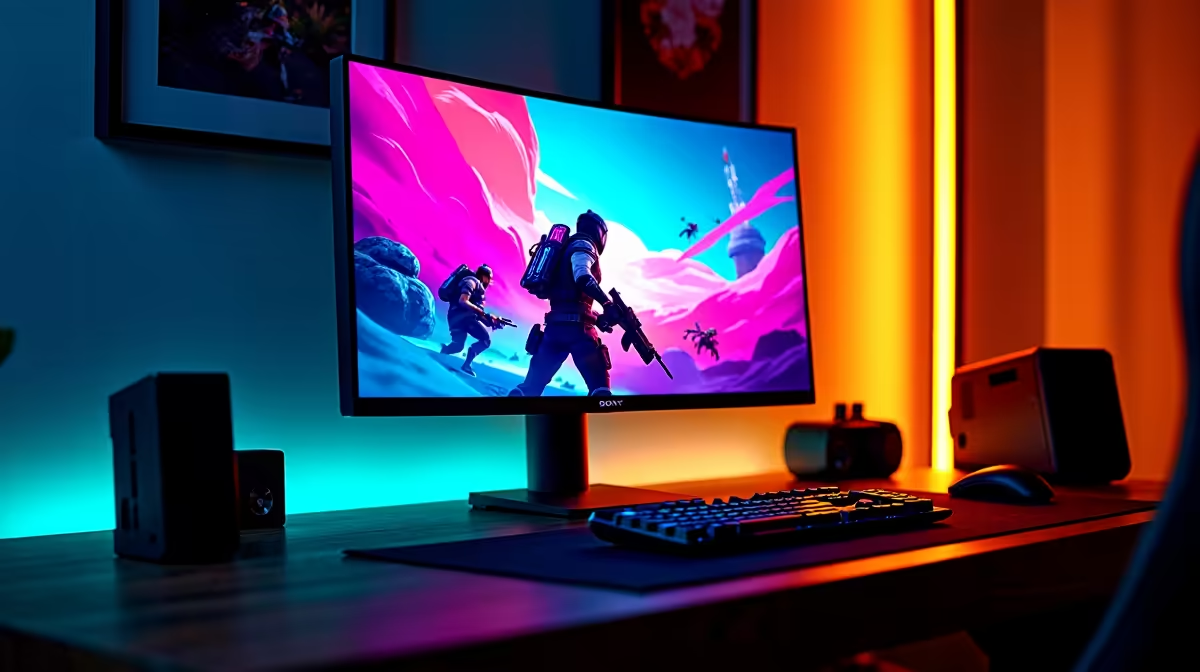
Staring down the final squad in Apex Legends, you line up the perfect shot... and your screen stutters. A single dropped frame is all it takes for the enemy to reposition and send you back to the lobby. We’ve all been there. In a game this fast, your monitor isn’t just a display; it’s a critical piece of gear. This guide will help you find the best budget monitors for Apex Legends in South Africa, ensuring your hardware never holds you back again. 🎯
Why Your Monitor is Your Secret Weapon for Tracking
Before diving into models, let's quickly cover the specs that actually matter for hitting those slick Wingman headshots. It's not about marketing fluff; it's about raw performance that you can feel.
Refresh Rate (Hz): The Key to Smoothness
Refresh rate, measured in Hertz (Hz), is how many times your screen updates per second. A standard 60Hz monitor is fine for browsing, but for Apex... it's a handicap. Upgrading to a 144Hz or 165Hz panel means you see more frames, making enemy movement appear smoother and easier to track. This clarity is crucial for predicting movement and landing shots during fast-paced fights.
Response Time (ms): Banishing Ghosting
Response time, in milliseconds (ms), measures how quickly a pixel can change colour. A high response time causes "ghosting" or motion blur, which can make it tough to keep your sights on a strafing opponent. For a competitive edge, you want a monitor with 1ms response time to ensure every slide, jump, and dodge is crystal clear. You can browse a huge variety of PC monitors to find one that fits these criteria.
Finding the Best Budget Monitors for Apex Legends in SA
Getting a competitive edge doesn't mean you have to empty your wallet. In South Africa, the sweet spot for a fantastic budget gaming monitor sits comfortably between R3,000 and R6,000. Here’s what to prioritise to get the most bang for your buck.
Tearing-Free Gameplay with Adaptive Sync ⚡
Screen tearing happens when your monitor’s refresh rate is out of sync with your graphics card's frame output, creating a distracting horizontal line. Adaptive Sync technology solves this. Whether you have an AMD or NVIDIA GPU, there's a solution for you. Look for monitors with FreeSync (AMD) for great performance on a budget. If your rig is powered by Team Green, many G-Sync (NVIDIA) compatible screens offer a premium, tear-free experience. Many modern displays also feature general Adaptive Sync which works across different cards.
Quick Display Calibration Tip 🔧
Once your new monitor is set up, dive into your graphics card's control panel (NVIDIA Control Panel or AMD Software). Find the "Digital Vibrance" or "Saturation" setting and bump it up slightly (e.g., to 60-70%). This makes colours pop, helping enemies stand out better against the backgrounds in Kings Canyon or World's Edge.
Top Budget-Friendly Brands to Watch
When searching for a good deal, some brands consistently deliver excellent performance without the premium price tag. For years, AOC monitors have been a favourite among competitive gamers for their balance of speed and affordability. Similarly, the HP gaming monitor lineup includes some seriously impressive high-refresh-rate panels. For those on an even tighter budget, newcomers like Dahua are offering competitive specs that are perfect for getting into high-refresh-rate gaming.
Our Recommendation: The 2025 Sweet Spot
So, what's the verdict for the ultimate budget monitor for Apex?
Look for a 24-inch, 1080p, 144Hz+ IPS monitor with a 1ms response time.
This combination offers the perfect balance. The 24-inch size is ideal for 1080p resolution, keeping everything sharp without demanding too much from your GPU... meaning you can push those frame rates higher. An IPS panel gives you great colours and viewing angles, making the game look vibrant and clear. This is the formula for a monitor that will help you track better, react faster, and win more games. 🚀
Ready to Dominate the Arena?
A slow monitor is a bottleneck that holds back your true skill. Upgrading is one of the most noticeable improvements you can make to your gaming setup. Explore our massive range of PC monitors and find the perfect screen to become an Apex Champion.