



SecureGrip Vent Clip Mounts: Understanding the Clamp Mechanism
Discover how SecureGrip vent clip mounts provide superior stability for your smartphone. Learn the mechanics behind the clamp and why it matters for your daily drive. 📱🚗
Read moreTop Fans for Lian Li Lancool III: Optimal Airflow picks evaluated on performance, value & SA availability with current Rand pricing from Evetech.
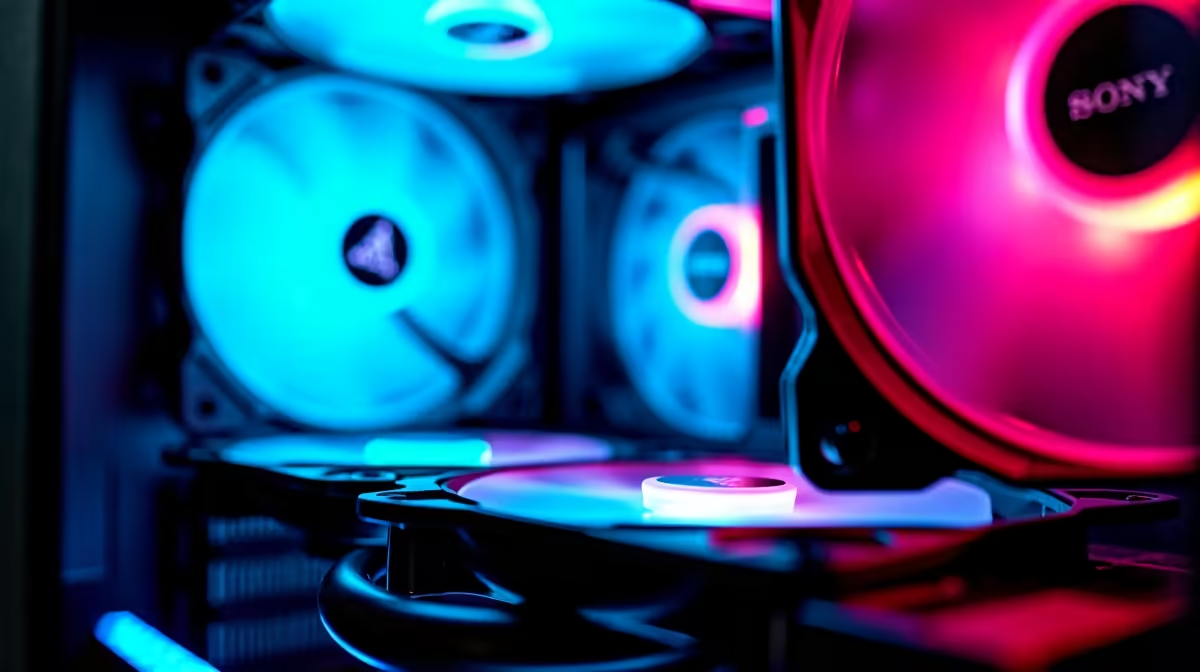
The Lian Li Lancool III is one of the most airflow-optimised cases available, and choosing the right fans makes an enormous difference to temperatures and noise. Its large interior and multiple fan mount positions reward thoughtful configuration. Here is the definitive guide to the best fans and optimal airflow setup for the Lancool III.
Best Fans for Lian Li Lancool III: The Lian Li Lancool III pairs best with 140mm fans in a push-pull intake configuration at the front and 120mm exhausts at the rear and top. High-static-pressure fans like the Noctua NF-A14 or be quiet! Silent Wings 4 at the front, combined with high-airflow fans at the exhaust positions, produce the best thermal results.
The Lancool III ships with three 140mm fans pre-installed and accommodates up to ten fans total across its mounting positions.
Front panel: Three 140mm slots (or four 120mm slots). This is your primary intake surface and the most important location for fan selection. The front mesh is excellent, allowing high-static-pressure fans to move significant air.
Top panel: Three 120mm slots (or two 140mm slots). Typically configured as exhaust. Many builders use 120mm fans here to balance cost and performance.
Rear panel: One 120mm slot. Standard exhaust position.
Bottom panel: Two 120mm slots below the GPU (intake for GPU cooling - advanced configurations only).
Front (Intake) - Three 140mm fans: The front intake is the most critical position. High-static-pressure 140mm fans push the most air through the dense front mesh.
Top (Exhaust) - Three 120mm fans:
Rear (Exhaust) - One 120mm fan: Any quality 120mm PWM fan works well here. Match your top exhaust fans for consistency.
Recommended configuration: Positive pressure. Positive pressure means more intake fans (front) than exhaust (top + rear). This reduces dust accumulation and generally produces better CPU and motherboard temps.
This creates a strong front-to-back and bottom-to-top airflow pattern that efficiently moves heat away from the CPU and GPU.
Fan speed profiles: Run intake fans at 70–80% in normal use, ramping to 100% under heavy load. Exhaust fans can run slightly faster than intake (5–10%) to encourage airflow direction.
AIO radiator placement: If using an AIO liquid cooler, mount it at the front in push-pull configuration (radiator inside, fans pushing air in). This gives AIO liquid the coolest incoming air. Use the top as exhaust for the heated air.
Should I use 140mm or 120mm fans at the front of the Lancool III? 140mm fans are strongly preferred at the front. They move more air at lower RPM (quieter) and the Lancool III’s front mounts are specifically designed for 140mm. 120mm adapters work but sacrifice airflow efficiency.
Do I need to replace the fans that come with the Lancool III? The stock Lian Li fans are competent, but if you are building a high-end system, upgrading the front intake fans to Noctua NF-A14s or Arctic P14s will drop CPU and GPU temps by 3–5°C. Rear and top stock fans are usually adequate.
Is positive or negative pressure better in the Lancool III? Positive pressure is generally recommended for the Lancool III. Its front mesh is excellent for high-volume intake, and positive pressure reduces dust ingress through unfiltered gaps. Negative pressure can be marginally cooler in some scenarios but increases dust buildup and requires more frequent cleaning.
Evetech stocks Graphics Card Deals and Evetech Best Sellers — shop online with fast delivery across South Africa.
Ready to Find Your Perfect Match? Shop at Evetech
Best Fans for Lian Li Lancool III: Optim available at Evetech.co.za with local warranty and fast delivery.
Best Fans for Lian Li Lancool III: Optim - check Evetech for latest stock and SA pricing.
Depends on your use case. Best Fans for Lian Li Lancool offers good value at current Rand pricing.
Discover how SecureGrip vent clip mounts provide superior stability for your smartphone. Learn the mechanics behind the clamp and why it matters for your daily drive. 📱🚗
Read more
For a stable RTX 5070 starting point, use 1440p, the High preset, Ray Tracing Medium and DLSS Balanced, then measure the base frame rate before adding Frame Generation. Path tracing is a separate showcase mode, not the default.

HKC's 27-inch Shield 27Q560 runs QHD at 560Hz or 1280 x 720 at up to 1060Hz. The headline rate is specialised: resolution, sustained frame rate, ports and eventual South African support decide whether it is useful.

G.Skill's Trident Z5 Royal NeoX range pairs DDR5-6000 with timings from CL36 down to CL26 and adds an AMD EXPO ULL profile. Buyers still need a supported CPU, motherboard and BIOS before treating the lowest timing as guaranteed.

Stop struggling with bulky mounts. We break down the essential compact car phone holder features that ensure stability, safety, and ease of use for your daily commute. 🚗💨 Find your perfect fit.

Industry reports point to another roughly 10 percent Intel processor increase from 5 October, but Intel has not published a consumer price list confirming the scope. South African buyers should treat it as a risk signal, not a guaranteed Rand change.

Put the headphones in pairing mode, open Bluetooth and devices in Windows 11, then add the headset. If it fails, remove the old pairing and check charge, range and drivers.

Microsoft says upcoming Windows 11 work will target memory use on 8GB PCs and improve boot and sign-in responsiveness. There is no public release date or measured uplift yet.

Windows 11 does not show CPU temperature in its standard Settings pages. Use your CPU maker's supported utility or a trusted monitor, then read idle and loaded temperatures in context.

Diablo 4 HDR settings work best after Windows and the display are calibrated, then the game's black point, brightness and white point are adjusted in that order. Use visible shadow detail and controlled highlights, not copied values from another screen.

The best HOTAS for Elite Dangerous is a separate stick-and-throttle set with enough analogue axes for pitch, roll, yaw and thrust, plus local support. Evetech's captured flight-simulation sample lists the complete Logitech X56 at R4,999.

The Alienware AW3926QW is a 38.9-inch 5120 x 2160 OLED monitor that runs at 165Hz or 2560 x 1080 at 330Hz. Dell lists it at $1,099.99 in the US, while South African price and availability remain unconfirmed.

Nintendo Switch 2 docked VRR arrives with system version 23.0.0 and also requires a dock update. The connected TV or monitor and the running software must support VRR before the output can follow changing frame rates.