

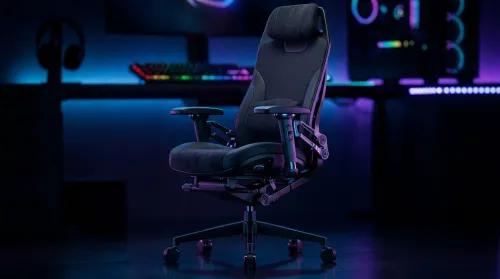
3D Armrest Ergonomic Gaming Chair Features for Comfort
Shop smart for a 3D armrest ergonomic gaming chair: key support points, adjustable lumbar, pressure relief, and smooth armrest tuning. ✅🎮 Get comfort that lasts.
Read moreBest gaming mice under R1000 in South Africa — compare top budget picks with great sensors, comfort and value to buy now 🖱️⚡
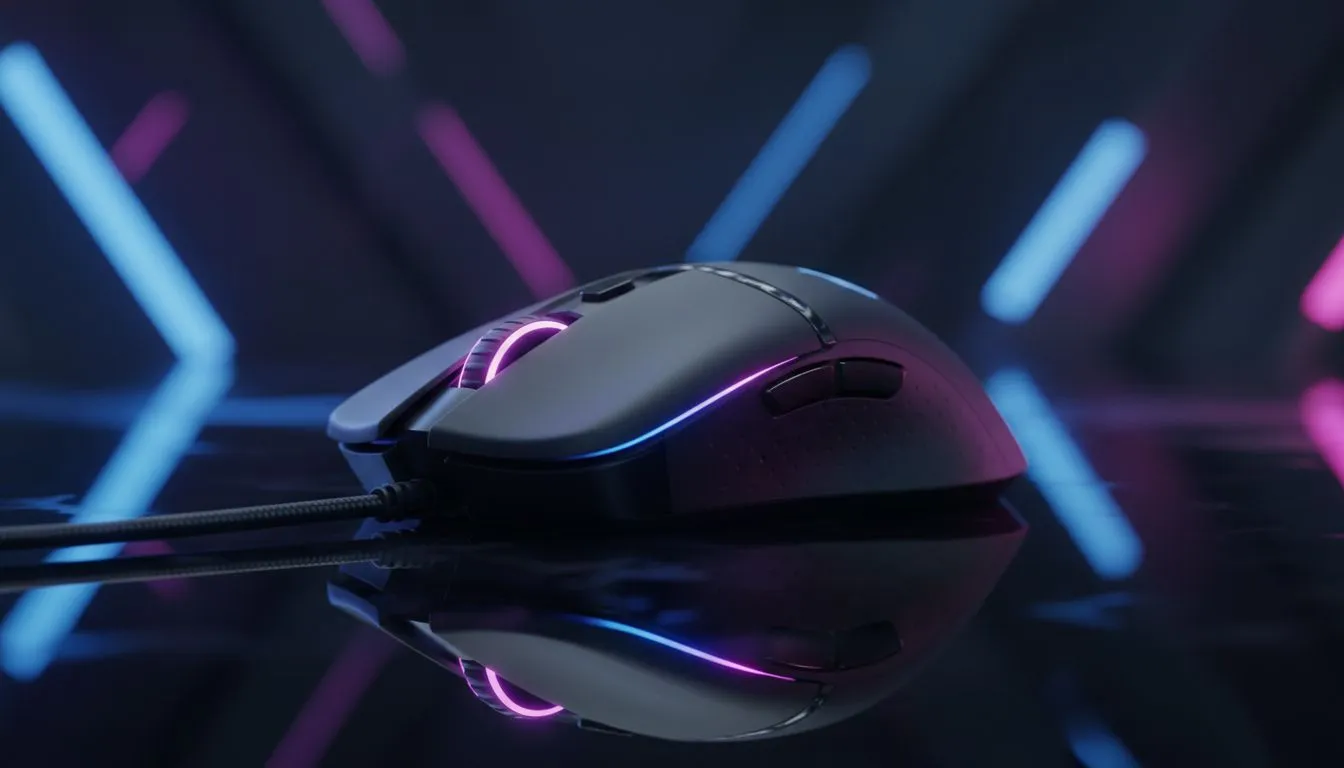
South African gamers: tired of laggy clicks and budget mice that let you down mid‑match? This guide to the Best gaming mice under R1000 in South Africa cuts the noise. You'll get clear picks, what to watch for, and where to buy—so you can upgrade without breaking the bank. ⚡🎮
If you want solid aim and reliability for under R1000, focus on sensor quality, switch durability, and ergonomics. Evetech's dedicated gaming mouse category shows a wide selection and specs you can trust for comparisons — worth checking when you narrow choices: https://www.evetech.co.za/components/gaming-mouse-117.aspx.
Top picks often include ambidextrous and right‑hand designs with optical sensors, 6–8 programmable buttons, and adjustable DPI. Look for advertised switch lifespans of 20–50 million clicks on product pages; Evetech lists these details on many listings so you can compare actual numbers rather than marketing fluff: https://www.evetech.co.za/best-gaming-mouse-deals/x/054.aspx. Prices regularly sit well below R1000, especially during deals.
Wired mice still dominate for esports‑style play because of consistent latency. If you prefer wireless freedom, recent budget wireless options are surprisingly good; Evetech groups wireless choices separately so you can filter by battery life and polling rate: https://www.evetech.co.za/buy-wireless-mouse/x/1597.aspx.
Prefer the lowest latency and no batteries? Wired mice remain the best value. Browse wired options and compare polling rates and cable quality here: https://www.evetech.co.za/buy-wired-mouse/x/1596.aspx. For many players, a well‑tuned wired mouse under R1000 will outperform cheaper wireless rivals in match‑critical moments.
On a tight budget, set sensible DPI and polling rate defaults. High DPI doesn't mean better aim. Keep DPI within 400–1600 and find a sensitivity that fits your mousepad and playstyle. This reduces lift‑off errors and gives steadier flicks.
A mouse is only as good as the surface it tracks on and the care you give it. Pick up PTFE feet, spare mouse skates, and decent mouse pads; they're affordable and extend performance. Evetech's accessories page offers replacement feet and pads to optimise glide and lifespan: https://www.evetech.co.za/buy-mouse-accessories/x/1595.aspx.
Small maintenance habits help: wipe the sensor area, keep firmware updated, and replace feet when worn. Those tiny steps keep a budget mouse feeling premium for months.
Final micro‑story: a Johannesburg friend swapped a R900 wired mouse for a R950 wireless model during a sale. After testing, he returned to a wired pick for weekends of scrims. The moral: test for your playstyle, not hype.
Ready to Find Your Perfect Match? The Mac vs Windows debate is complex, but for maximum power, choice, and value in South Africa, Windows is hard to beat. Explore our massive range of laptop specials and find the perfect machine to conquer your world.
Top picks balance sensor quality, build and price — look for affordable gaming mouse south africa options with strong sensors and value.
Yes. Some wireless gaming mice under r1000 deliver low-latency sensors and decent battery life for everyday gaming.
Wired mice give consistent latency, while wireless gaming mice under r1000 can match performance. Choose by preference and deals.
Aim for reliable optical sensors and around 8000 DPI or more; many best budget gaming mouse r1000 models meet this.
Yes. Ergonomic gaming mouse under r1000 models focus on comfort and programmable buttons for long sessions.
Buy from Evetech, local retailers or online marketplaces that list affordable gaming mouse south africa options.
Watch sales, compare specs and check deals watch pages to secure discounts on affordable gaming mouse south africa picks.
Shop smart for a 3D armrest ergonomic gaming chair: key support points, adjustable lumbar, pressure relief, and smooth armrest tuning. ✅🎮 Get comfort that lasts.
Read more
Use this ergonomic gaming chair adjustable lumbar support checklist to spot key comfort features, avoid poor fit, and choose the right support for long sessions. 🪑✅
Read more
Wondering if a 49-inch UWQHD monitor is too big for your gaming desk? We break down ideal desk depth, viewing distance, and clearance tips so you can upgrade confidently. 🎮🛠️
Read more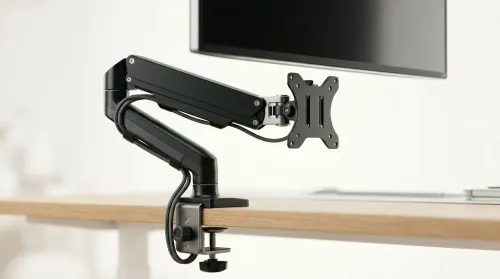
Running out of desk space? A VESA monitor arm and under-desk mount free up more room than you think. Less clutter, better ergonomics, smoother cable routing. Clear your workspace today ✅🖥️
Read more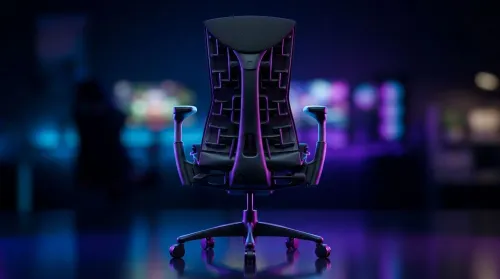
Gaming chair with adjustable lumbar support should fit your back, not fight it. We cover lockable recline and 3D armrests so you can sit longer, game better, and adjust fast. 🎮🪑
Read more
Every spec on PCIe 5.0 explained in plain English. What matters for gaming and creator work in 2026, what's marketing fluff, and how each number translates to real-world performance.

A head-to-head look at WiFi 7: real-world performance, ZAR pricing and which option delivers better value for SA builders. The clear answer — no fluff.

Everything you need to set up and tune PCIe 5.0 properly: the prep work, the settings that actually matter, and the mistakes to skip. Written for SA builders in 2026.

Everything you need to set up and tune X870E Motherboard properly: the prep work, the settings that actually matter, and the mistakes to skip. Written for SA builders in 2026.

Wondering what a 512GB SSD capacity really holds? This guide breaks down how many games, photos, and documents fit on 512GB, with real-world ranges 📦💾

Every spec on vrm explained in plain English. What matters for gaming and creator work in 2026, what's marketing fluff, and how each number translates to real-world performance.

Every spec on motherboard explained in plain English. What matters for gaming and creator work in 2026, what's marketing fluff, and how each number translates to real-world performance.

Premium vs Midrange Motherboards in South Africa: real-world performance, SA pricing, power draw and which one delivers better value for your build for SA buyers. The clear answer — without the fluff.
Wondering what a 512GB SSD capacity really holds? This guide breaks down how many games, photos, and documents fit on 512GB, with real-world ranges 📦💾
Every spec on PCIe 5.0 explained in plain English. What matters for gaming and creator work in 2026, what's marketing fluff, and how each number translates to real-world performance.
A head-to-head look at WiFi 7: real-world performance, ZAR pricing and which option delivers better value for SA builders. The clear answer — no fluff.

Every spec on USB4 explained in plain English. What matters for gaming and creator work in 2026, what's marketing fluff, and how each number translates to real-world performance.