


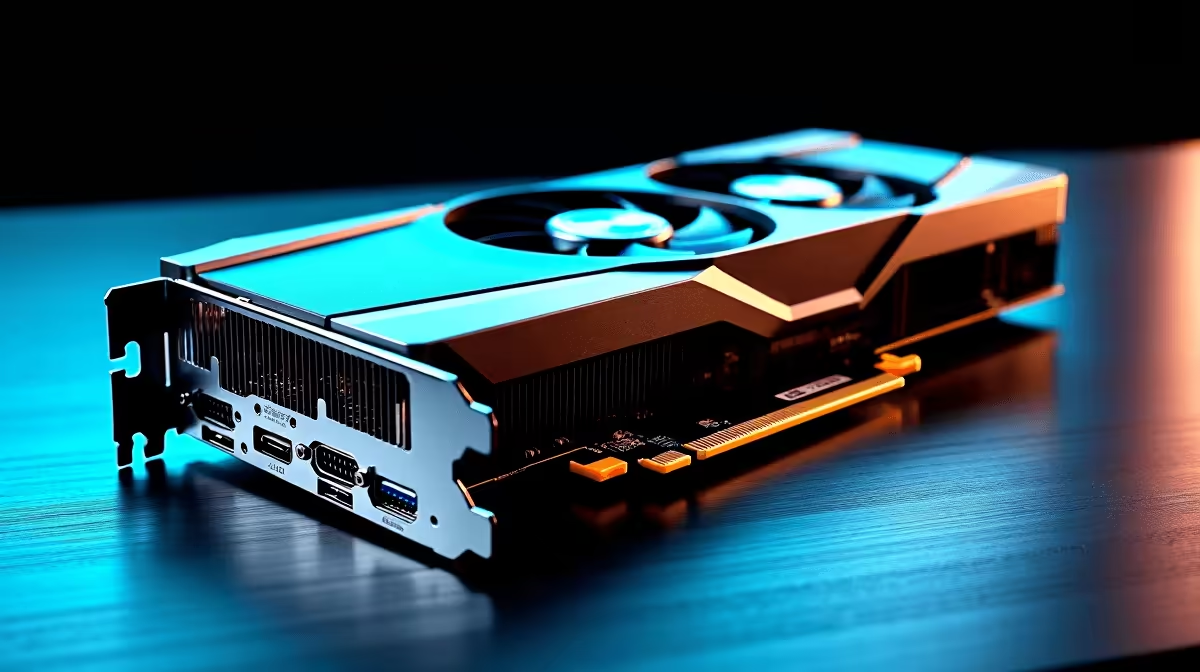
Designing a massive architectural masterpiece in Johannesburg or a slick interior in Cape Town? You know the pain of a lagging viewport. Finding the best GPU for SketchUp in South Africa 2026 is crucial for smooth 3D modeling and lightning-fast rendering. Whether you use V-Ray or Enscape... your graphics card dictates your workflow speed. Let us explore the top hardware to keep your productivity soaring without breaking your ZAR budget. 🚀
Why Your Graphics Card Matters for 3D Modeling
SketchUp historically leaned hard on your processor for basic geometry. While the CPU handles the wireframes, the GPU manages shadows, textures, and final output. However... modern rendering engines have shifted the heavy lifting directly to the graphics processing unit. If you want real-time ray tracing and instant lighting feedback, you need to upgrade your graphics card to a modern NVIDIA RTX or AMD Radeon model. The right hardware choice turns a stuttering, frustrating slideshow into a buttery-smooth creative workspace.
Top Desktop Picks for Render Heavy Workflows
For professionals managing complex textures and high-polygon foliage, VRAM is absolute king. We highly recommend aiming for at least 12GB of VRAM for professional architectural work. The NVIDIA RTX 4070 Super remains a stellar choice for most designers. It delivers massive CUDA core performance for incredibly fast render times. This makes it arguably the best GPU for SketchUp in South Africa 2026 for mid-range budgets. For those looking at AMD, the Radeon RX 7800 XT offers incredible raw rasterization value for your Rands. If you prefer a complete setup without the DIY stress, many custom gaming PCs come pre-loaded. These systems use these exact components to save you the build hassle.
Pre-Built Powerhouses for Architects
Time is money in the fast-paced design world. Sourcing individual parts and troubleshooting compatibility can delay your pressing projects. Grabbing a powerful pre-built desktop ensures you get certified compatibility and immediate performance out of the box. You get the perfect, tested balance of CPU and GPU power. This allows you to export those massive 4K client walkthroughs in minutes rather than hours. ✨
Rendering Pro Tip ⚡
When using Enscape or V-Ray with SketchUp, always update your NVIDIA Studio Drivers instead of the standard Game Ready Drivers. Studio drivers are specifically optimised for creative applications... ensuring maximum stability and far fewer crashes during those massive overnight renders.
Taking Your Designs on the Road
Not every designer works from a fixed office desk. Site visits and client meetings require portable power that travels easily. Thankfully... modern high-performance laptops pack desktop-class graphics into incredibly sleek chassis. An RTX 4060 or 4070 laptop provides more than enough grunt to handle medium-sized SketchUp files. You can effortlessly run real-time rendering on the go... impressing clients right in their living rooms. Just remember to keep it plugged in during heavy rendering tasks. This prevents thermal throttling and massive battery drain.
Maximising Your ZAR Value
Upgrading your primary design rig is a serious business investment. High-end hardware can quickly stretch your upgrade budget... but smart shopping makes it significantly easier. Keep a close eye on daily tech specials to score premium graphics cards. This helps you buy at a fraction of the usual retail cost. A well-timed purchase can easily save you thousands of Rands. This leaves you with more budget for a colour-accurate monitor or extra RAM. 🔧
Ready to Render Faster? Don't let outdated hardware bottleneck your creativity. Whether you need a standalone card or a complete workstation upgrade, we have exactly what you need. Explore our massive range of hardware specials and find the perfect machine to conquer your next architectural masterpiece.









