


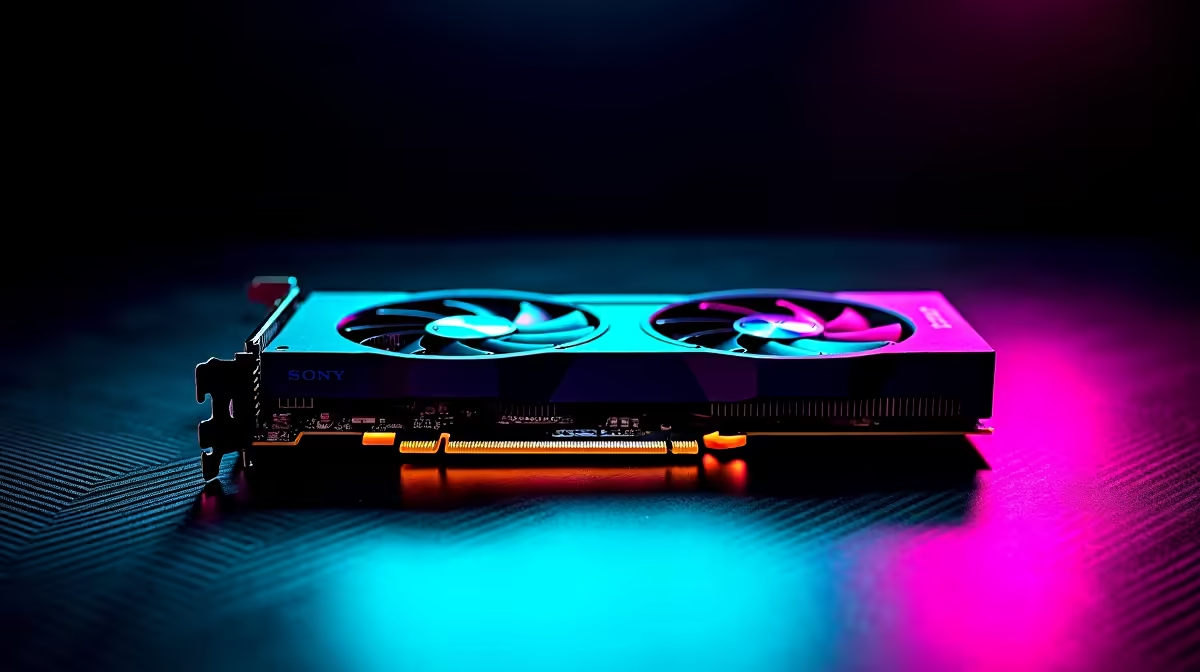
Are you tired of Premiere Pro crashing mid-export? Welcome to the club. Balancing tight budgets with demanding software is tough. Finding the best GPU setup for design students in SA feels impossible. Whether you are rendering 3D models or colour grading 4K footage, your graphics card is your most vital tool. Let us explore how to get maximum performance for your hard-earned ZAR.
Decoding the Ideal GPU for Creative Workflows
When you optimise heavy project files, your processor needs help. This is where a dedicated graphics card steps in. Software like Blender and AutoCAD rely heavily on CUDA cores and VRAM.
If you are building a custom rig... you will want to browse the latest standalone graphics cards. Look for a unit with at least 8GB of VRAM. An RTX 4060 is a fantastic starting point for around R6,500. It delivers enough rendering power without breaking the bank.
Why VRAM is Your Best Friend 🎨
When working in DaVinci Resolve or Maya, your system stores active textures in Video RAM. If you run out of VRAM... your software crashes instantly. We highly recommend aiming for 8GB minimum.
Upgrading to 12GB is even better for complex 3D environments. This makes the RTX 3060 12GB an incredibly popular choice among local animation students. It handles high-resolution textures with absolute ease.
Mobility Versus Desktop Dominance 💻
Campus life means you are always on the move. Sometimes a massive desktop tower is simply not practical. Thankfully, modern mobile GPUs pack a serious punch. You can easily find powerful laptops that handle Adobe Creative Cloud flawlessly.
However... desktops still offer the best value per rand. They also allow for easy component upgrades later. If you want a plug-and-play solution for your dorm room, check out pre-built desktop systems. This saves you the stress of assembling parts yourself.
Optimise Your Drivers ⚡
If you are using an NVIDIA card for creative work, switch from Game Ready Drivers to Studio Drivers via the GeForce Experience app. Studio Drivers are specifically tested to provide better stability and performance in professional apps like Premiere Pro and Maya.
Future-Proofing Your Creative Career
Technology moves incredibly fast. What works for a first-year student might struggle by graduation. Investing slightly more upfront saves you money long-term.
Consider cards with advanced AI features like NVIDIA DLSS. These technologies accelerate rendering times significantly. They also ensure your portfolio projects export faster when deadlines loom.
Stretching Your Student Budget
University fees are expensive enough. You do not need to spend R40,000 to get decent rendering times. The secret to building the best GPU setup for design students in SA is hunting for bundles.
Many students overlook dual-purpose machines. High-performance gaming rigs share the exact same hardware architecture needed for heavy design workloads. Exploring top-tier gaming PC deals often reveals massive discounts on machines perfect for 3D animation.
Keep a close eye on seasonal promotions. Retailers frequently drop prices on older generation stock when new hardware launches. Bookmarking a page for daily tech specials is the smartest way to stretch your ZAR further.
Ready to Bring Your Designs to Life? Finding the perfect balance between rendering power and budget is crucial for any creative student in South Africa. Explore our massive range of PC components and systems to build the ultimate workstation and conquer your next big project.











