


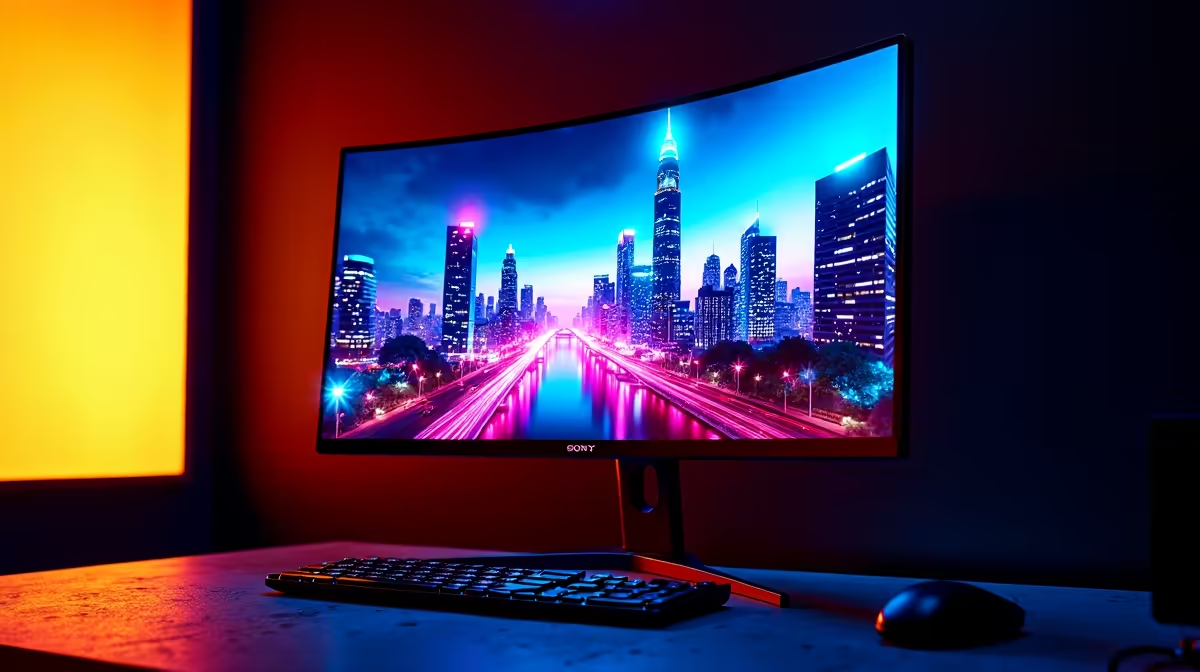
Night City is calling, choom. But are you truly seeing it? The rain-slicked streets, the blinding neon signs, the chrome glinting in the dark... Cyberpunk 2077 is a visual masterpiece, but your old monitor might be showing you a faded, washed-out version. To truly experience this world reborn in 2025, you need the breathtaking contrast and vibrant colour of a proper HDR display. It’s time to find the best HDR monitor for Cyberpunk 2077.
Why an HDR Monitor is Essential for Night City
Think of a standard monitor (SDR) as looking at a photograph of a sunset. An HDR (High Dynamic Range) monitor is like standing there, feeling the warmth of the last rays on your face. It delivers a much wider range of brightness and colour, making visuals incredibly lifelike.
In Cyberpunk 2077, this means:
- Deeper Blacks: The dark alleys of Watson actually look dark and menacing, not a murky grey.
- Brighter Highlights: Car headlights, muzzle flashes, and neon signs pop with intense, realistic brightness without washing out the rest of the scene.
- Vivid Colours: The wild advertisements and vibrant fashion of Night City's citizens explode with colour, just as the developers intended. 🌃
Simply put, one of the best HDR monitors for Cyberpunk 2077 doesn't just show you the game; it immerses you in its world. With the Phantom Liberty expansion and ongoing updates, there's never been a better time to upgrade your view.
Key Features for the Best Cyberpunk 2077 Monitor
When you're browsing for that perfect screen, the specs can get confusing. Let's cut through the noise. Here’s what truly matters for an incredible Night City experience.
Brightness and VESA DisplayHDR Certification
For HDR to have a real impact, you need brightness... measured in "nits". Look for a monitor with at least 400 nits, but for the best effect, aim for a VESA DisplayHDR 600 or DisplayHDR 1000 certification. This guarantees a level of quality that will make those city lights truly shine. You can find a huge variety across our full range of PC monitors to suit any setup.
Colour Gamut
This refers to the range of colours a monitor can display. A wide colour gamut (like 95% DCI-P3 or more) is crucial for rendering the rich, saturated world of Cyberpunk 2077. It’s the difference between a flat red and the deep, candy-apple red of a Quadra Turbo-R V-Tech.
Calibrate for Perfection 🔧
Once you get your new HDR monitor, don't forget to calibrate it in Windows! Search for the "Windows HDR Calibration" app in the Microsoft Store. This free tool helps you set the perfect black levels and peak brightness for your specific display, ensuring you get the absolute best visuals in-game.
Resolution and Refresh Rate
For a game as detailed as this, a 1440p (QHD) resolution is the sweet spot for most gamers, offering a sharp image without needing a monster GPU. A 4K monitor is the ultimate choice if your rig can handle it. Pair that with a refresh rate of 144Hz or higher for buttery-smooth gameplay, a must-have for those intense firefights.
Top HDR Monitor Picks for Every Budget
Finding the right HDR display doesn't have to break the bank. We've got options for every kind of merc, from those just starting out to seasoned street legends.
For an incredible balance of performance and price, check out the latest gaming-focused displays from AOC, which often pack high refresh rates and solid HDR capabilities. If you're looking for a reliable work-and-play monitor, you can't go wrong with great all-rounders from brands like HP. And for South African gamers seeking maximum bang for their buck, the value-packed options from Dahua are definitely worth a look.
Sync or Sink: G-Sync vs FreeSync for Smooth Gameplay
Screen tearing can completely ruin your immersion. This is where adaptive sync technology comes in. It synchronises your monitor's refresh rate with your graphics card's output, eliminating stutter and tearing for a flawless experience. ⚡
If you have an NVIDIA graphics card, look for premium G-Sync displays for NVIDIA GPUs. For those running AMD cards, there are many excellent and affordable FreeSync monitors from AMD available. Many modern screens also offer a flexible Adaptive Sync option that works with both. Choosing the right sync tech is a critical step in building the best monitor setup for Cyberpunk 2077.
Ready to See Night City Like Never Before? Don't let a dull screen wash out the vibrant, dangerous world of Cyberpunk 2077. The right HDR monitor makes all the difference. Explore our massive range of PC monitors and find the perfect display to bring your games to life.











